

Biff_T
Supreme User
-
Joined
-
Last visited
Everything posted by Biff_T
-
I liked getting drunk on weekdays at the Maxwell Golf Course during ASBC and SOS. Cheep beers 🍻
-
Lol. How did I miss this? 😳Gotta get rid of that probe though! Put a receptacle on it.The dude flying this was one of the best pilots I ever flew with. I wish I could say it was me but I was somewhere else that day.
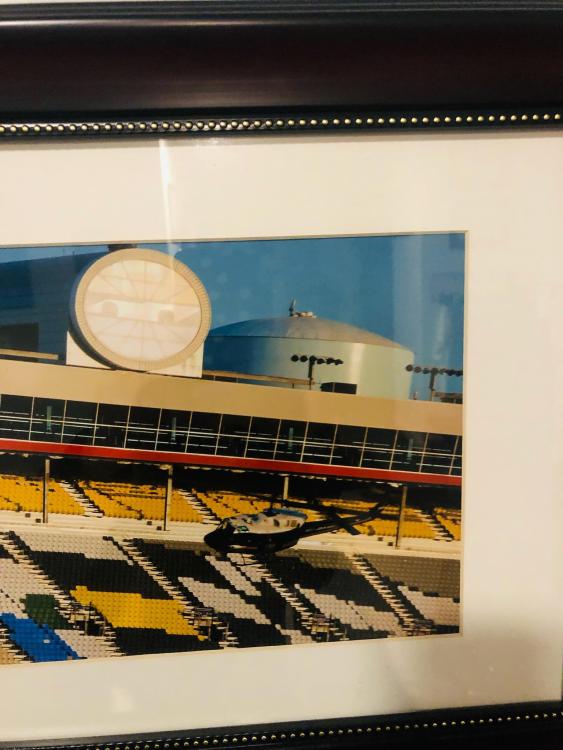
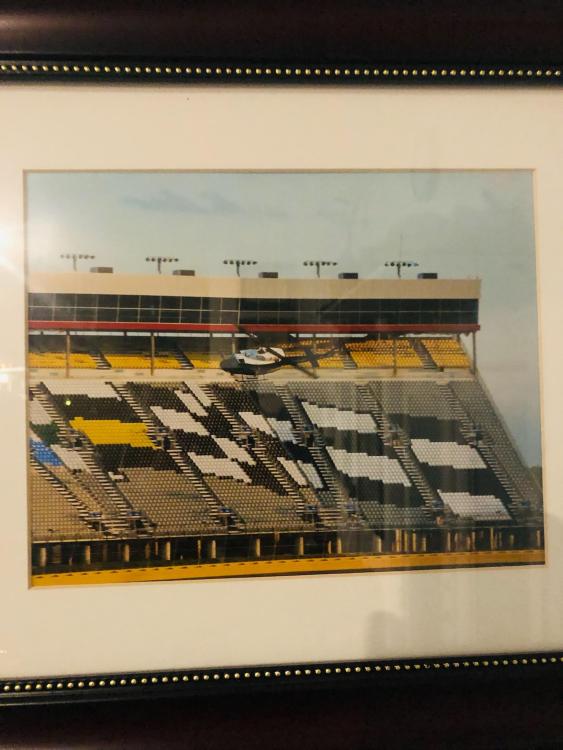 This.Don't let Biden jumpseat. I heard he likes to pull fire handles.Dude. Unsat.If it's Boeing, it ain't growing.The shroom master strikes again!They seem to beleive this somewhere that rhymes with Middle East.I'm celebrating these warriors this weekend. Gone but not forgotten!
.jpeg.249d36a505318d33fcf2a8e3ef5b6da1.jpeg) Piss and shit 😆
Piss and shit 😆 I've learned a lot about the KOA life today.I couldn't resist.... This. 100%
.jpeg.9f72c3bba3884cc2741d4eec008d074d.jpeg)




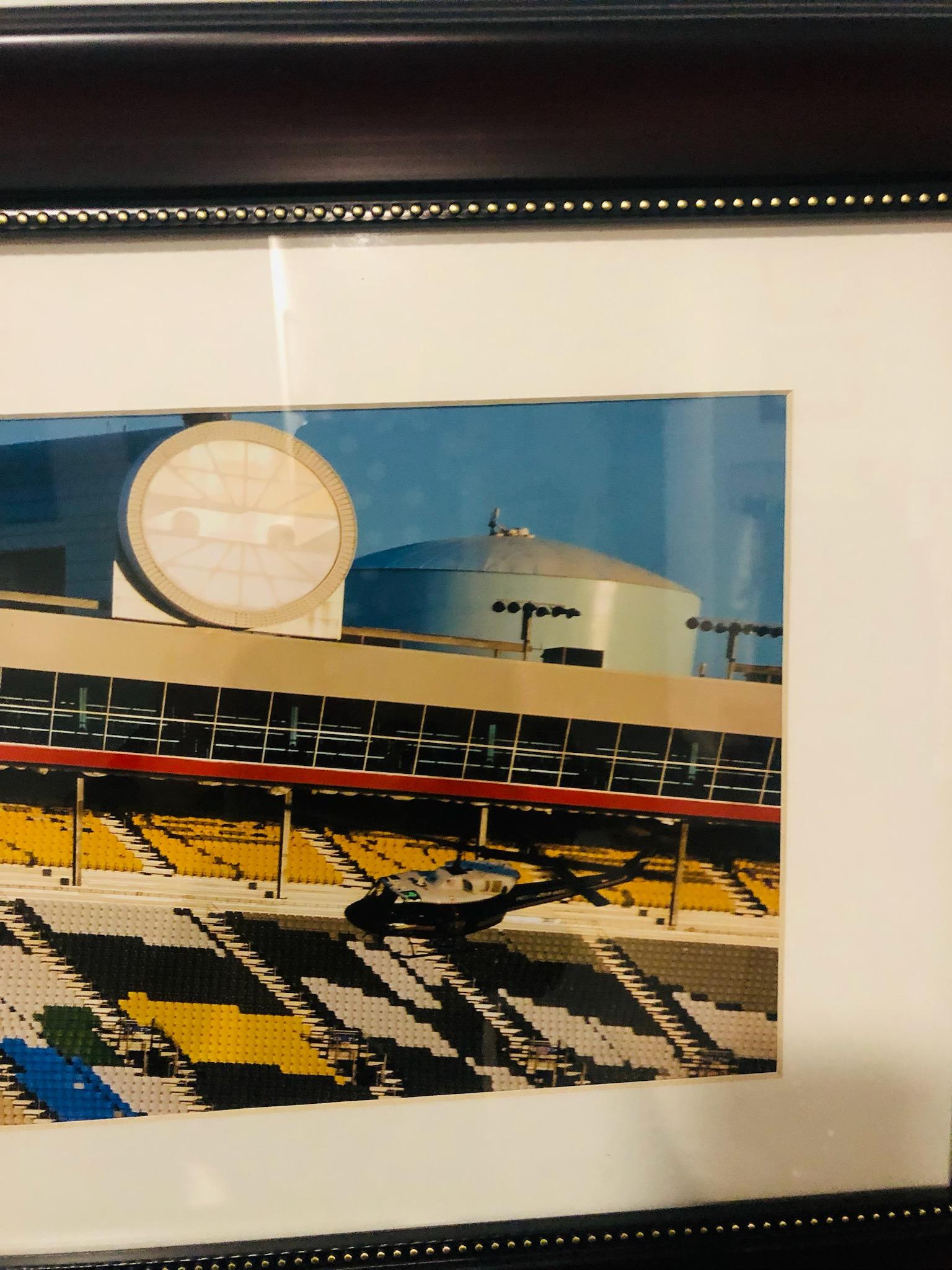
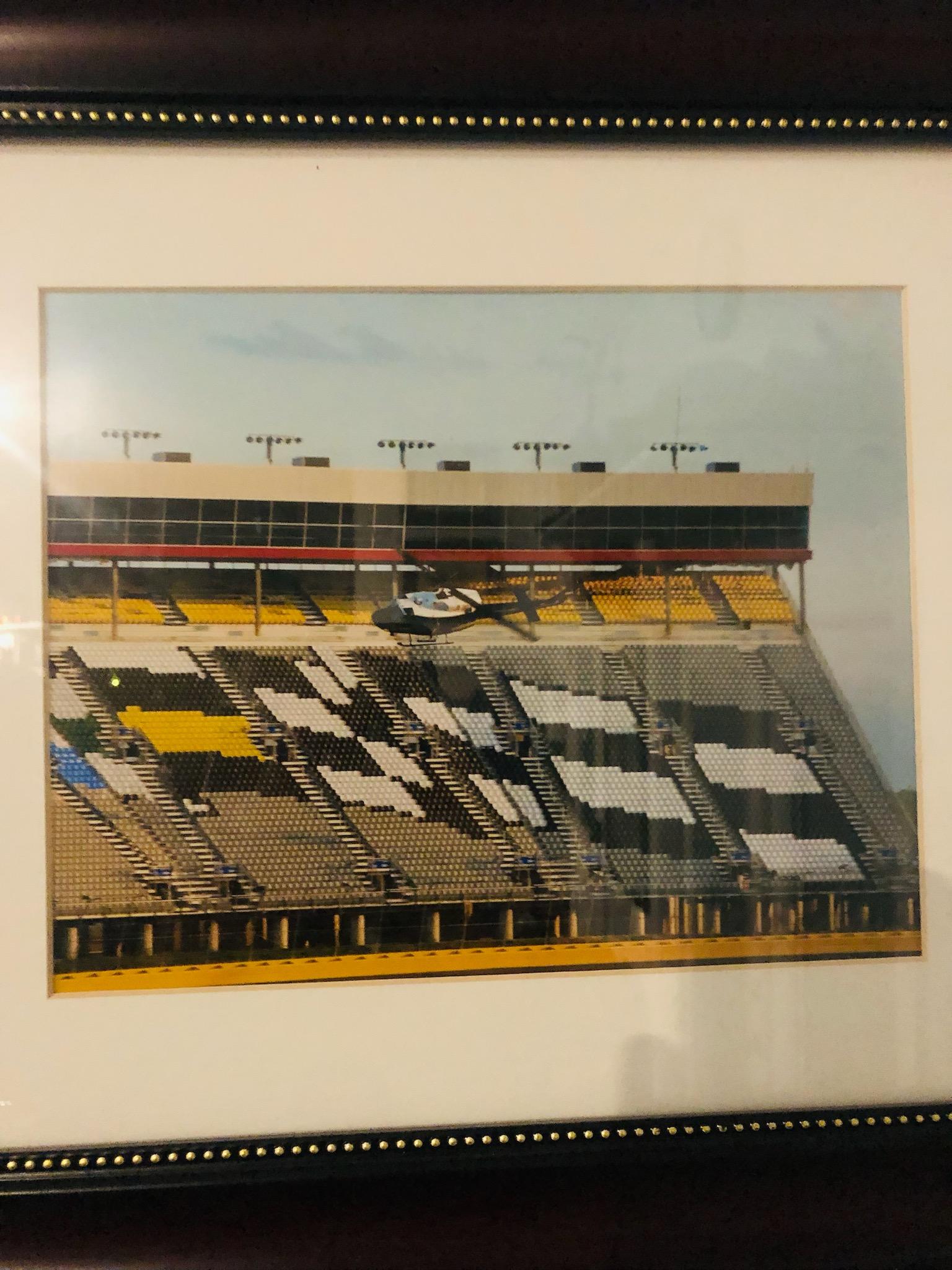



Account
Navigation
Search
Configure browser push notifications
Chrome (Android)
- Tap the lock icon next to the address bar.
- Tap Permissions → Notifications.
- Adjust your preference.
Chrome (Desktop)
- Click the padlock icon in the address bar.
- Select Site settings.
- Find Notifications and adjust your preference.
Safari (iOS 16.4+)
- Ensure the site is installed via Add to Home Screen.
- Open Settings App → Notifications.
- Find your app name and adjust your preference.
Safari (macOS)
- Go to Safari → Preferences.
- Click the Websites tab.
- Select Notifications in the sidebar.
- Find this website and adjust your preference.
Edge (Android)
- Tap the lock icon next to the address bar.
- Tap Permissions.
- Find Notifications and adjust your preference.
Edge (Desktop)
- Click the padlock icon in the address bar.
- Click Permissions for this site.
- Find Notifications and adjust your preference.
Firefox (Android)
- Go to Settings → Site permissions.
- Tap Notifications.
- Find this site in the list and adjust your preference.
Firefox (Desktop)
- Open Firefox Settings.
- Search for Notifications.
- Find this site in the list and adjust your preference.