BashiChuni
Supreme User
-
Joined
-
Last visited
Everything posted by BashiChuni
-
Where can I sign the bonus!?
-
About as ridiculous as the Air Force investigating Elon musk for one hit of a blunt on joe rogans podcast
-
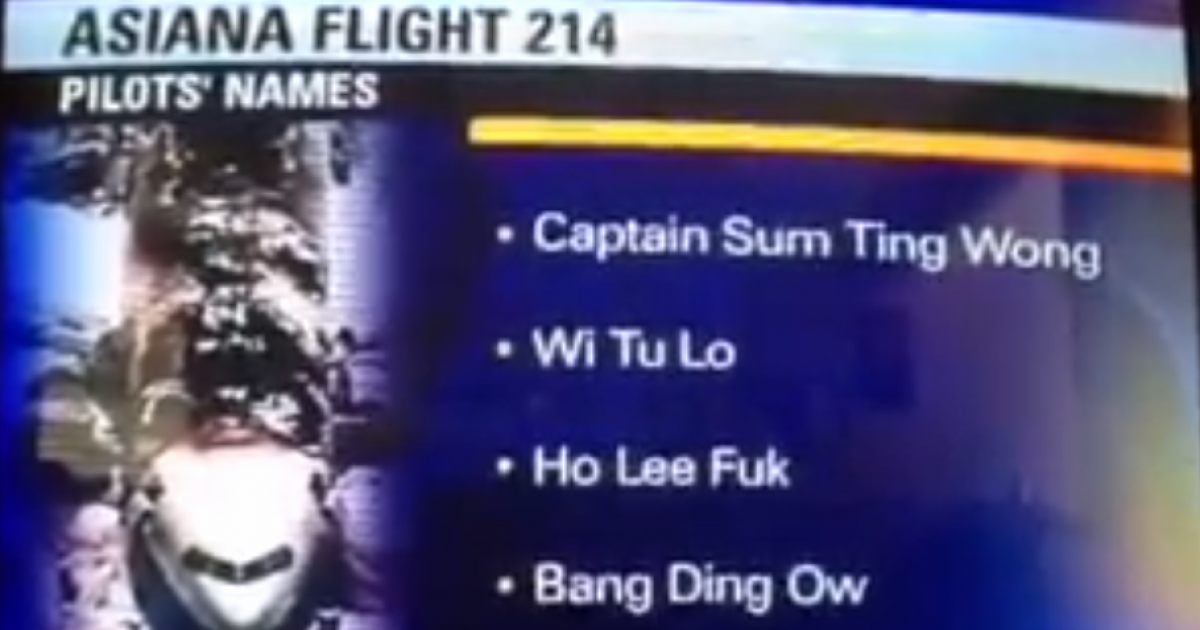
Cannot top the epic SOMTINGWONG, WEETOLOW, HOLEFUK media disaster. I still can’t believe how that happened!“Integrity first, servi.....never mind”just got to first duty assignment AD and opening a business...sounds like a bad idea but good luck!holy shitAFSOC is too busy outlawing Friday shirts and morale patches and making sure everyone feels like a “warrior”Very good read thank you for posting it.Best sushi: Soi bistro best Thai: mama nus, Thai chef close secondHmm seems like you asked a question? anyway not interested either.don't make me explain how getting into area 51 is totally different than trying to get into the united states. i'd hope you're not that dense, but i could be wrongapples to orangesTwo wrongs don’t make a right. No way the Col should go down for that video. But knowing today’s culture and Air Force...big blue should start dealing in extreme honesty. they have zero credibility or "trust us" cards left to play.2Pretty darn goodinnovate and fix our pilot shortage fuck up - big blue"innovative"....Fun meter sensor must be code 3 I’ll get it looked at by MxI know both of you and neither one of you are risk averse. You’re both the good guysTotally disagree.SOF circles, inner thigh, hotspots, body glide shack yourself