


Everything posted by Day Man
-
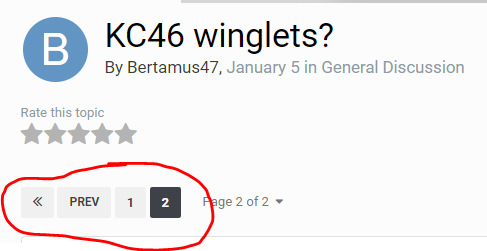
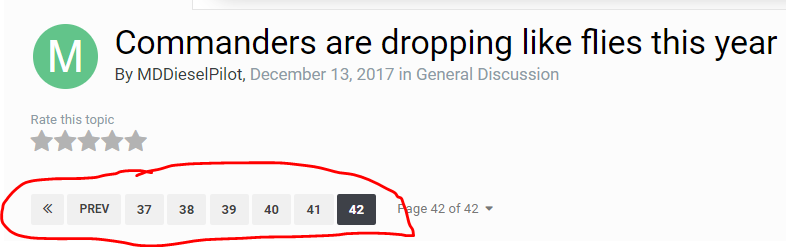
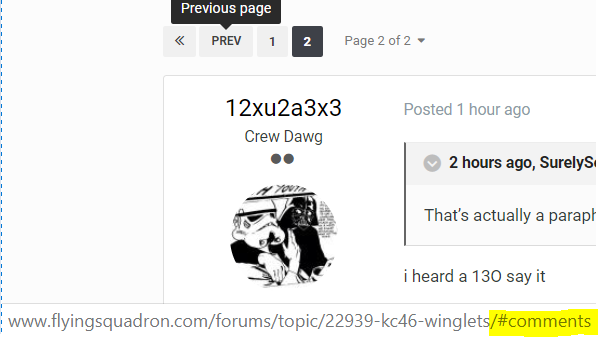
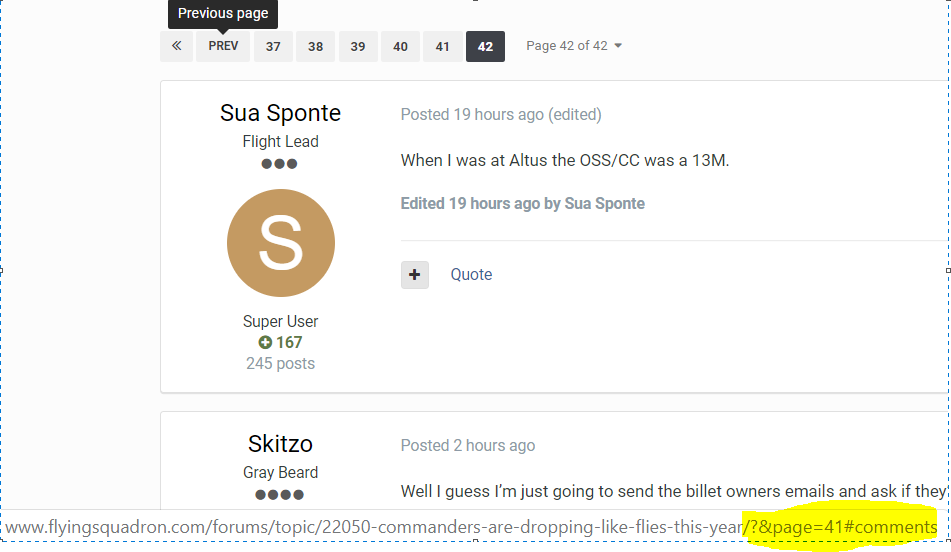
Somewhat related: if you qualify for a VHIC (service connected and enrolled in the VA health system), you can shop at the BX/Commissary/Class Six now. Ops-tested this week good with a bottle of Four Roses Small Batch. 🥃In this example, the <<, PREV, or 1 button do nothing: However, in a longer thread, they all work fine: Maybe the link info is busted?
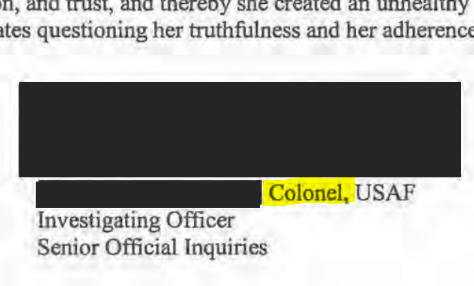
 Wow.The irony of paying an O-6 for 4 months of base pay/TDY/BAH/etc to investigate this wasn't lost on me.Aren't these 2 planes extremely similar? Why buy both and lose economies of scale?I feel like a good commander would make hugs available then. I get this is the military; but the military is made up of people...I think Maslow wrote something about all this.That's what happens when you don't write the requirement correctly.But seriously, good on him for making that option available.didn't Luke stand something like that up?maybe if that email would have said 'mandatory for all active duty 'personnel' , buttttt ¯\_(ツ)_/¯




Account
Navigation
Search
Configure browser push notifications
Chrome (Android)
- Tap the lock icon next to the address bar.
- Tap Permissions → Notifications.
- Adjust your preference.
Chrome (Desktop)
- Click the padlock icon in the address bar.
- Select Site settings.
- Find Notifications and adjust your preference.
Safari (iOS 16.4+)
- Ensure the site is installed via Add to Home Screen.
- Open Settings App → Notifications.
- Find your app name and adjust your preference.
Safari (macOS)
- Go to Safari → Preferences.
- Click the Websites tab.
- Select Notifications in the sidebar.
- Find this website and adjust your preference.
Edge (Android)
- Tap the lock icon next to the address bar.
- Tap Permissions.
- Find Notifications and adjust your preference.
Edge (Desktop)
- Click the padlock icon in the address bar.
- Click Permissions for this site.
- Find Notifications and adjust your preference.
Firefox (Android)
- Go to Settings → Site permissions.
- Tap Notifications.
- Find this site in the list and adjust your preference.
Firefox (Desktop)
- Open Firefox Settings.
- Search for Notifications.
- Find this site in the list and adjust your preference.