Day Man
Supreme User
-
Joined
-
Last visited
-
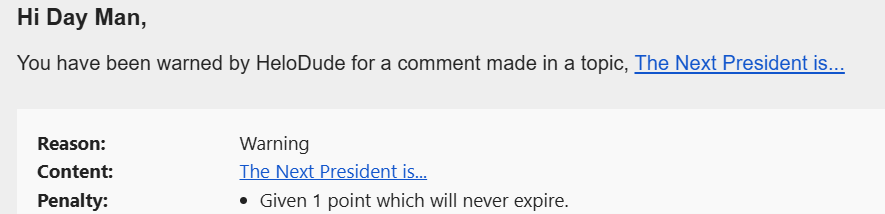
@HeloDude confirm this fits within your guideline of not making "every post political"? can you elaborate on the political allowances in non-political threads so I can comply in the future? 🙏
-
hit a little too close to home, eh? 😂
-
-
-
the repeated claims of 'TDS' by boot-lickers here, like a lot of claims by this admin, are complete projection...sad really
-
don't think he was actually in the administration but i get what you're saying

-
can you elaborate on who you think was hired in this administration based on merit?
-
-
the VP maybe? 🤷♂️
-
i understand the move...but you can't have insider trading without...trading.are you saying the army dude was 'insider trading'?i love this because you can tell some fox news boomer printed this out from a 5x-forwarded email to his @aol.com address, folded it up, and kept it in his pocket to try to impress his applebee's waitress before tipping 8% 😂i know you're being intentionally obtuse since your not your guy is continuing to knock it out of the park, but: surely none of those are important in an active conflict 🤷♂️SECNAV out! Good...not like the Navy is doing is anything important these days. MAGA