Sim
Supreme User
-
Joined
-
Last visited
Everything posted by Sim
-
If you actually understood their culture and found out what makes them tick, it would be much easier to get approvals to your requests. But we do not teach that before arriving on station and expecting "our way" to be their way as well.
-
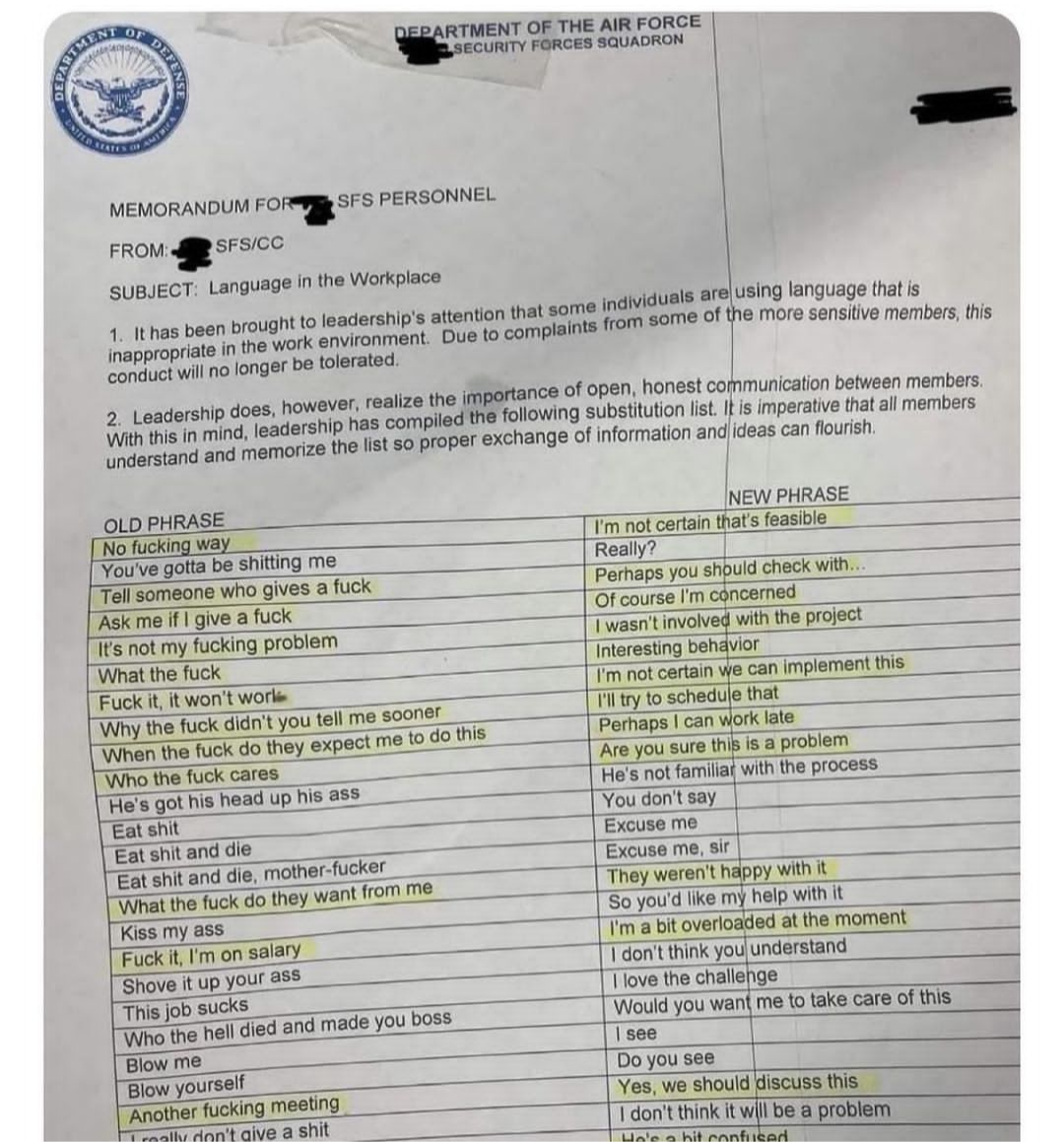
Maybe you should read about Lincoln a little...Not sure what is more entertaining - this or no fly list thread.Repeat after me - safe and effective. 🤡https://thepostmillennial.com/florida-surgeon-general-covid-mrna-vaccine-found-to-cause-84-increase-in-death-for-men-ages-18-39?utm_campaign=64487If I would "try" to find justification for the General, I would look into AFI 1-1 ( AFI that is ignored by everyone all the time) https://static.e-publishing.af.mil/production/1/af_cc/publication/afi1-1/afi1-1.pdf But morally, it's a douche move.Perfectly normal. Absolutely.Everything is fine. Nothing to see at all. Nope. Not at all.Pandomic is over.$50K loss for me today.
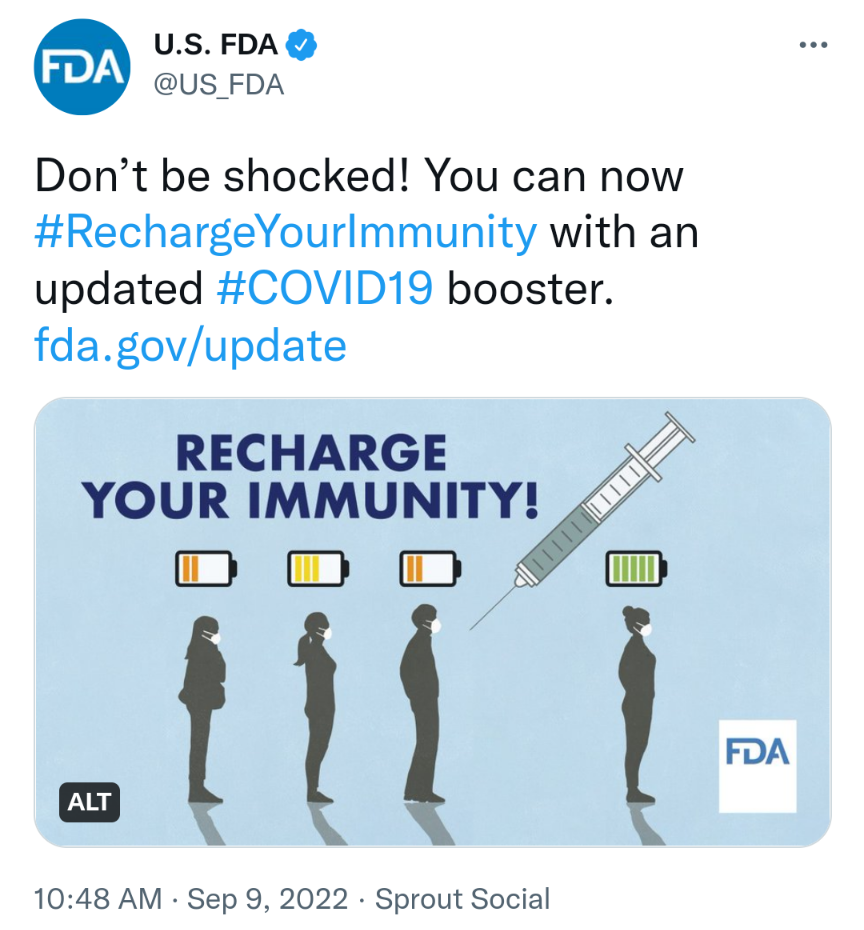
 I'm shocked!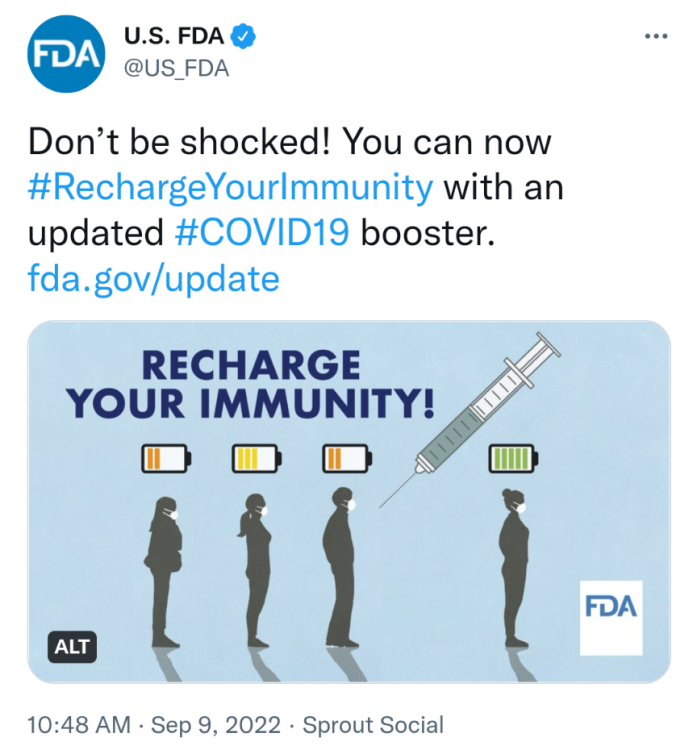
Account
Navigation
Search
Configure browser push notifications
Chrome (Android)
- Tap the lock icon next to the address bar.
- Tap Permissions → Notifications.
- Adjust your preference.
Chrome (Desktop)
- Click the padlock icon in the address bar.
- Select Site settings.
- Find Notifications and adjust your preference.
Safari (iOS 16.4+)
- Ensure the site is installed via Add to Home Screen.
- Open Settings App → Notifications.
- Find your app name and adjust your preference.
Safari (macOS)
- Go to Safari → Preferences.
- Click the Websites tab.
- Select Notifications in the sidebar.
- Find this website and adjust your preference.
Edge (Android)
- Tap the lock icon next to the address bar.
- Tap Permissions.
- Find Notifications and adjust your preference.
Edge (Desktop)
- Click the padlock icon in the address bar.
- Click Permissions for this site.
- Find Notifications and adjust your preference.
Firefox (Android)
- Go to Settings → Site permissions.
- Tap Notifications.
- Find this site in the list and adjust your preference.
Firefox (Desktop)
- Open Firefox Settings.
- Search for Notifications.
- Find this site in the list and adjust your preference.