


arg
Supreme User
-
Joined
-
Last visited
Everything posted by arg
-
Terrible, but I chuckled
-
-
Not enough booty shots in that vid for me to believe it.
-
Remember this? If my mama said she was going to whip me up one side and down the other. Chuck Norris couldn't survive that.
-
Been happening for many years in FL.
-
You just don't realize all the peace this action is going to bringWe just drop leafletsNovember/December '79 we were flying gunships out of Guam to replicate time and distance for our mission to rescue the hostages in Iran. Take off from Guam, fly up to Korea, hang out for awhile, and back. Average flight time 18 hours at 10,000 feet unpressurized, max continuous power, doing about 215 IAS, two ARs. That part of the mission got scrubbed.Wonder if they'll be armed.I got to be about this close at Osan back in the day
 Symbolic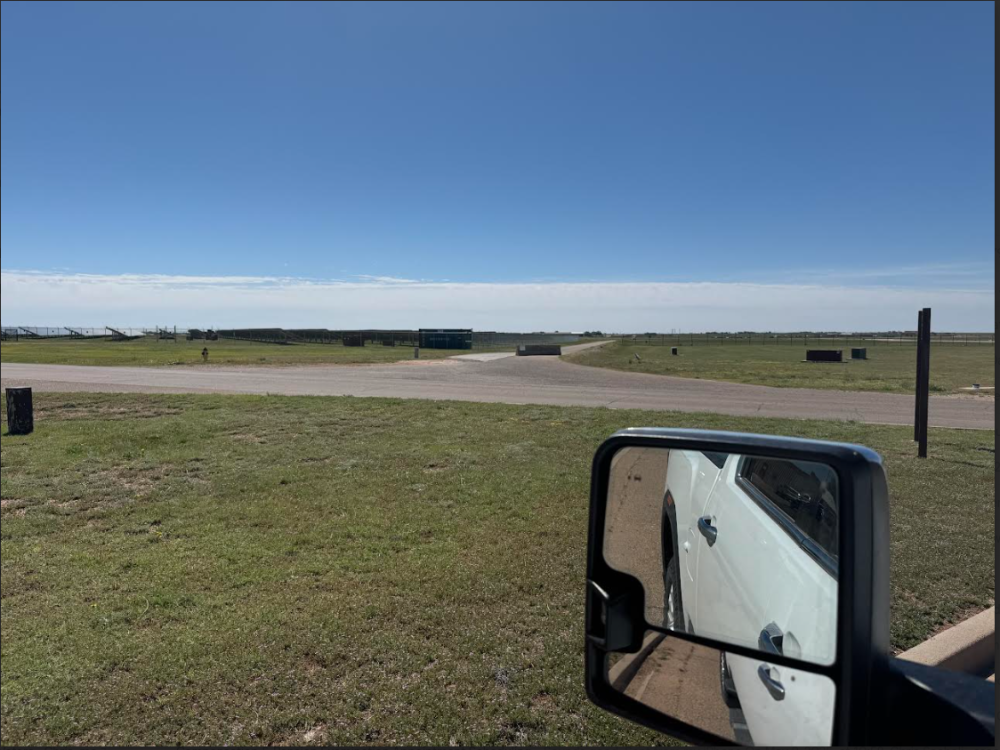
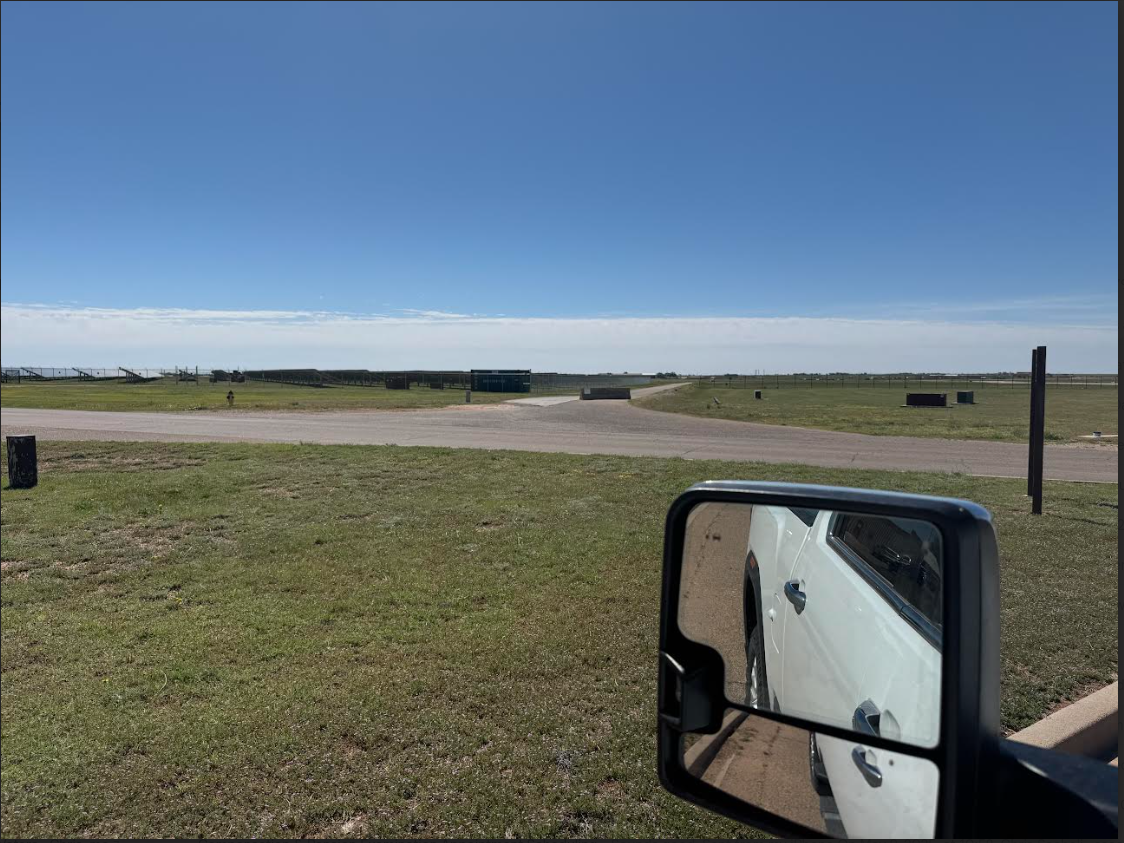
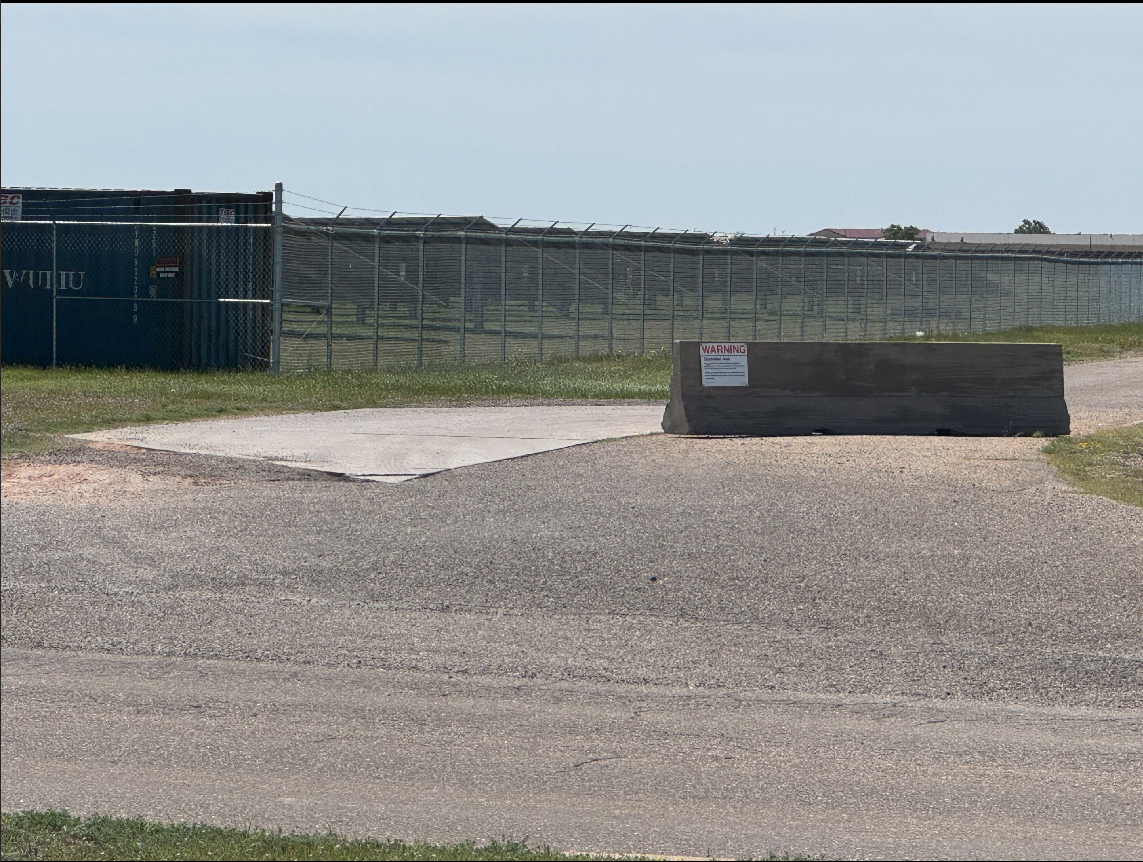
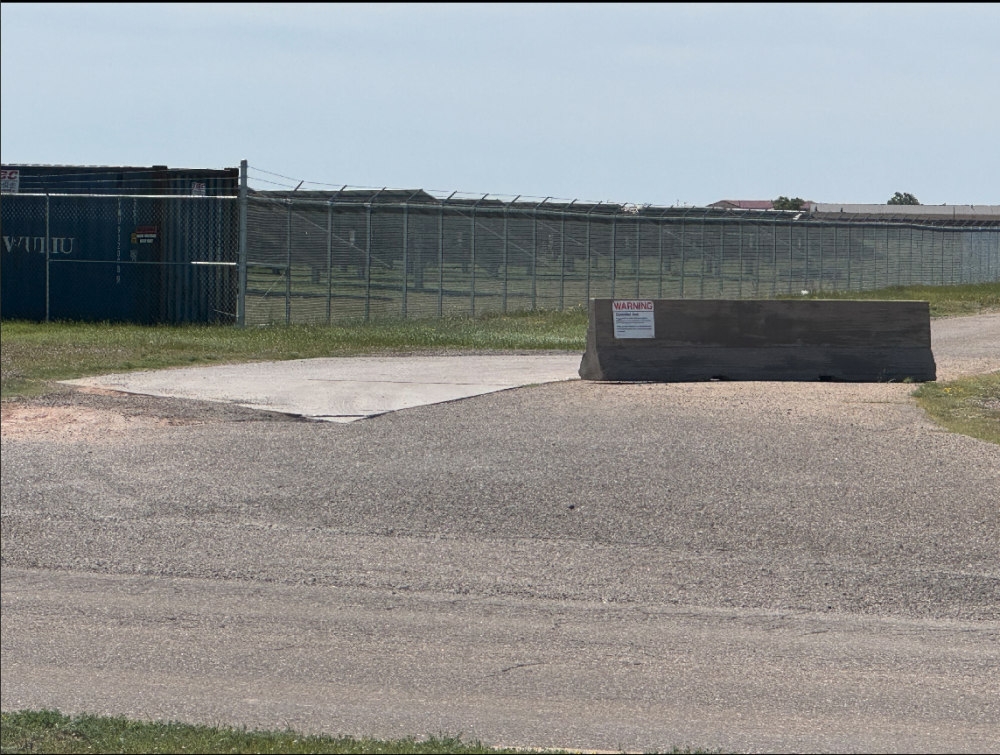 Free, is too expensiveI’m interested in why the OCSO gave it to the OSI.Really want to see the outcome of the lawsuit. P.S. I don't live in that county. Mine is so much better🙄








Account
Navigation
Search
Configure browser push notifications
Chrome (Android)
- Tap the lock icon next to the address bar.
- Tap Permissions → Notifications.
- Adjust your preference.
Chrome (Desktop)
- Click the padlock icon in the address bar.
- Select Site settings.
- Find Notifications and adjust your preference.
Safari (iOS 16.4+)
- Ensure the site is installed via Add to Home Screen.
- Open Settings App → Notifications.
- Find your app name and adjust your preference.
Safari (macOS)
- Go to Safari → Preferences.
- Click the Websites tab.
- Select Notifications in the sidebar.
- Find this website and adjust your preference.
Edge (Android)
- Tap the lock icon next to the address bar.
- Tap Permissions.
- Find Notifications and adjust your preference.
Edge (Desktop)
- Click the padlock icon in the address bar.
- Click Permissions for this site.
- Find Notifications and adjust your preference.
Firefox (Android)
- Go to Settings → Site permissions.
- Tap Notifications.
- Find this site in the list and adjust your preference.
Firefox (Desktop)
- Open Firefox Settings.
- Search for Notifications.
- Find this site in the list and adjust your preference.