Heritage Room
A new spot for squadron-specific discussions. Great for reunion planning and/or talking trash about that other squadron on the base. Please place a unit in the appropriate sub-forum based on their CURRENTLY assigned mission.
Forums
-
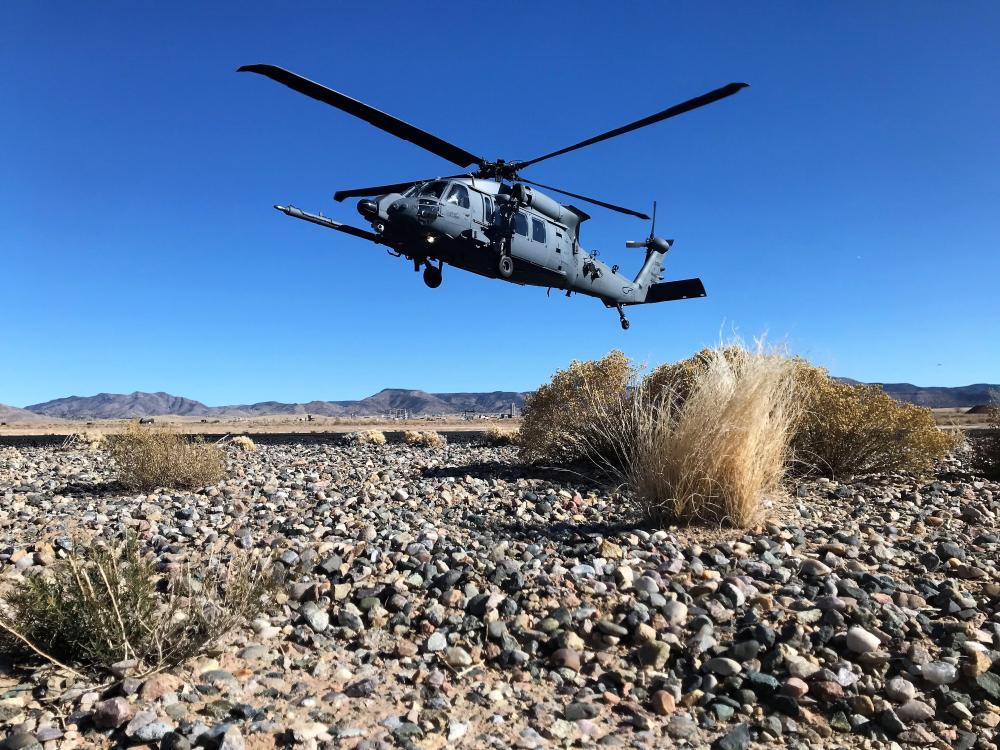
For current Rescue/Helicopter units.
- 21 posts
-
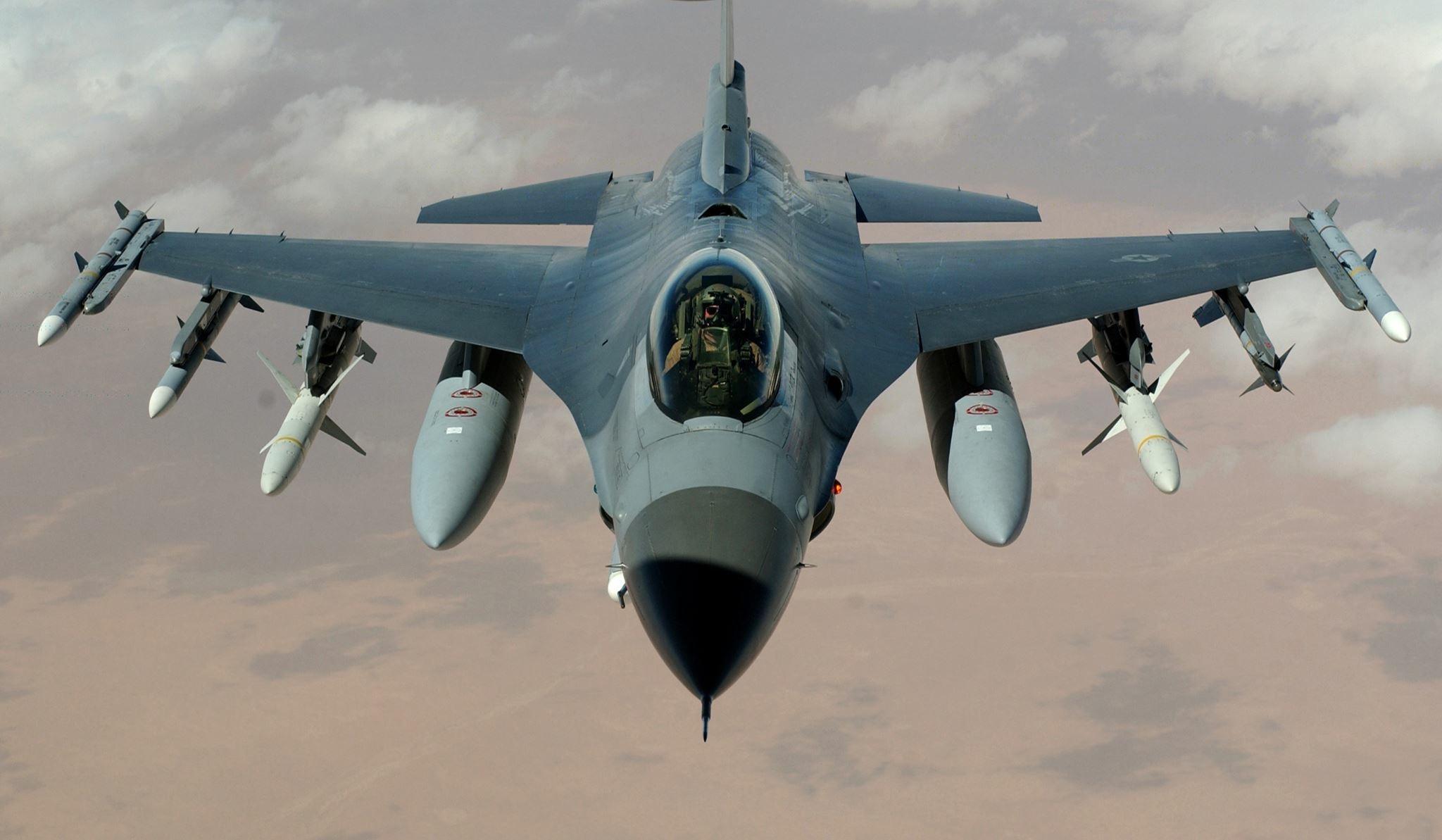
Units that are CURRENTLY fighter units. If a unit used to be a different flavor, use their CURRENT designation to decide which category to put them in.
- 7 posts
-
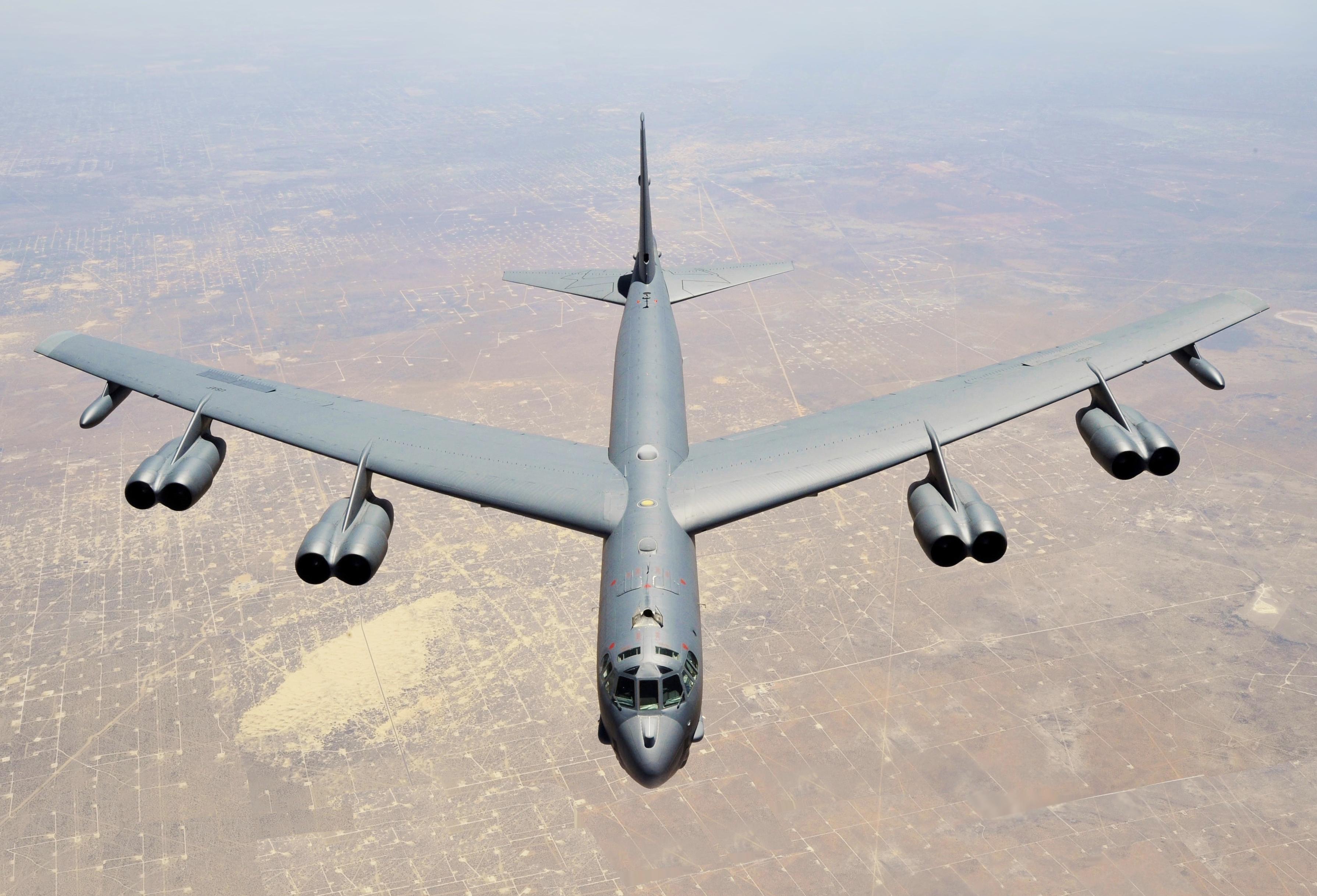
Units that are CURRENTLY bomber units. If a unit used to be a different flavor, use their CURRENT designation to decide which category to put them in.
- 2 posts
-
Units that are CURRENTLY cargo units. If a unit used to be a different flavor, use their CURRENT designation to decide which category to put them in.
- 0 posts
-
Units that are CURRENTLY ISR units. If a unit used to be a different flavor, use their CURRENT designation to decide which category to put them in.
- 3 posts
-
Units that are CURRENTLY Aerial Refueling units. If a unit used to be a different flavor, use their CURRENT designation to decide which category to put them in.
- 0 posts
-
Units that are CURRENTLY special ops units. If a unit used to be a different flavor, use their CURRENT designation to decide which category to put them in.
- 0 posts
-
Place currently retired unit discussions here.
- 2 posts
-
Place all other units here. If we forgot a category of unit, it'll become obvious in this subforum and we'll create a new category.
- 4 posts