HeloDude
Super Moderator
-
Joined
-
Last visited
-
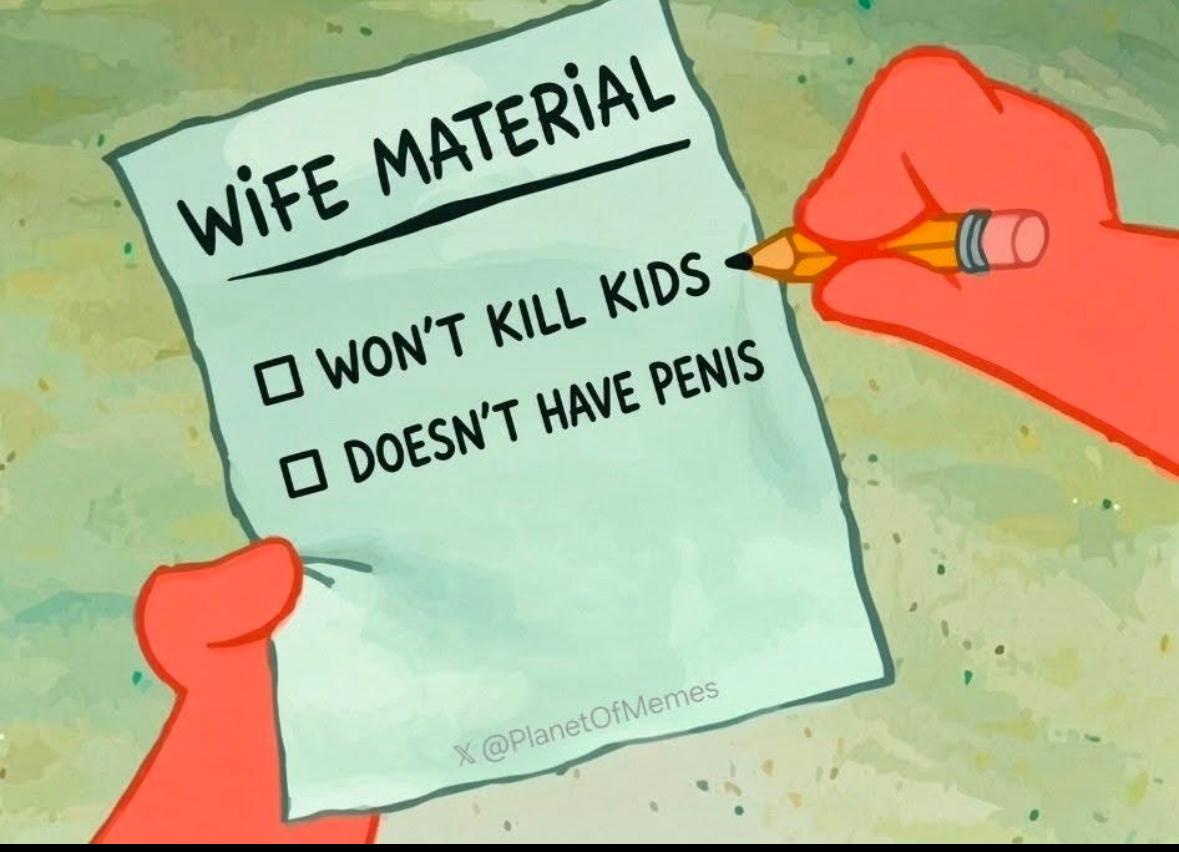
Sadly this doesn’t surprise me…But confirm it was still a hot chick by all accounts when you went to sleep/passed out? Oh, and it’s still not a dude, so that’s a plus. Stop being so negative guys.Have to love the unsolicited 5 years revival posts 😂Many years ago I worked in the acquisition/test world for a staff job…trust me when I say the vast majority of the time there is nothing “quick” about that horrible process.Negat0ry is being moderated UFN. In the last 6 months he’s pretty much only posted on this and the Iran page, clearly with the main goal of trying to piss people off. And for when someone posts “that’s only because he doesn’t like Trump”, notice how disgruntled is still able to post (just one example). Let this be a message for all: Have something positive to offer the page, not just I love or hate Trump. If someone disagrees, they can send a PM to one of the mods.It would be awesome if guys on here wanted to talk about where they stand on specific issues and why, but that would then require people to actually share their values/take a stand on what they believe.Or you can be against it all…oh and promising/voting for welfare is also buying votes.I agree with you—we should end all forms of welfare.The Western Michigan vs Michigan game was insane. I’m not saying putting 1 second back on the clock was/wasn’t the correct call, but rather it just doesn’t sit well with me.Sadly the best thing coming out of this situation is further exposing progressives for being ok with murdering children, whether in or out of the womb.She is not a victim in the slightest. Plenty of people have severe mental health issues and the vast majority never harm a soul. As for progressive women supporting her, shocker (but not really)…Usually I would be fairly certain this wouldn’t go anywhere, but these days, it very well might. Fingers crossed.