Leaderboard
-
HuggyU2
Moderator5Points2,884Posts -
HeloDude
Super Moderator2Points3,590Posts -
busdriver
Supreme User1Points1,501Posts -
Clark Griswold
Supreme User1Points3,875Posts



Popular Content
Showing content with the highest reputation on 05/03/2026 in Posts
-
5 pointsOh, stop it. We turned it all around with the resoundingly successful T-7 acquisition.5 points
-
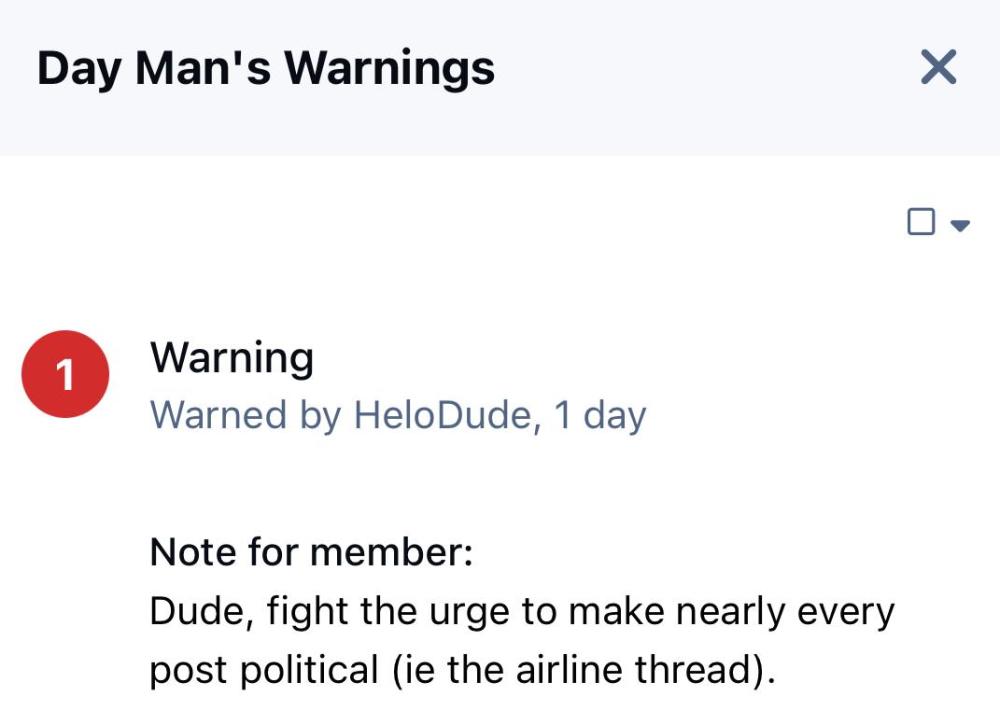
2 pointsThis was for your douche comment in the airline thread. But if you want to keep being a jerk, I’m happy to moderate you indefinitely—your call.
 2 points
 -
1 pointConcur Gulfstream also has a military variants ready if that could grease the skids further (domestic supplier) https://www.gulfstream.com/en/aircraft/special-missions/ I’m surprised this idea of smaller manned HVAA platforms for C2, EA, ISR, AR, etc… has not taken hold and the AF shifting that way. Unmanned and space based eventually but large cabin sized biz jet based systems are the low risk, capabilities TODAY to get to the next stage. I might see the need for some manned large (transport category platform) multi mission platforms but for strategic patrol / monitoring missions. But it would need to do it all, active and passive collection, over very long ranges, if it made sense.1 point
-
1 point
-
1 pointWhat a life https://www.facebook.com/story.php?story_fbid=10214298208403622&id=1668662949&rdid=n199sSSyfbmQp5SR#1 point
-
1 pointAh yes, the "skin on the line" defense. The second cousin of the wookie defense.1 point