Leaderboard
-
spaceman
Supreme User2Points590Posts -
HuggyU2
Moderator2Points2,884Posts -
Buddy Spike
Supreme User1Points1,129Posts -
sky_king
Supreme User1Points1,192Posts




Popular Content
Showing content with the highest reputation on 10/04/2012 in Posts
-
2 pointsBingo! I'm out! Leveling at FL700 and RTB. Need to get home to my daughter,... and remind her to stay away from the internet in general,... and baseops.net in particular.2 points
-
2 points
-
1 pointFrom what I remember, the onbase living quarters were generally pretty small and dark. The locals are pretty friendly though as long as you answer them when they ask questions.1 point
-
1 point
-
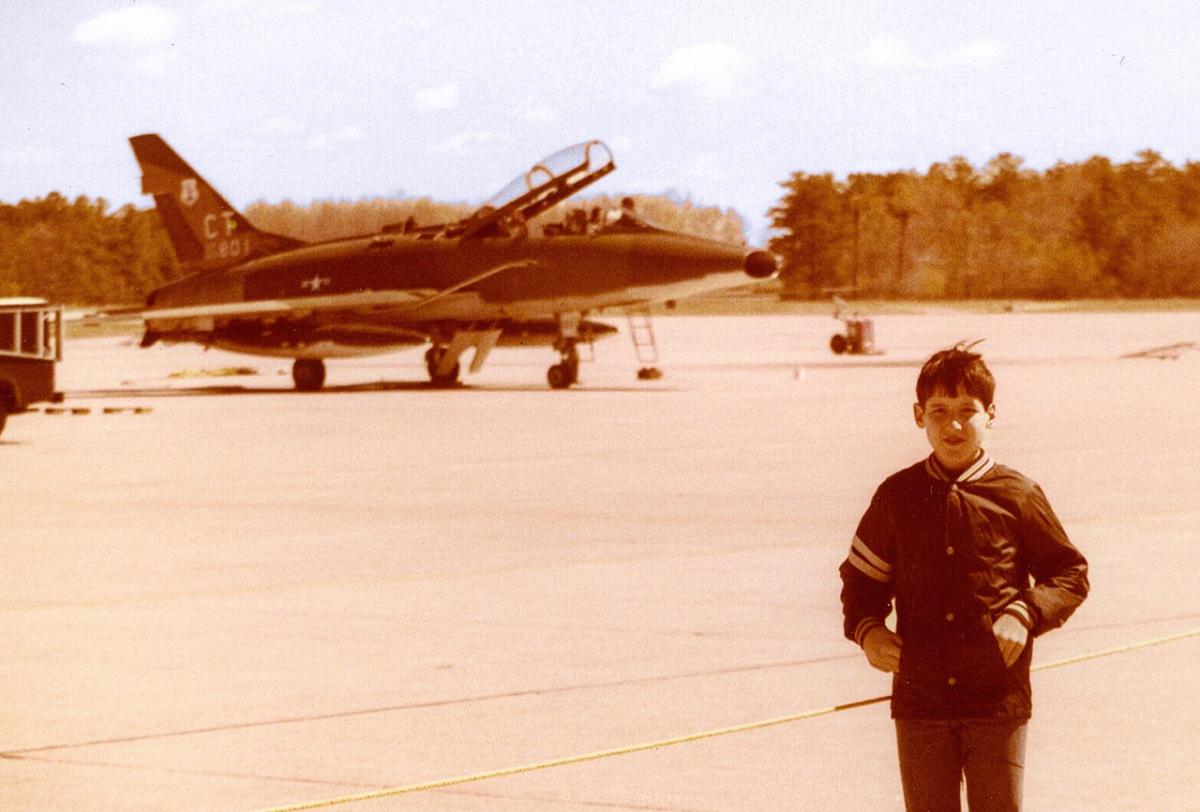
1 pointMy foul, I'll pay that one. I've been lucky enough to meet a lot of the guys that I grew up hearing / reading about, but that is quite a line up. I've never read Bud Day's book (although his story is legendary) I'll have to pick that one up. Mid 70's at Windsor Locks with F-100F 56-3801 of the CTANG...
 1 point
 -
1 pointI don't even want to know what you were searching for on youtube to find this.1 point