

skybert
Super User
-
Joined
-
Last visited
Everything posted by skybert
-
“If he gets back in, I demand half his pay”Suddenly, I have an urge for Wendy’s….Elmo would kick his assPlease….. help me understand why the armed services can’t meet their recruiting goals.There is nothing close to pro democracy with liberalsYa know at this point in my life, I think “what do their moms look like?”That’s why I’m always doing crap around the houseWould depend on which former president sadlyMicheal or his bitch Barrie?Ment that to be an upvote, it’s not letting me correct it.Took my private student for the day yesterday. Three laps in the arrival with a buttload of joe sixpacks, 5 miles in trail because of the smoke and a closed runway, guy balled one up on takeoff. My stud got an education
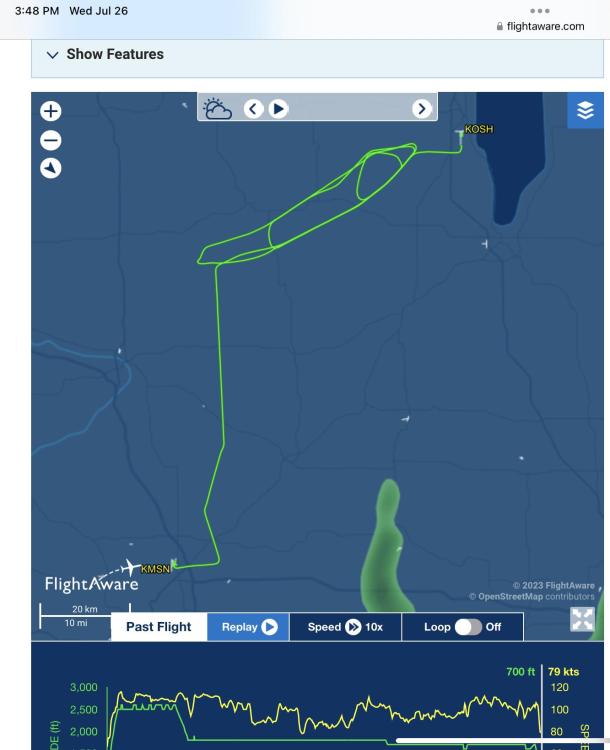 That is why I tell normal young people to seriously think about wearing the uniform I used to wear.Taking my private student for his first time early in the week, and my instrument student Saturday. They are gonna have their minds blown 🙂Unlike these people….
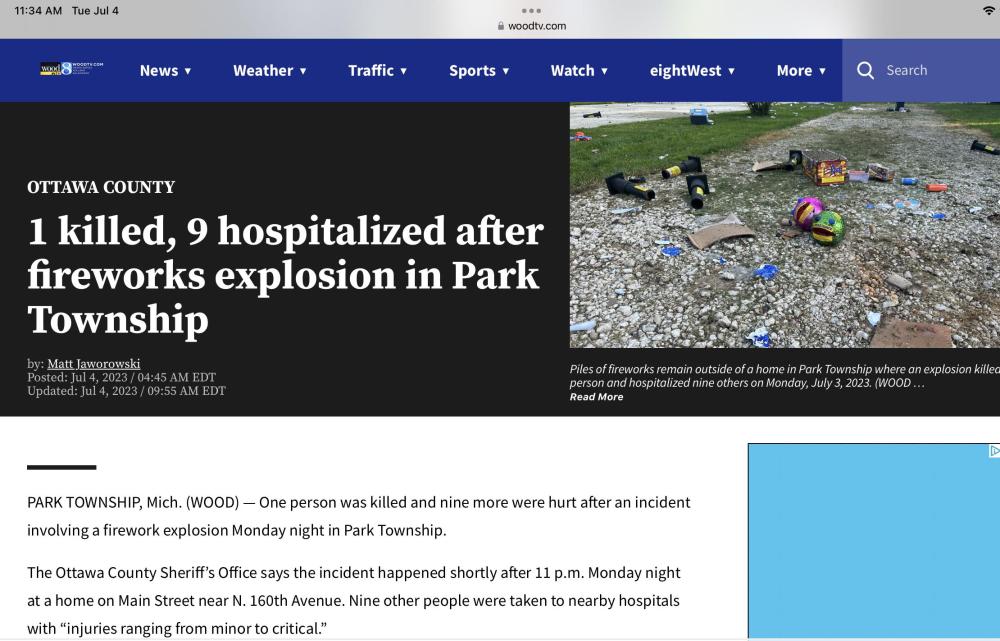 Nothing is going to happen.It’s the will of the people, they WANT this.




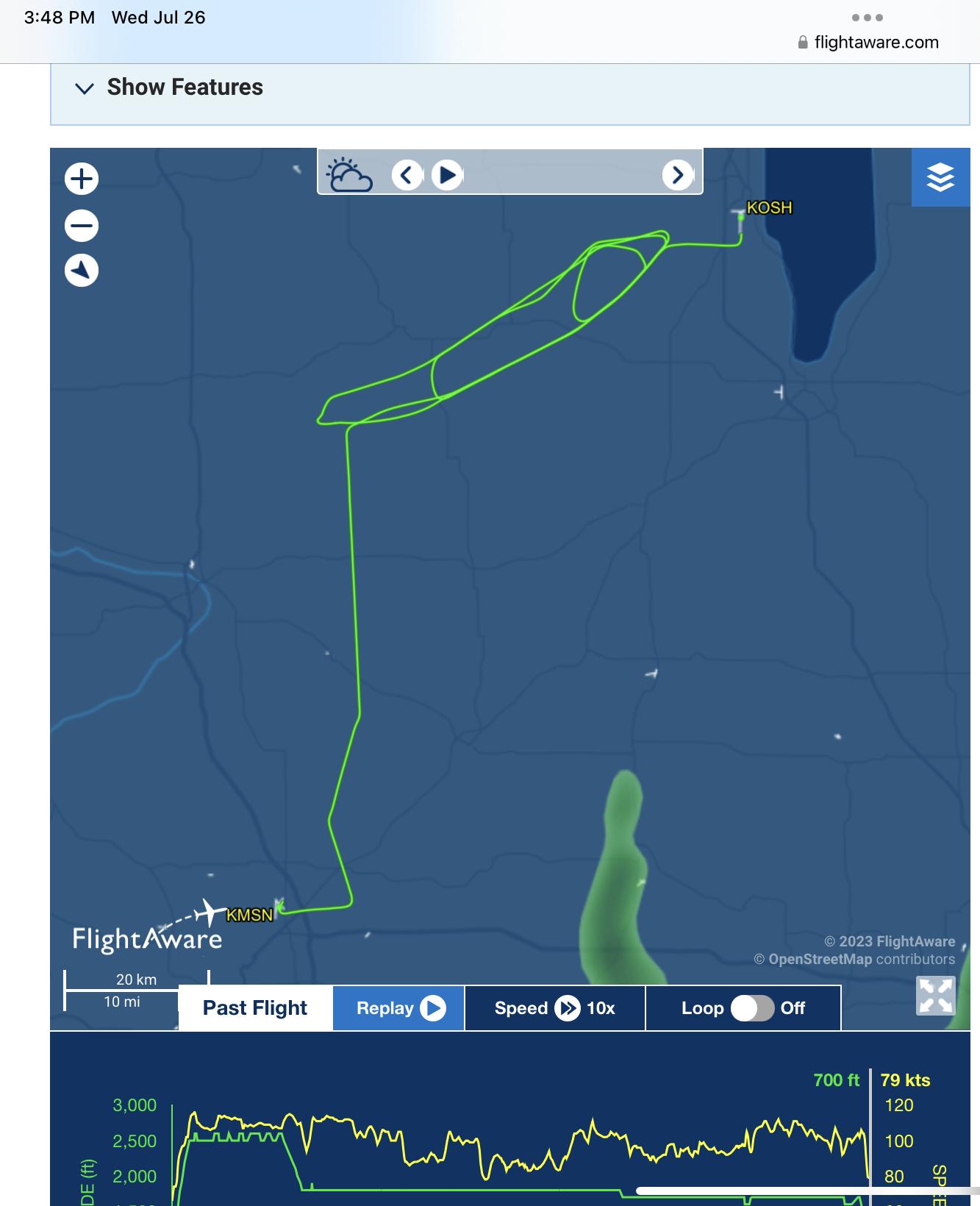

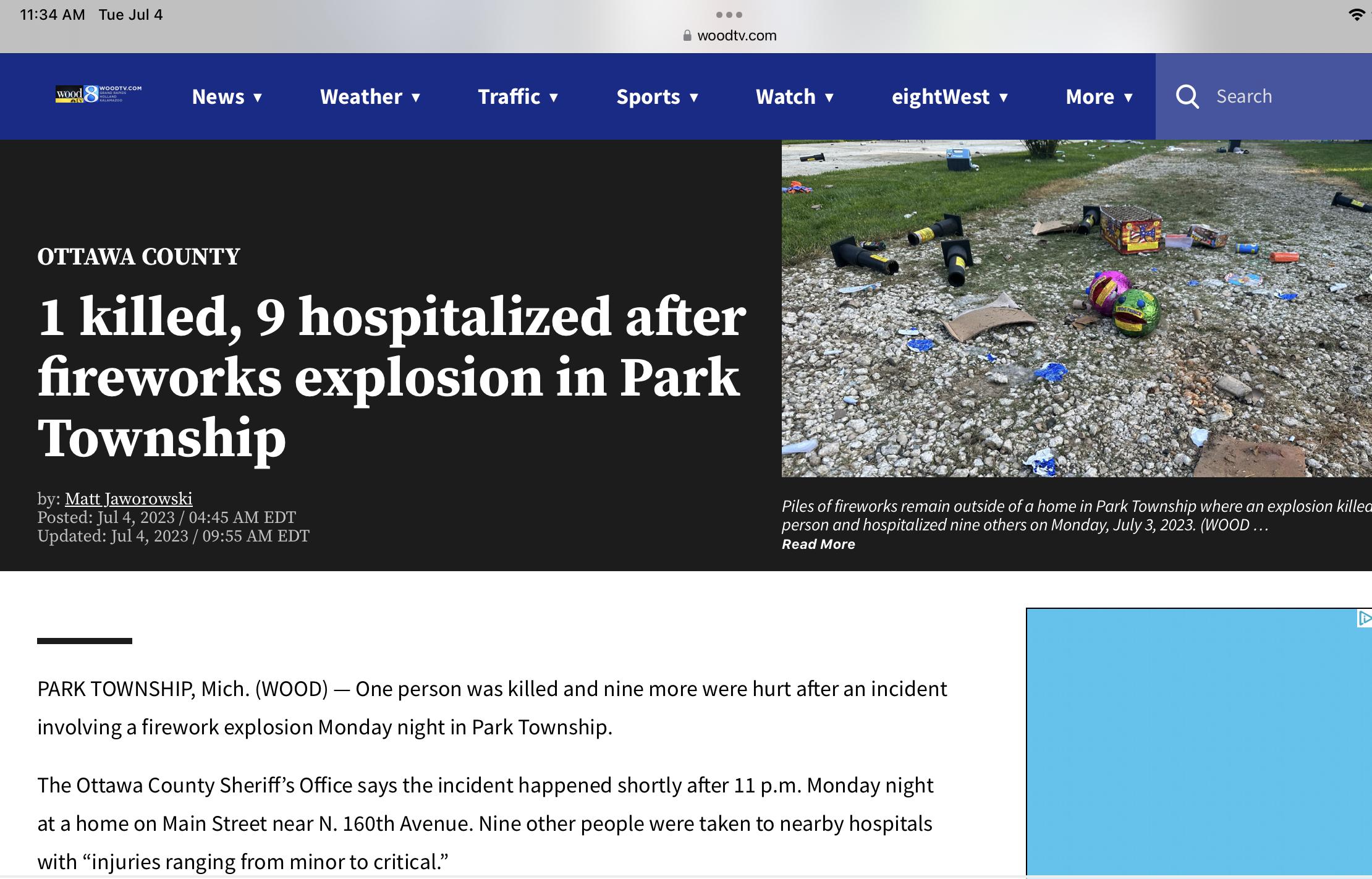
Account
Navigation
Search
Configure browser push notifications
Chrome (Android)
- Tap the lock icon next to the address bar.
- Tap Permissions → Notifications.
- Adjust your preference.
Chrome (Desktop)
- Click the padlock icon in the address bar.
- Select Site settings.
- Find Notifications and adjust your preference.
Safari (iOS 16.4+)
- Ensure the site is installed via Add to Home Screen.
- Open Settings App → Notifications.
- Find your app name and adjust your preference.
Safari (macOS)
- Go to Safari → Preferences.
- Click the Websites tab.
- Select Notifications in the sidebar.
- Find this website and adjust your preference.
Edge (Android)
- Tap the lock icon next to the address bar.
- Tap Permissions.
- Find Notifications and adjust your preference.
Edge (Desktop)
- Click the padlock icon in the address bar.
- Click Permissions for this site.
- Find Notifications and adjust your preference.
Firefox (Android)
- Go to Settings → Site permissions.
- Tap Notifications.
- Find this site in the list and adjust your preference.
Firefox (Desktop)
- Open Firefox Settings.
- Search for Notifications.
- Find this site in the list and adjust your preference.