- WTF? (**NSFW**)
- WTF? (**NSFW**)
-
The Next President is...
It will be interesting(🤮🤮🤮) to see what if anything comes out in his daughter's diary....
- Covid Injection Tyranny - Share and Discuss
-
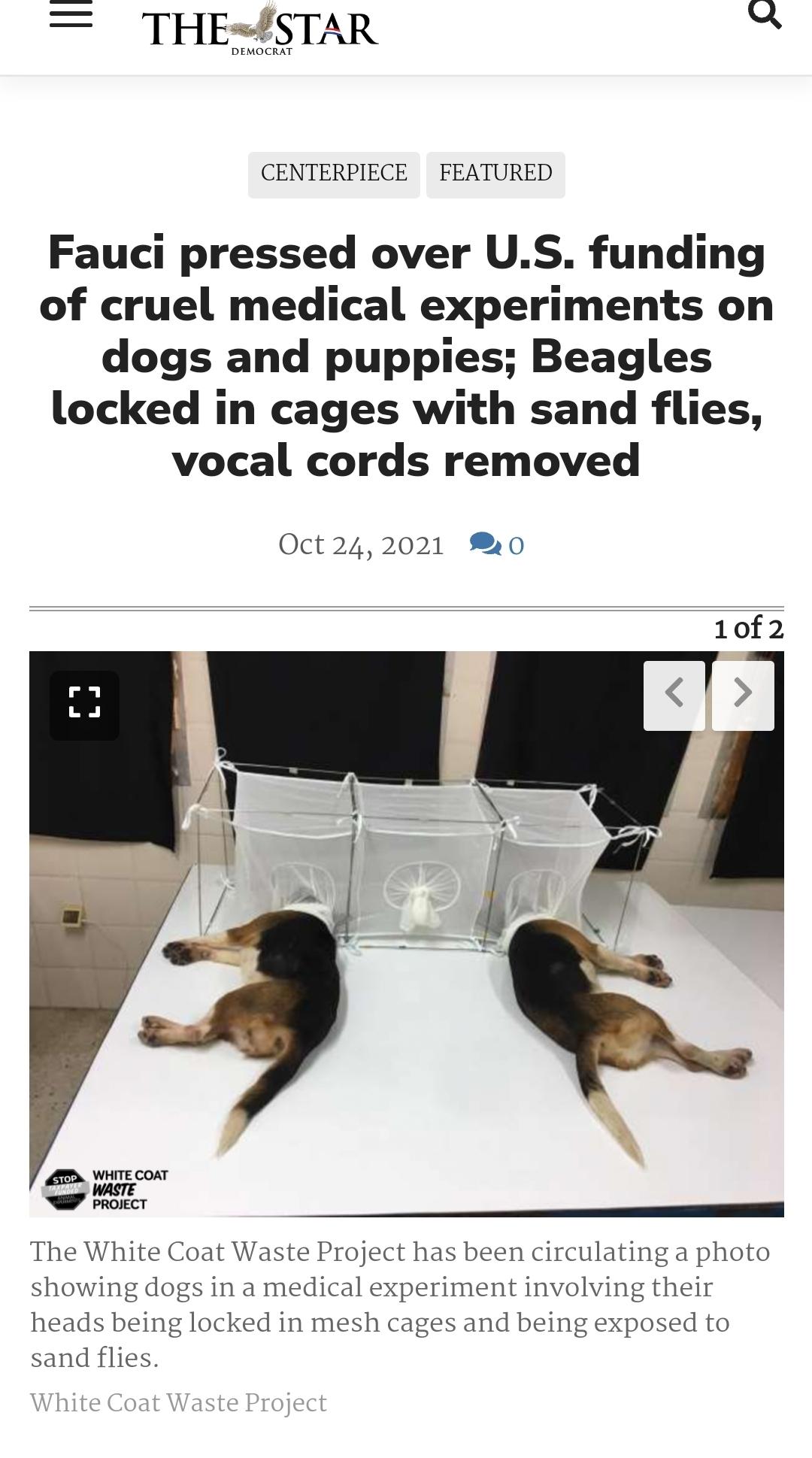
WTF? (**NSFW**)
- Covid Injection Tyranny - Share and Discuss
- The Next President is...
The same cucks that down voted me....- RIP General Colin Powell
Right........WMDs.....that was a fail....- RIP General Colin Powell
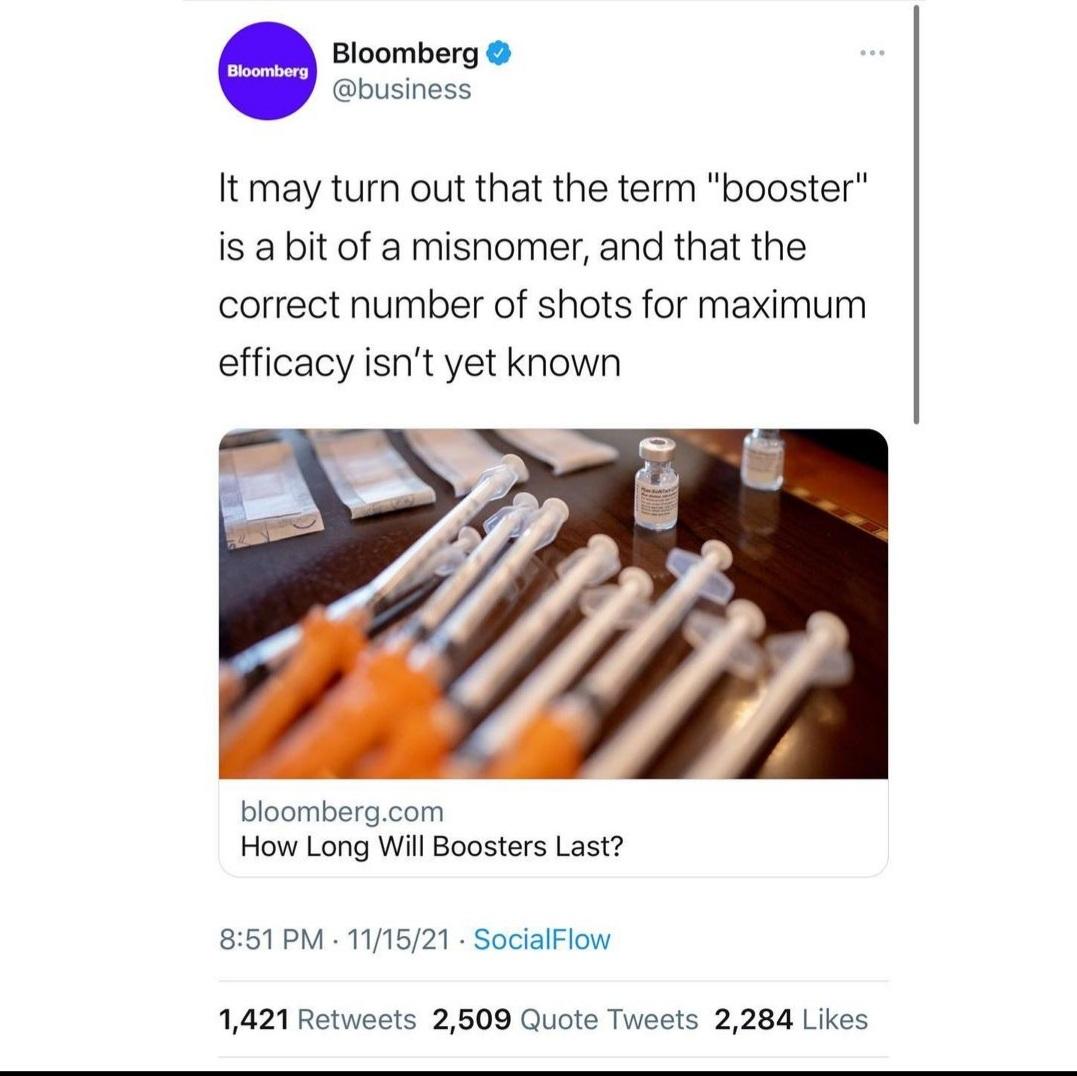
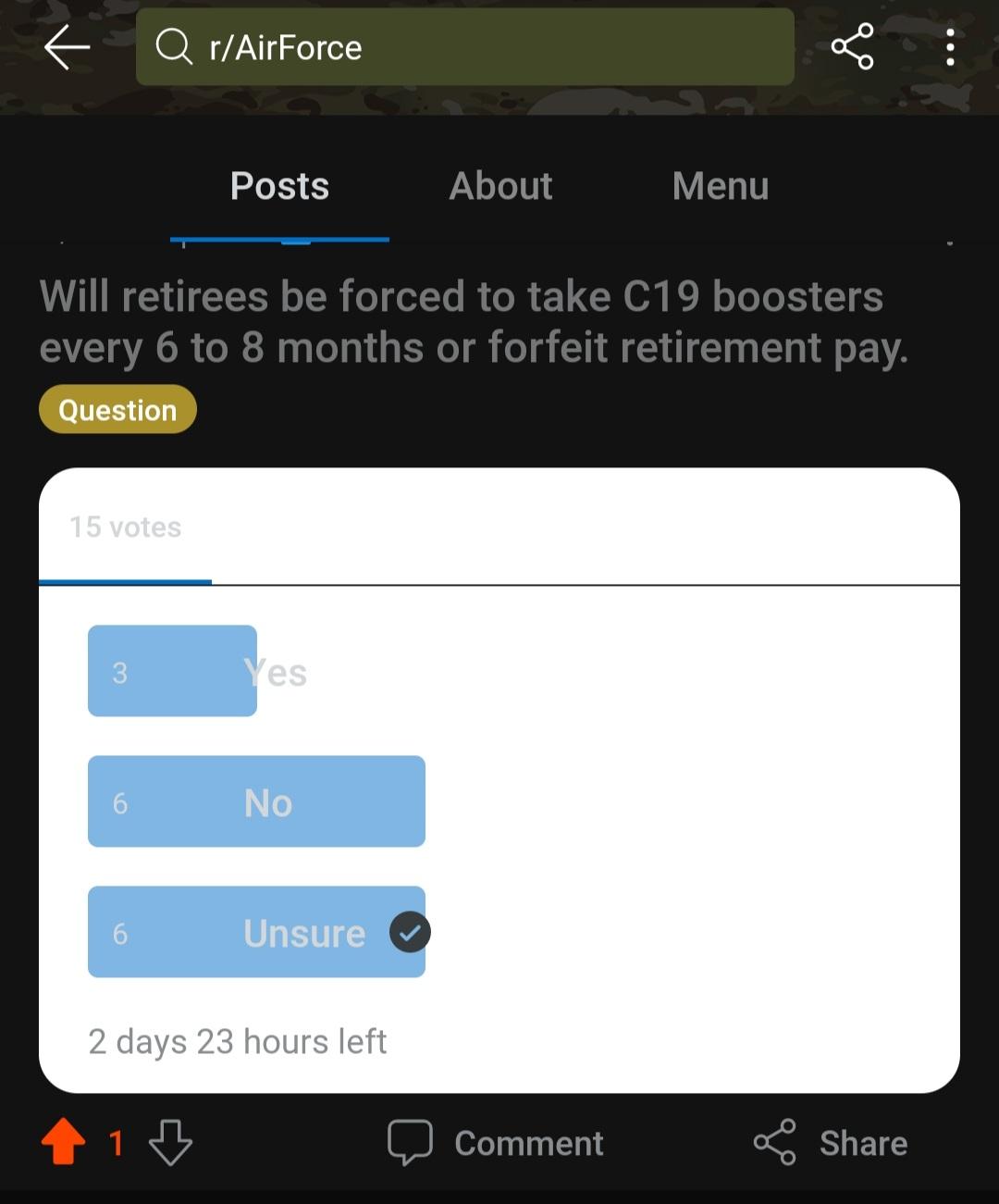
Is it though.........?!? Mandatory boosters.......so many echos of 'WMDs'.....hate me, but think for yourself...- The Congressman is back yo
- Covid Injection Tyranny - Share and Discuss
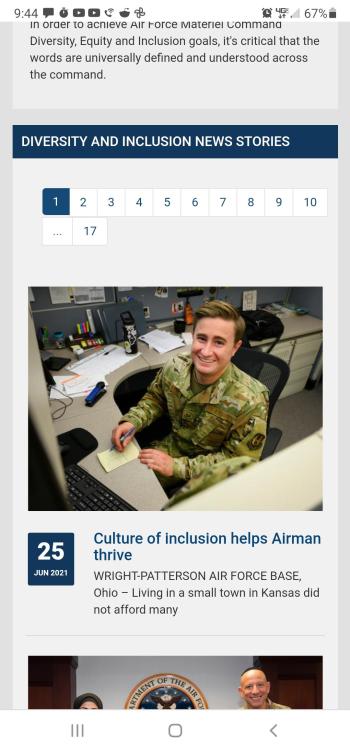
- The WOKE Thread (Merged from WTF?)
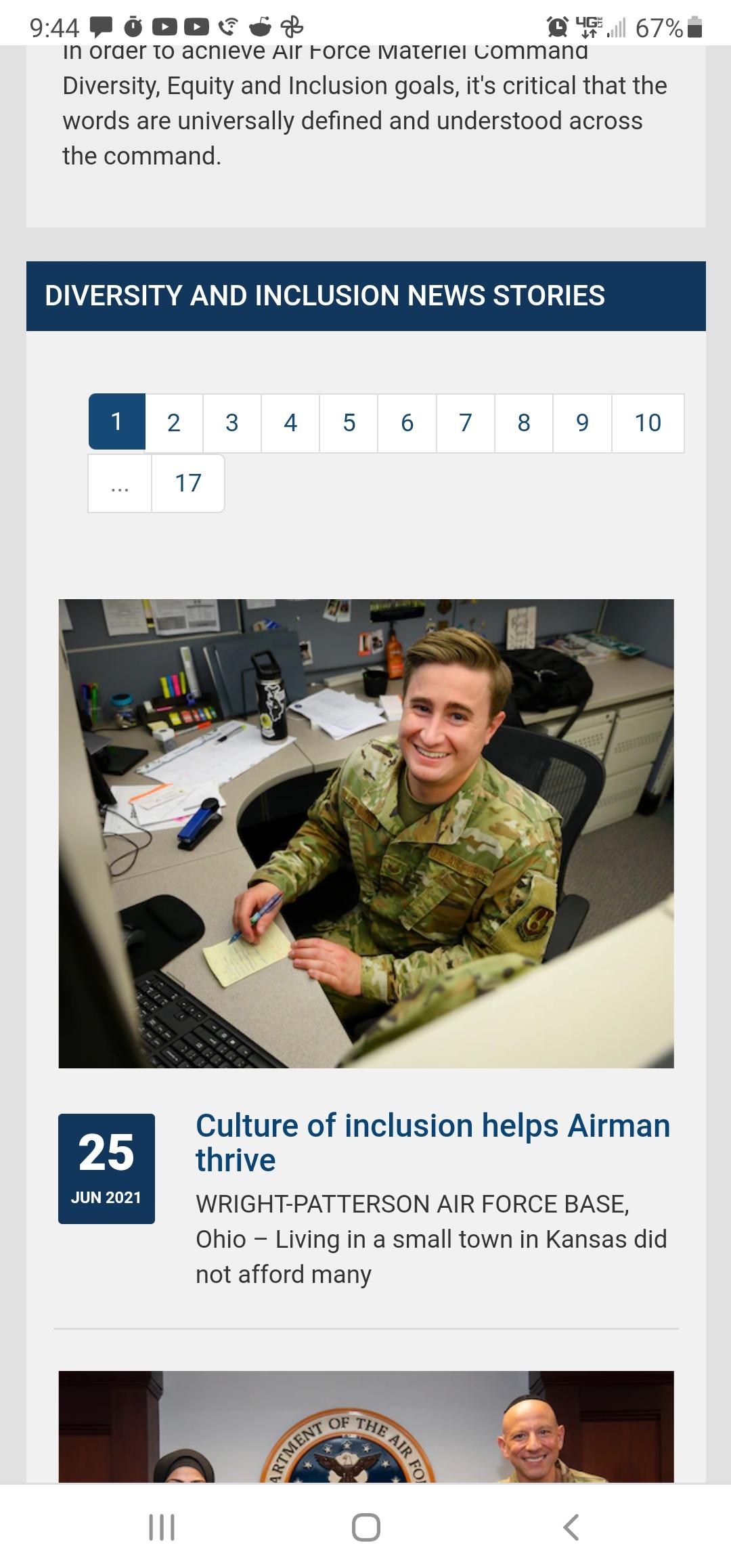
Ain't even surprised...times are changing....and the military definitely isn't woke......& I got proof...trying to get ahold of some Mandarin software before it's too late...

Lowspeedhidrag
Registered User
-
Joined
-
Last visited
Account
Search
Configure browser push notifications
Chrome (Android)
- Tap the lock icon next to the address bar.
- Tap Permissions → Notifications.
- Adjust your preference.
Chrome (Desktop)
- Click the padlock icon in the address bar.
- Select Site settings.
- Find Notifications and adjust your preference.
Safari (iOS 16.4+)
- Ensure the site is installed via Add to Home Screen.
- Open Settings App → Notifications.
- Find your app name and adjust your preference.
Safari (macOS)
- Go to Safari → Preferences.
- Click the Websites tab.
- Select Notifications in the sidebar.
- Find this website and adjust your preference.
Edge (Android)
- Tap the lock icon next to the address bar.
- Tap Permissions.
- Find Notifications and adjust your preference.
Edge (Desktop)
- Click the padlock icon in the address bar.
- Click Permissions for this site.
- Find Notifications and adjust your preference.
Firefox (Android)
- Go to Settings → Site permissions.
- Tap Notifications.
- Find this site in the list and adjust your preference.
Firefox (Desktop)
- Open Firefox Settings.
- Search for Notifications.
- Find this site in the list and adjust your preference.