UnknownRider
Registered User
-
Joined
-
Last visited
-
I spend enough time in airports dealing with the masses, so going out to a crowded movie theater on a Saturday night during an opening weekend is not usually in the flight plan. This is one movie worth going to regardless of the crowd size. An awesome movie, and a must see on the big screen.....
-
Seeing it tonight.....will provide my review shortly thereafter.........
-
Very cool idea, but not a new one......thought up in 1943, and used with drone B-17s against Nazi Germany in 1944......also planned on using this option with left over B-17s from the European theater for the planned invasion of Japan.
-
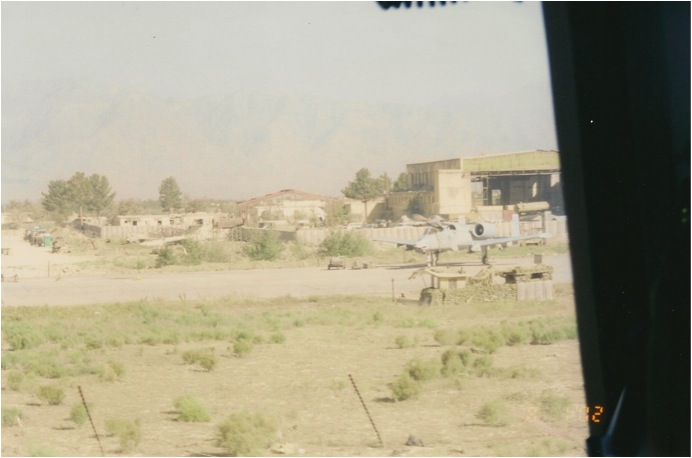
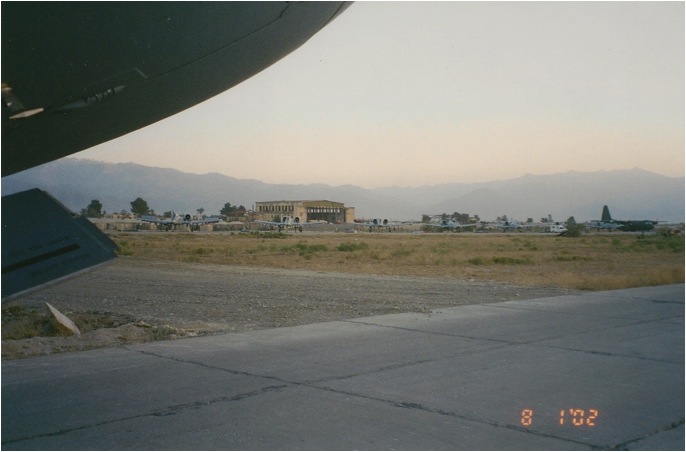
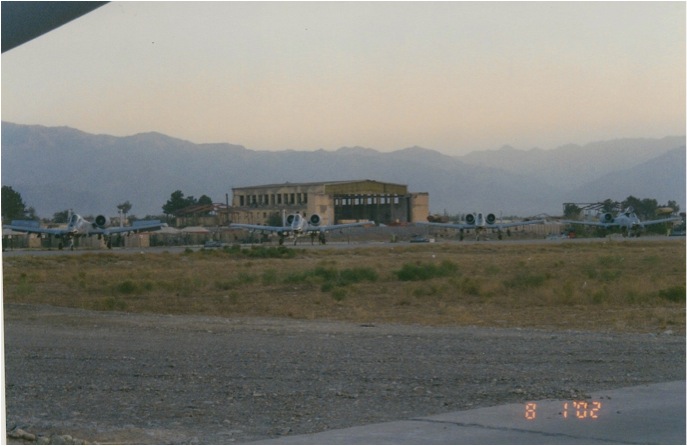
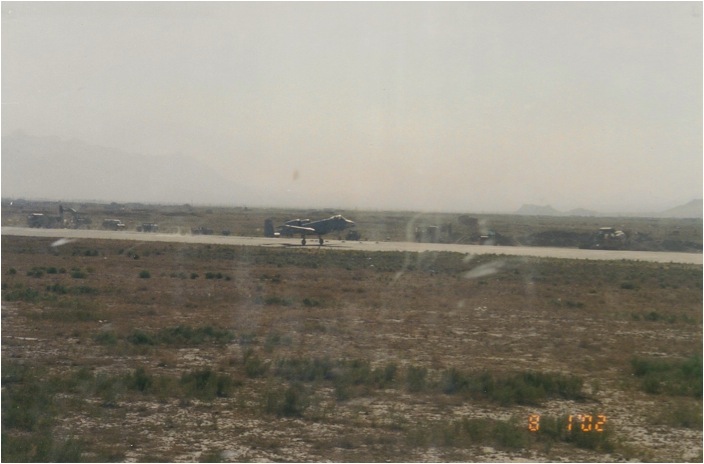
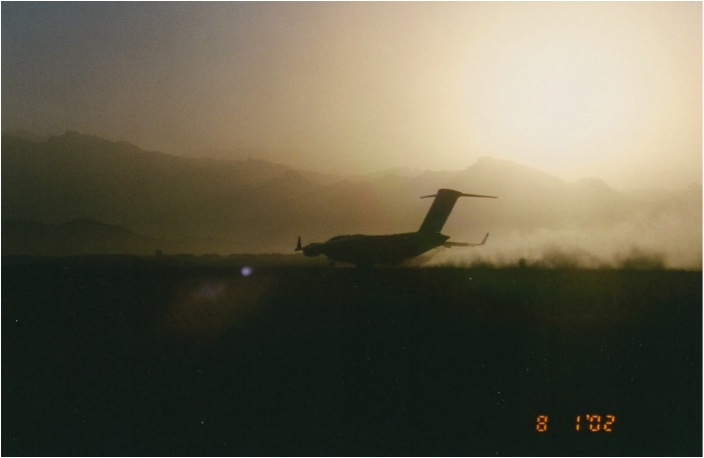
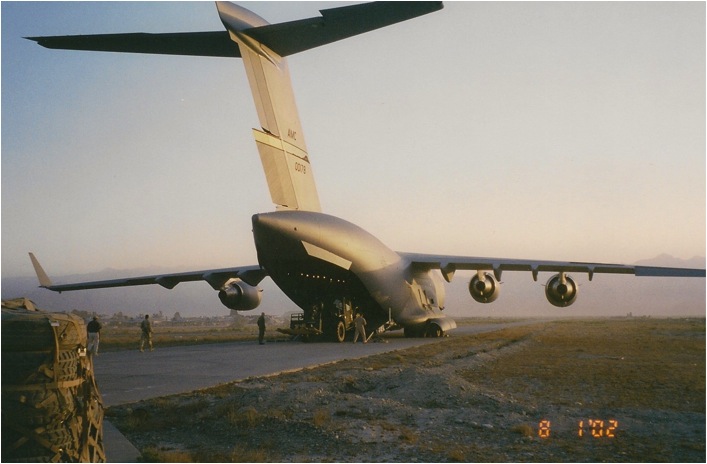
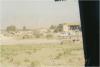
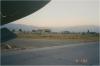
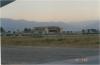
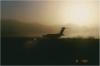
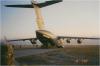
Shots of Bagram on 1 Aug '02. First time I'd seen the place in the daytime!
-
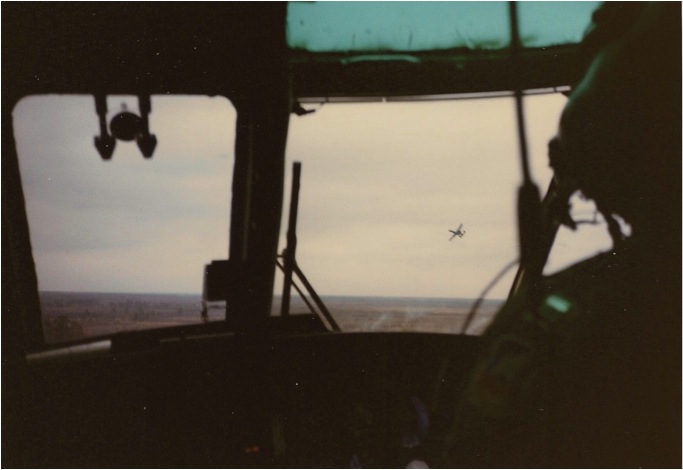
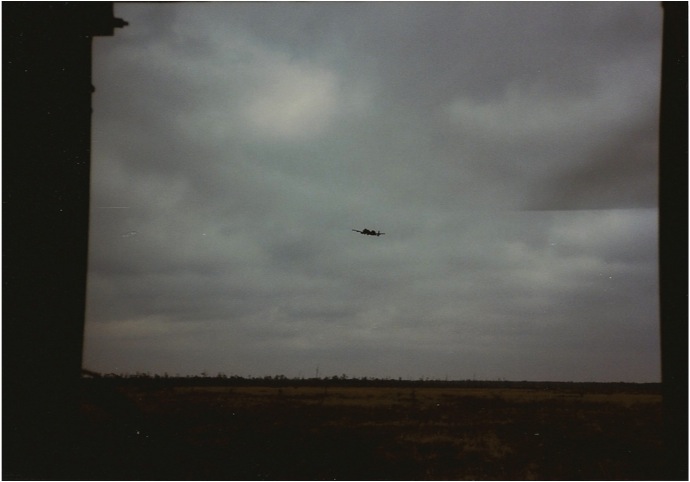
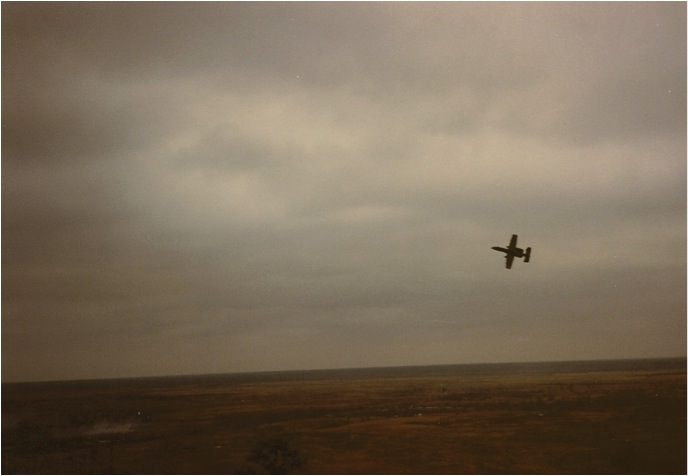
From my days as an H-3 FE/Gunner. Some more A-10 action from 1985........live fire SAREX on the AIA at Ft Stewart, GA......A-10s from Myrtle Beach (355th TFS).