
Leaderboard
-
Butters
Supreme User2Points1,095Posts -
MKopack
Supreme User1Points392Posts -
Champ Kind
Moderator1Points2,020Posts -
zmoney
Registered User1Points85Posts




Popular Content
Showing content with the highest reputation on 01/21/2016 in all areas
-
2 points
-
1 point'He later told Air Force Magazine that the B-1B “community” also needs a respite from nonstop deployments' Lots of communities need a respite from nonstop deployments.1 point
-
1 pointAnd thrust the Herk into the realm of....what, 1980s technology? More than 10 tac plots, an NVIS mode that doesn't dim down the HUD, and the ability to shoot GPS approaches, and I'm a happy camper. Wait, let me guess... "Block 8".1 point
-
Twenty-five years ago today ET Tullia jumped into F-16C, 87-0229, and flew to Baghdad. Package Q, it was a wild ride... https://www.airforcemag.com/MagazineArchive/Pages/2016/January%202016/Package-Q.aspx
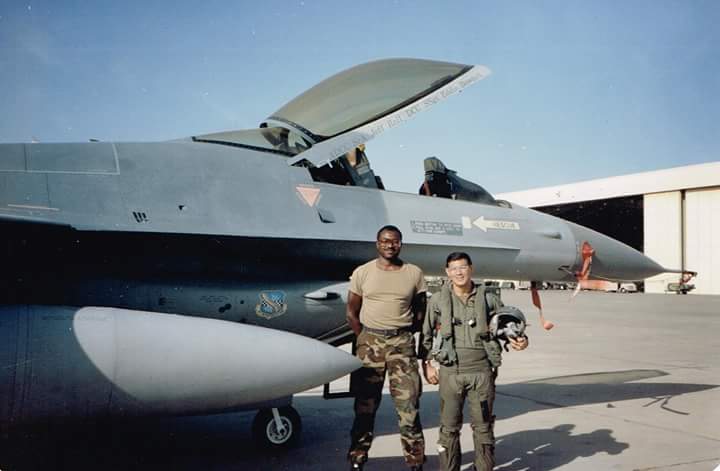 1 point