Moley
Registered User
-
Joined
-
Last visited
Everything posted by Moley
-
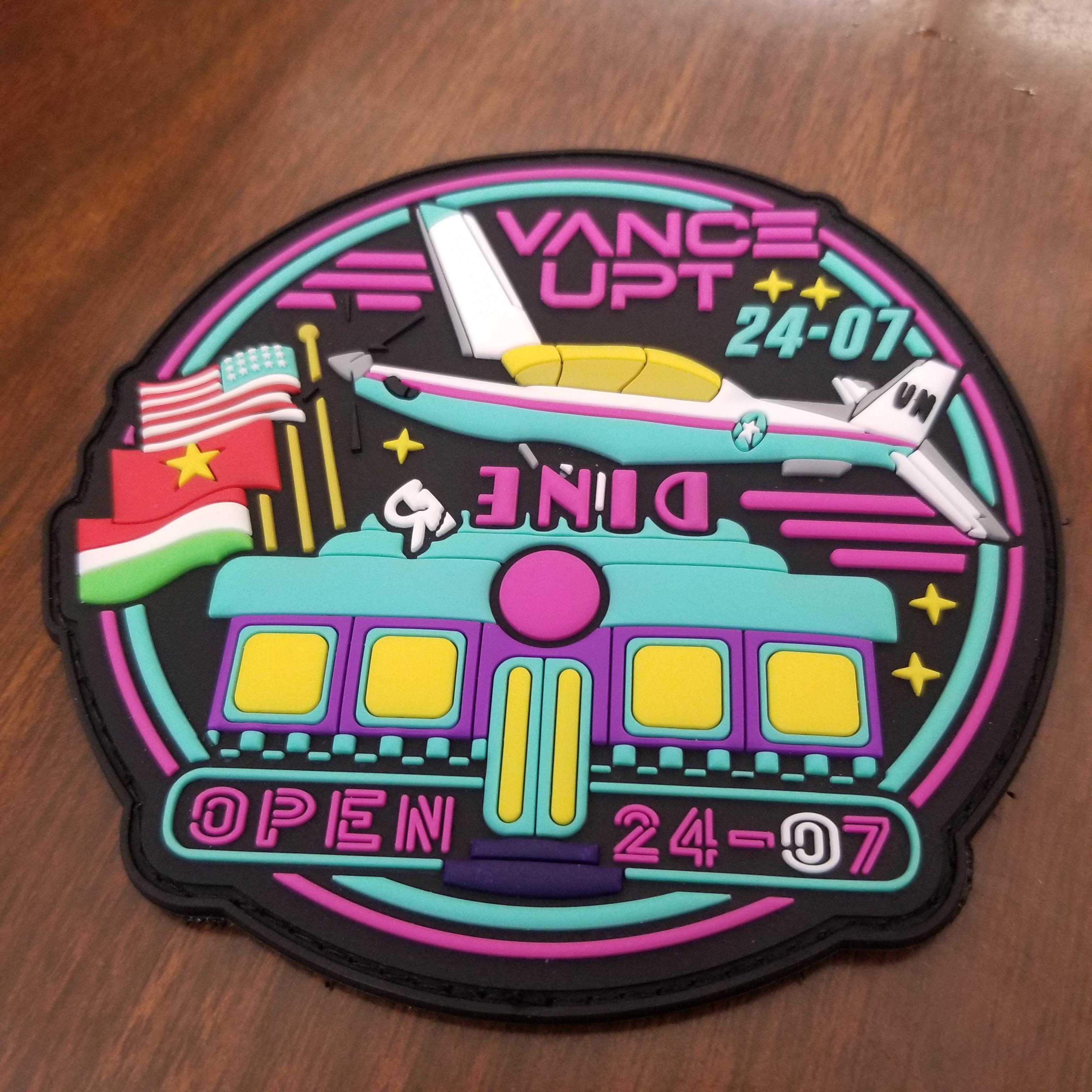
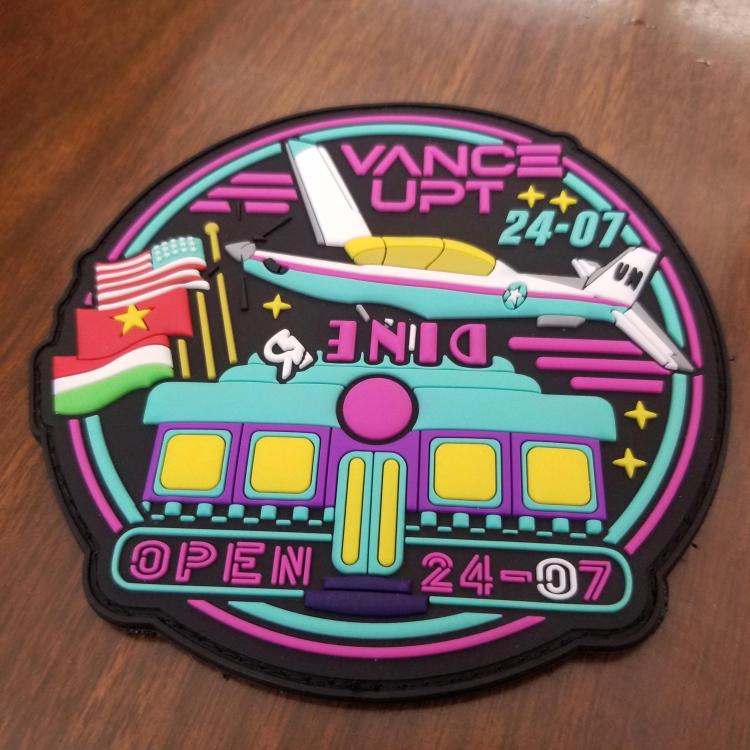
Class 24-07 up here at Vance. Rocking the 80's vibe with this one.
-
Nothing thug there, more crazy. I learned to keep the conversations quick since he would spin off into strange conspiracies etc. He is well known for stock piling Butterfingers while deployed and bringing his prized collection home. I swear they had to install the tail stand when he showed up with his stash.
-
For those of you who served at Fairchild and had the pleasure of interacting with 1CO Butterfingers here is his chosen path post Air Force. https://www.bigcountrynewsconnection.com/idaho/bond-set-at-1-million-for-man-who-allegedly-shot-at-lewiston-police/article_ffb970e4-9449-11ee-89f2-83f2381d2b89.html?fbclid=IwAR27T8kTRbOZ81Ee3_SbCqoqOf4tawXIv6FOfSvtah34d8JYk8GgA-8sD6E
-
I'm good friends with the creator of that site, Jim is a great guy. He loves anything UPT related. I've sent him a few from Vance.
-
-
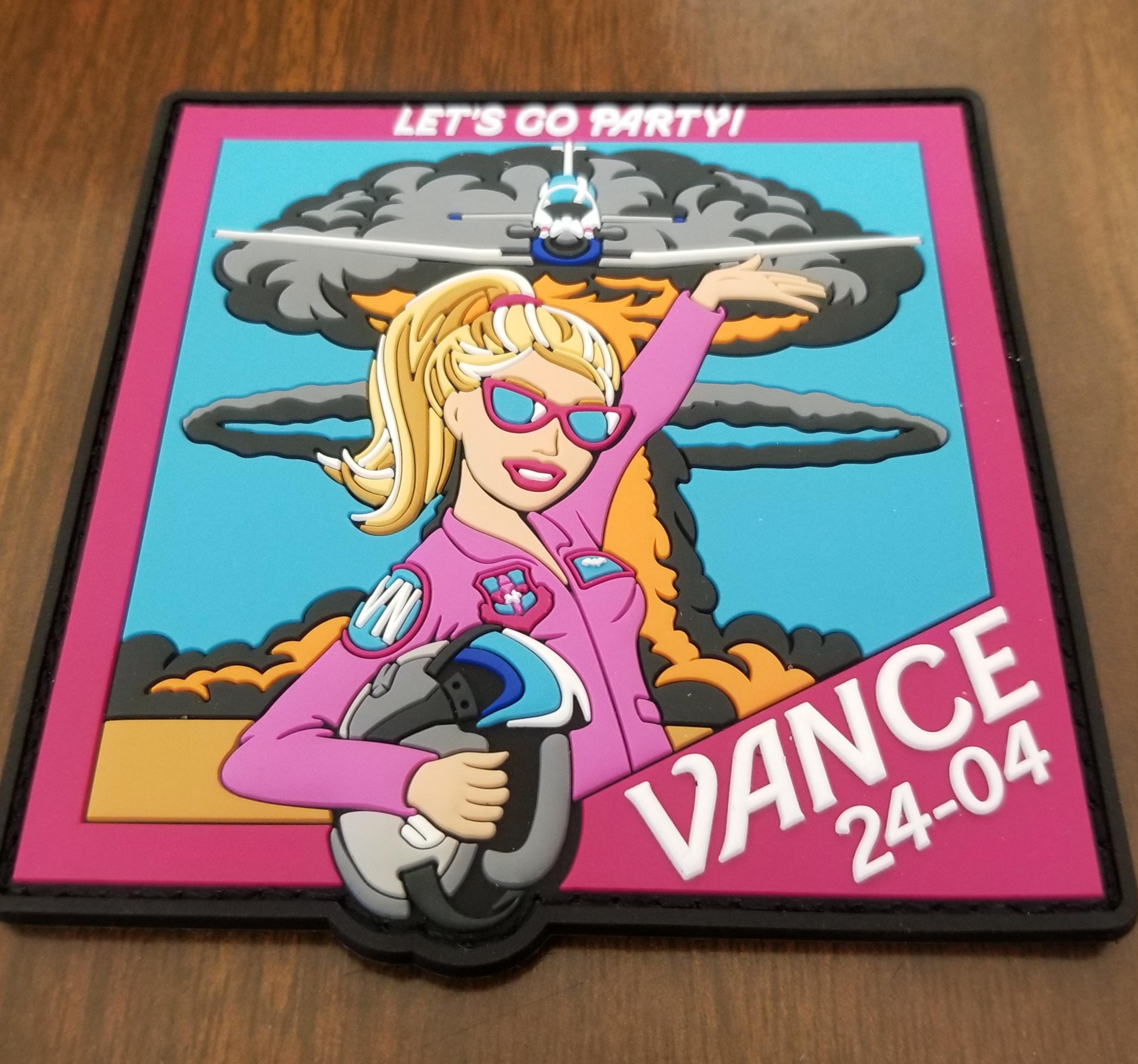
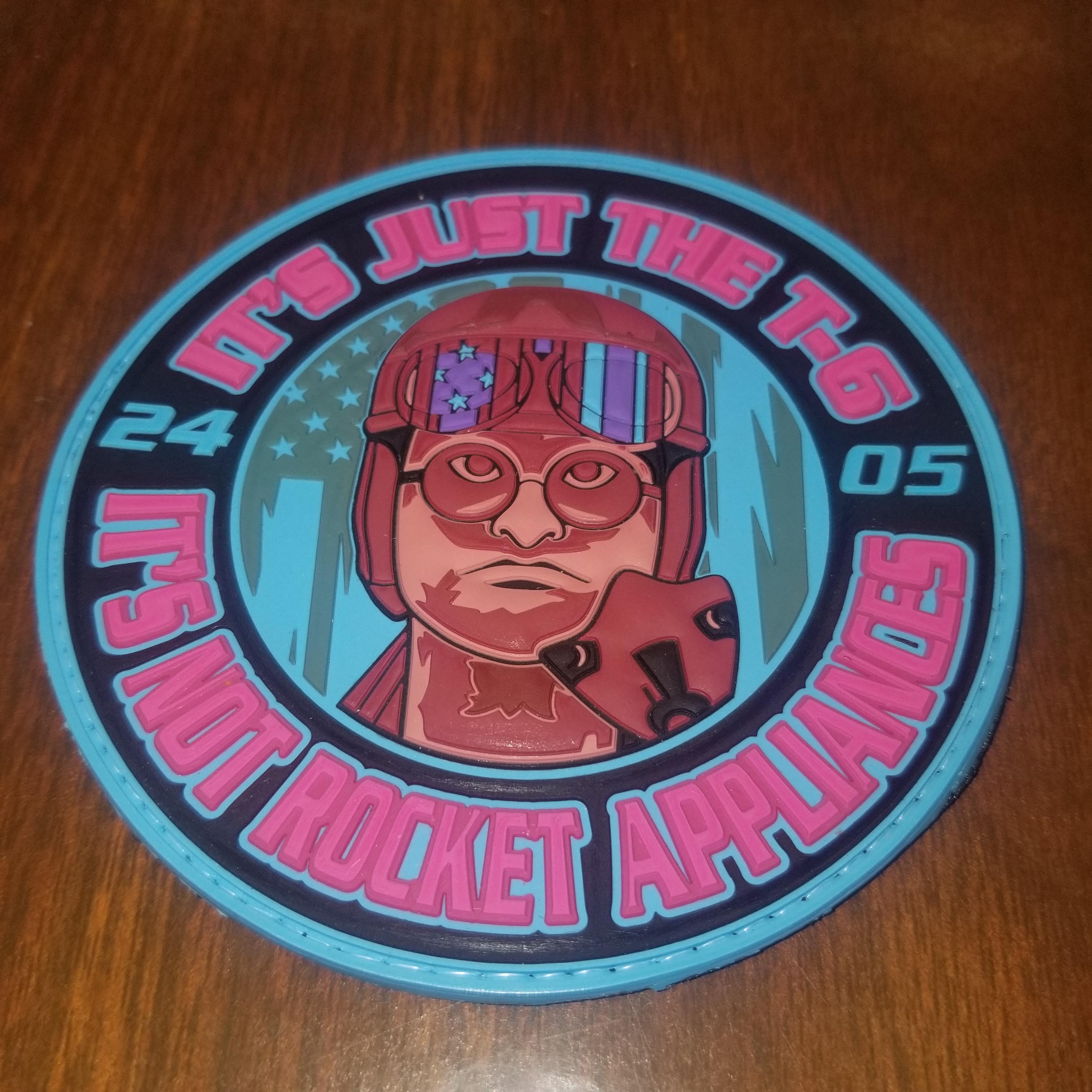
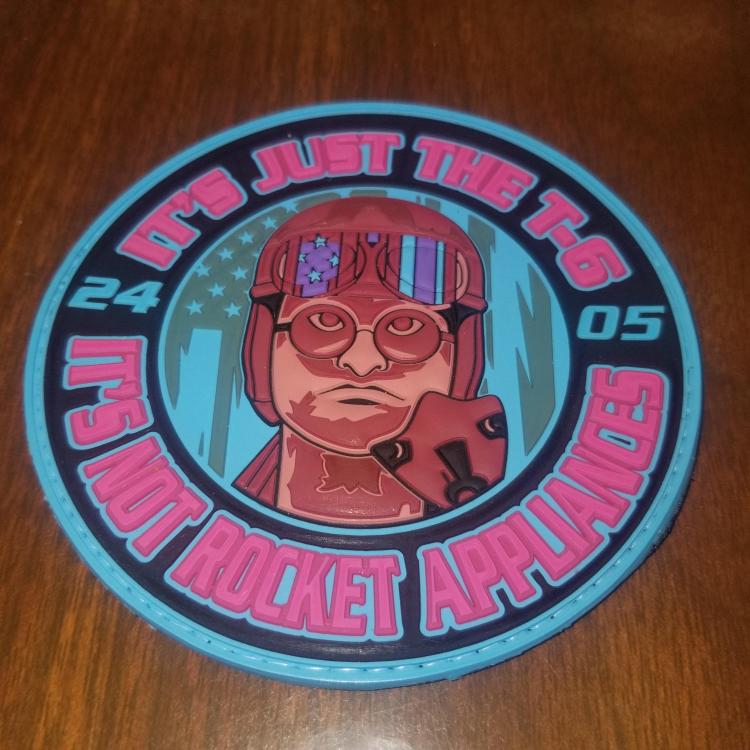
Recently started collecting UPT class patches from students we support here at Vance. Would love to see how creative they get. Here is 24-05. Feel free to post an image of your class patch.
-
-
I did also, no reply. Wonder if they research it.
-
Couldn't agree more!
-
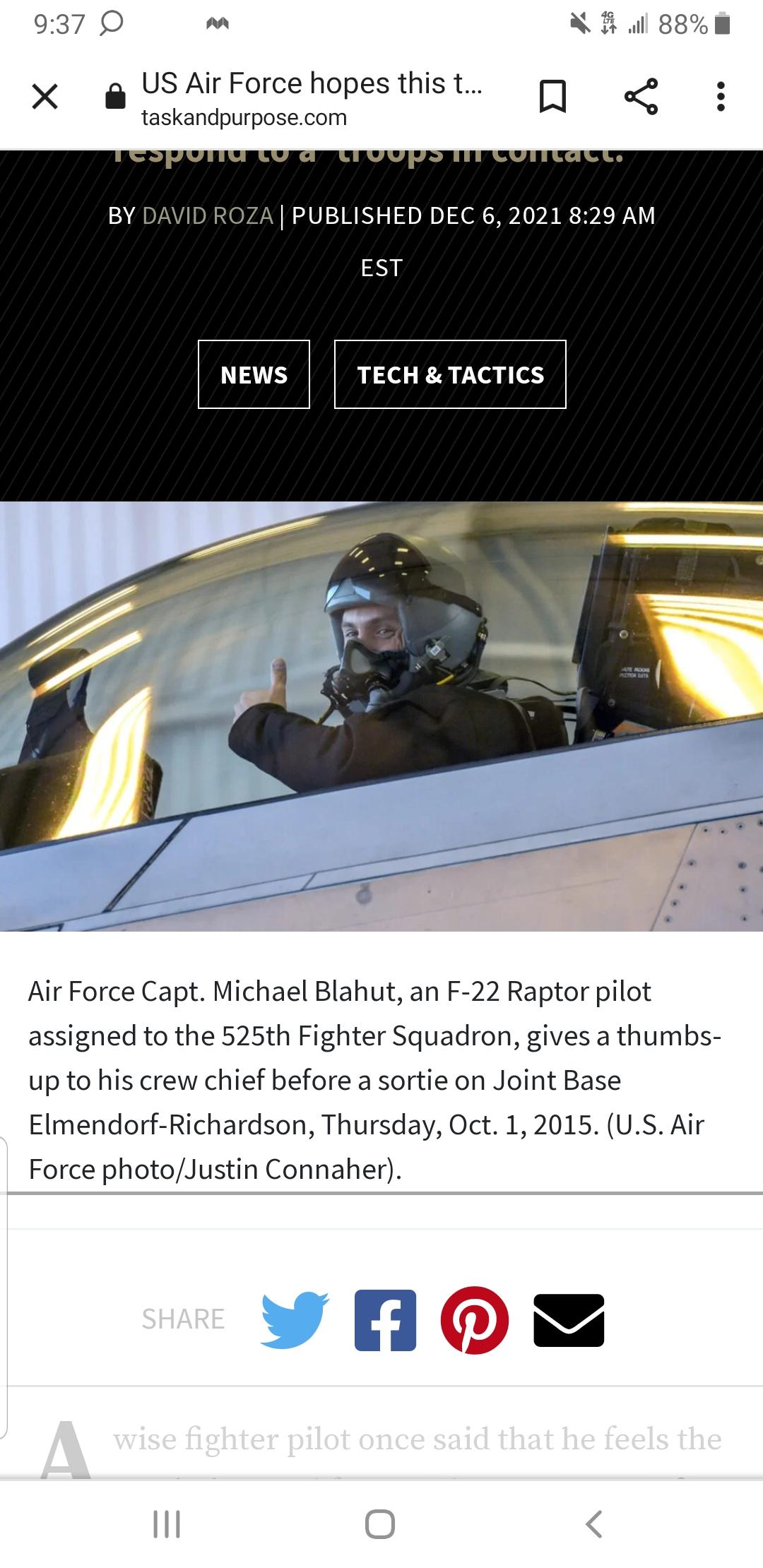
Nope, newer mask with dropdown bayonet receiver plus it's a F-22. Image taken from Warzone.