Moley
Registered User
-
Joined
-
Last visited
Everything posted by Moley
-
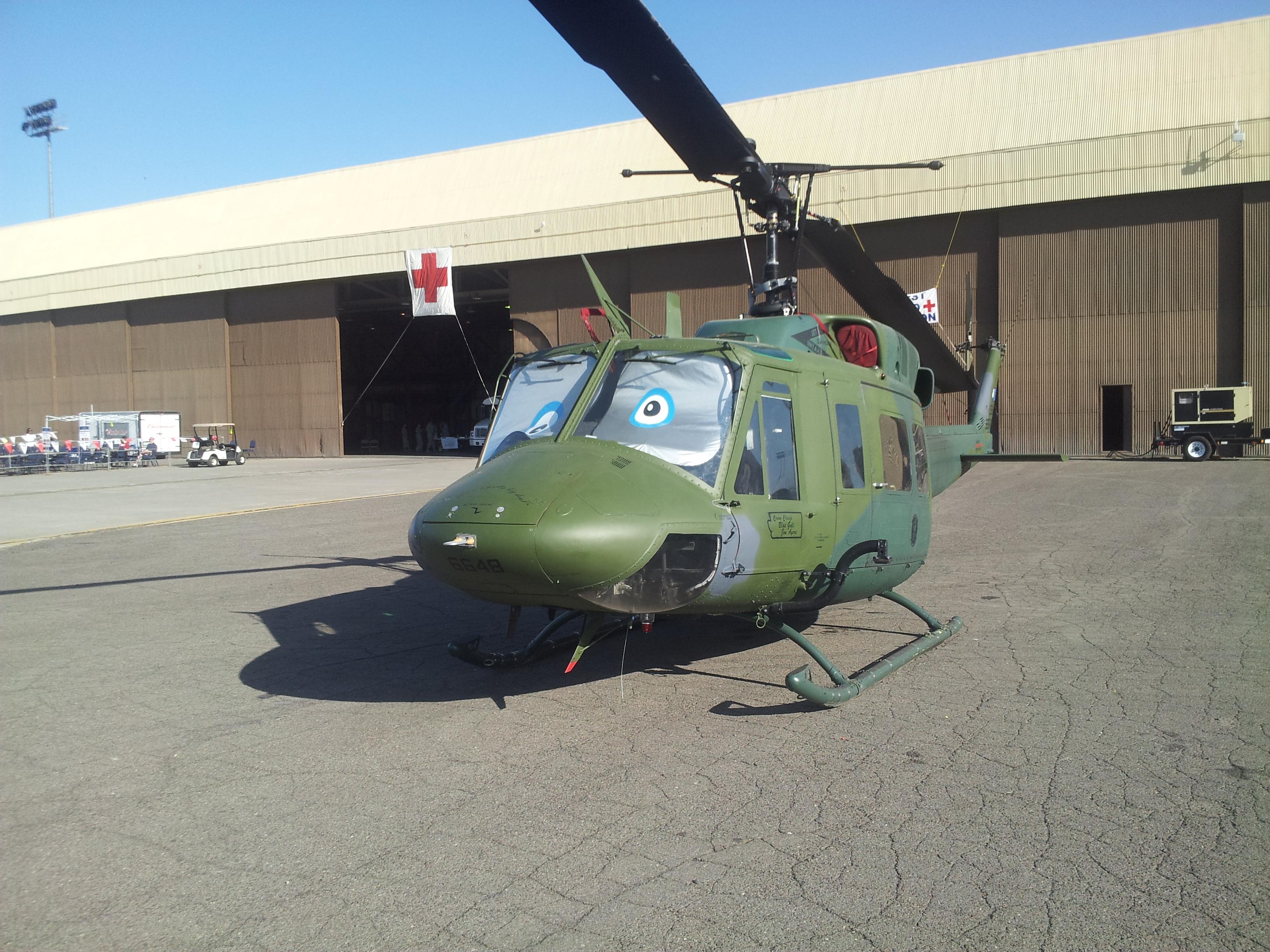
We still have them at Vance, only see them flying occasionally.
-
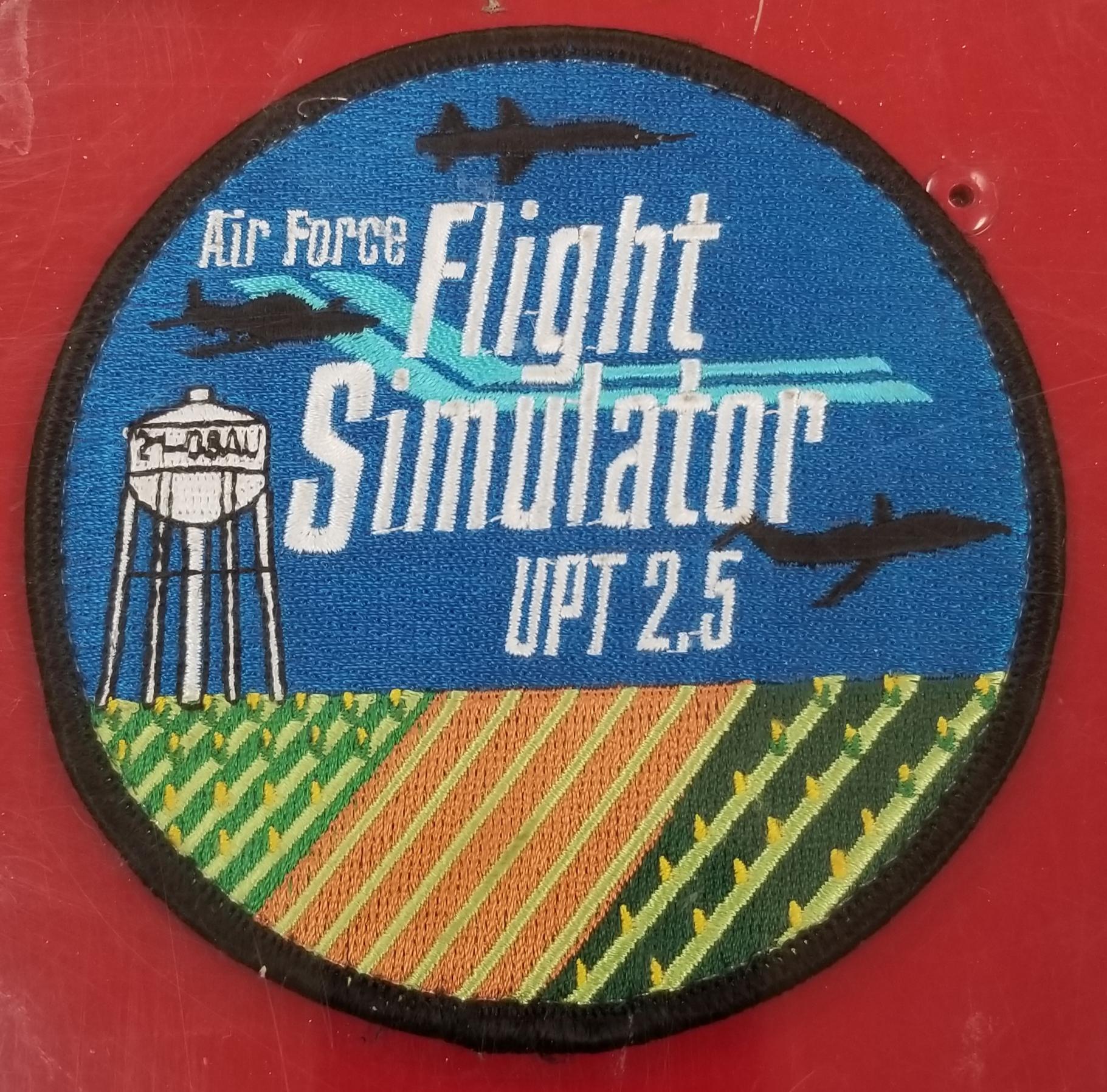
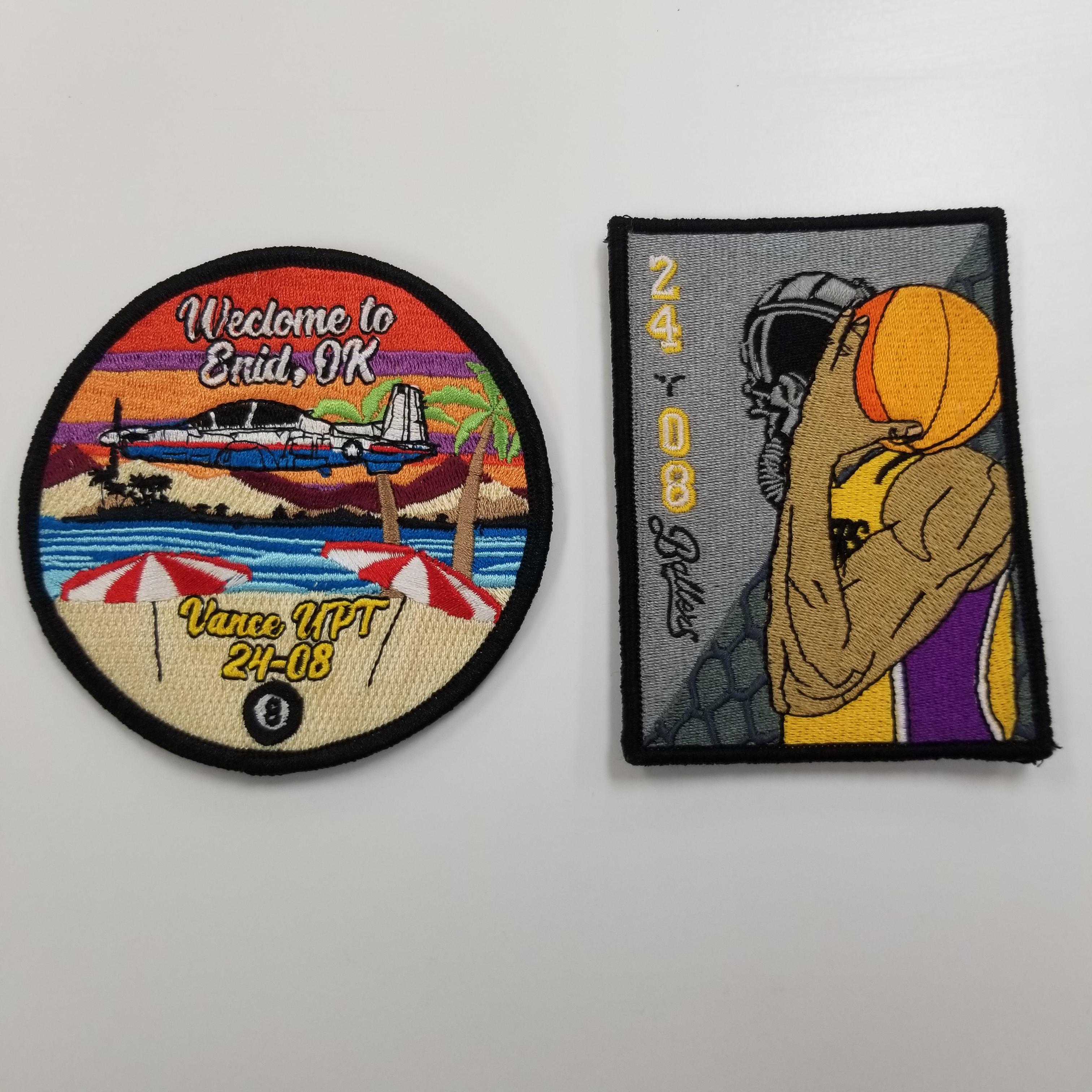
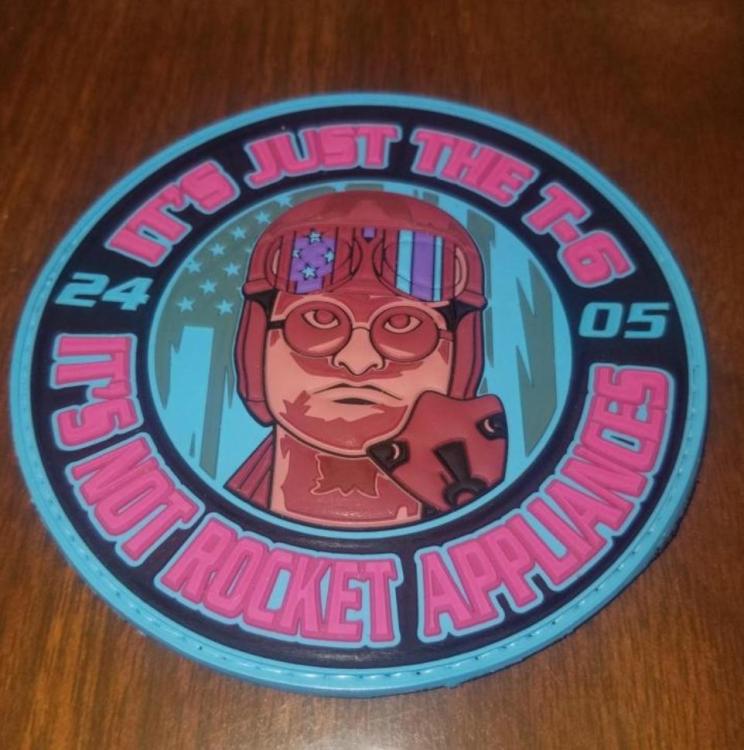
Hey folks, just wondering if anyone had any extra of these Vance class patches they could spare? I'm trying to fill some gaps in my class patch board at the parachute shop here. Thanks Cheers!
-
-
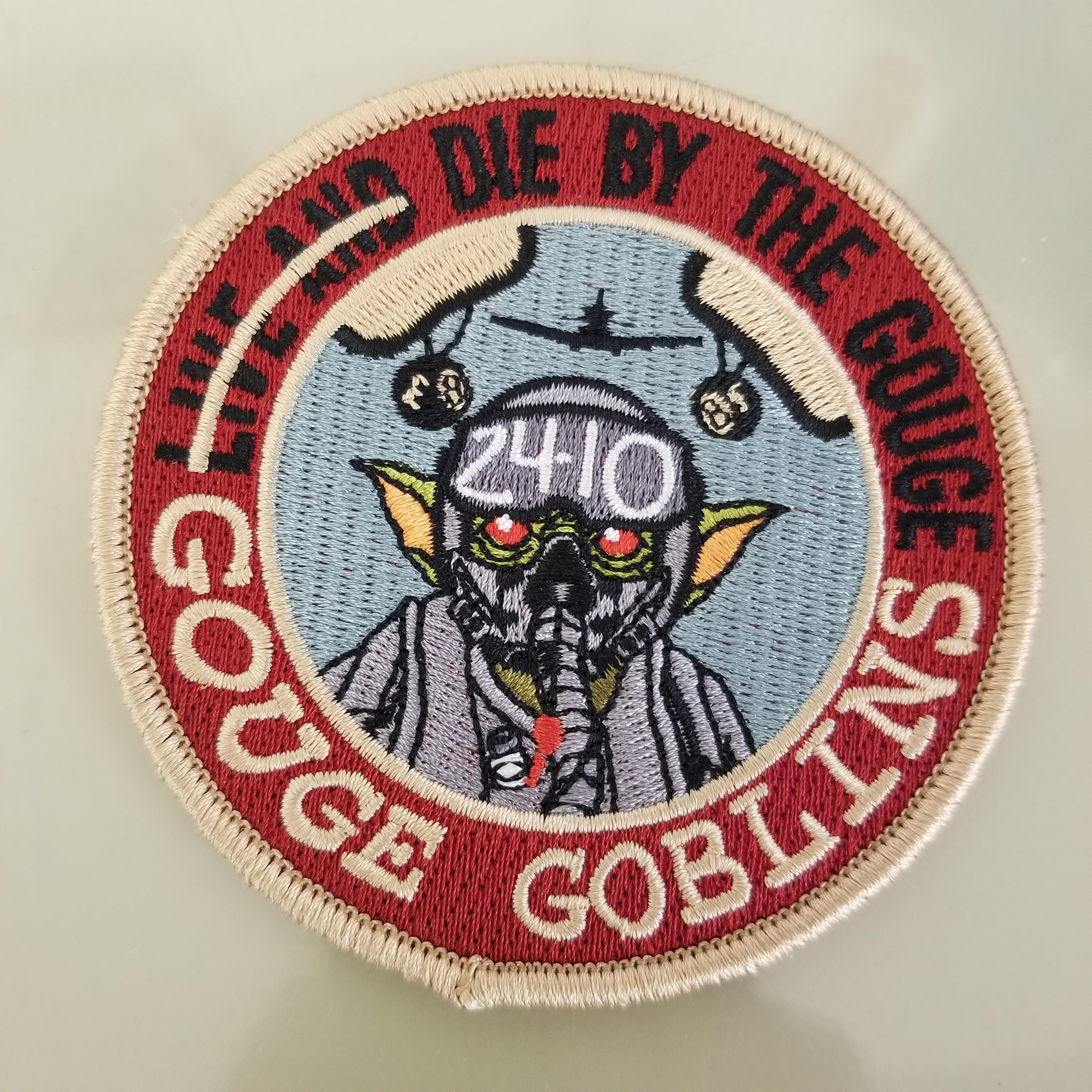
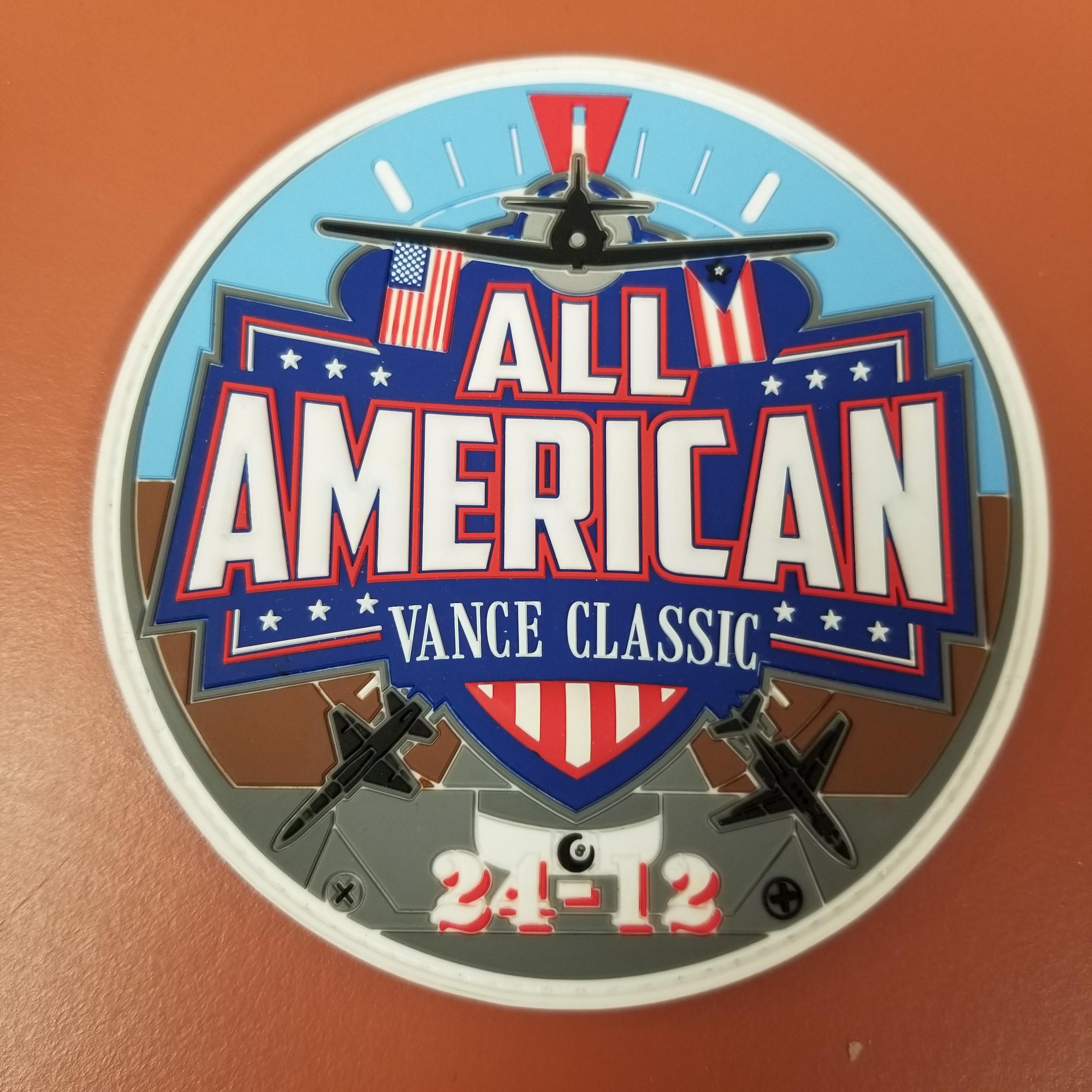
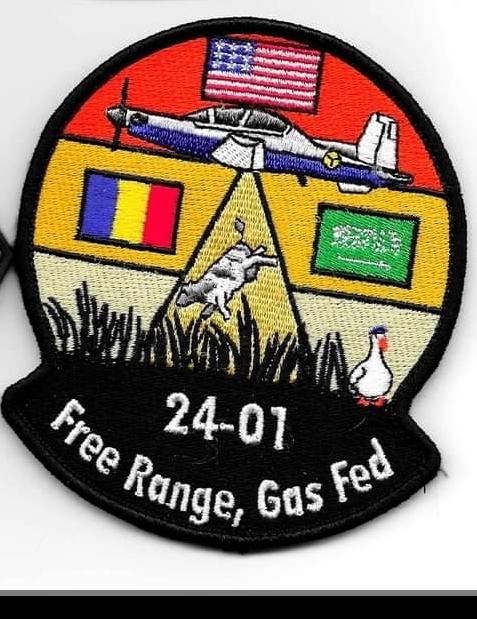
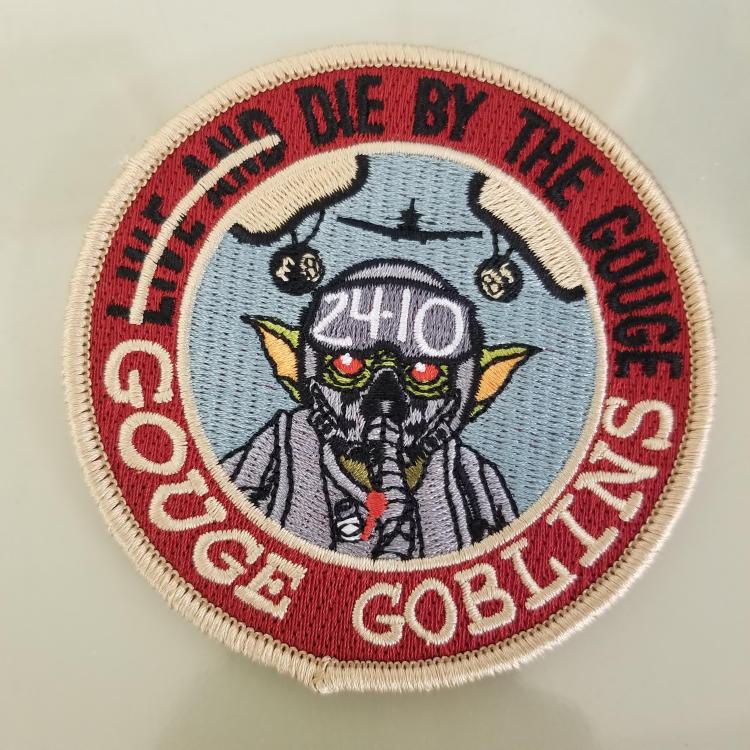
Vance 24-10 added to our board at work.
-
-
-
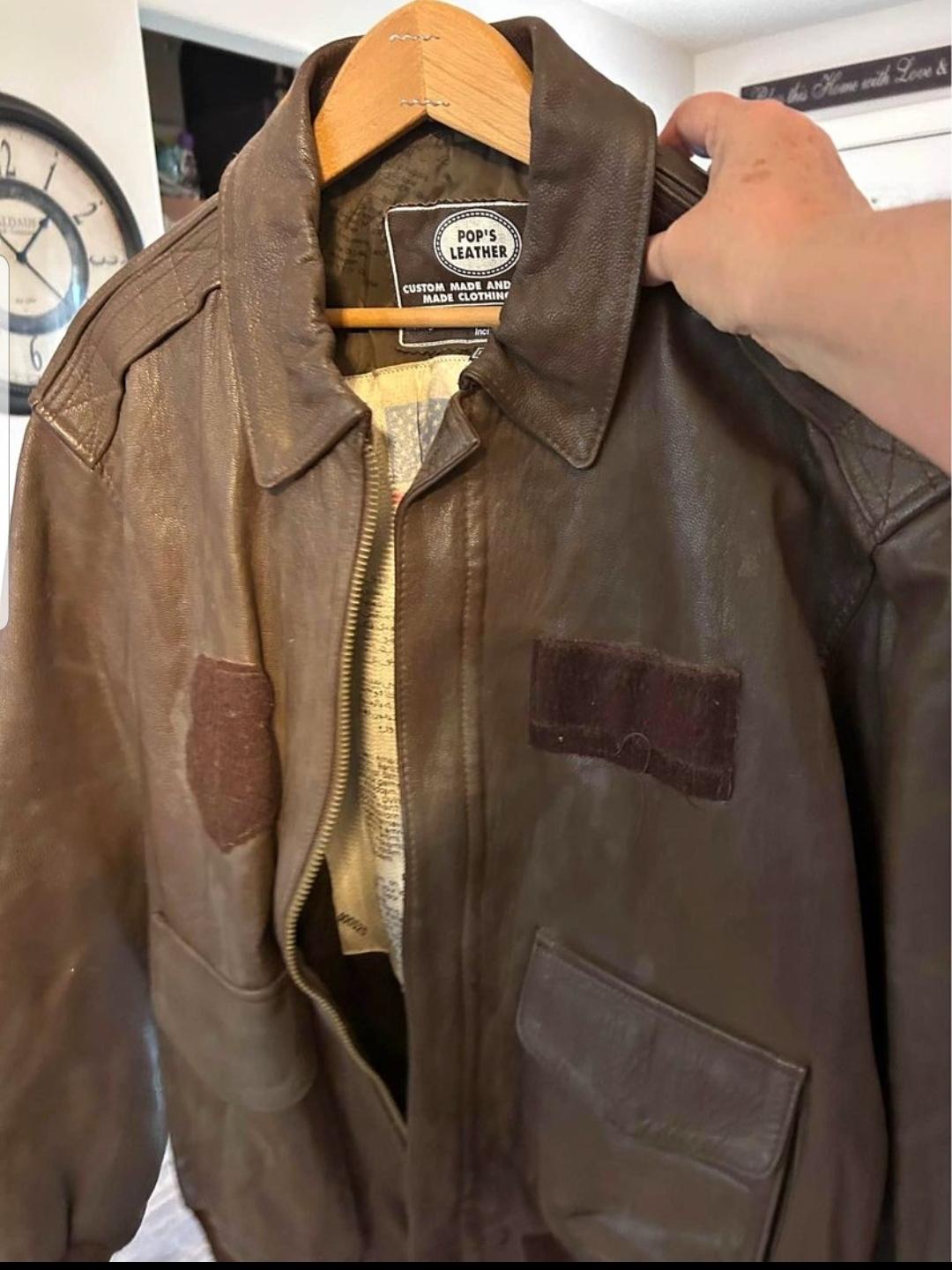
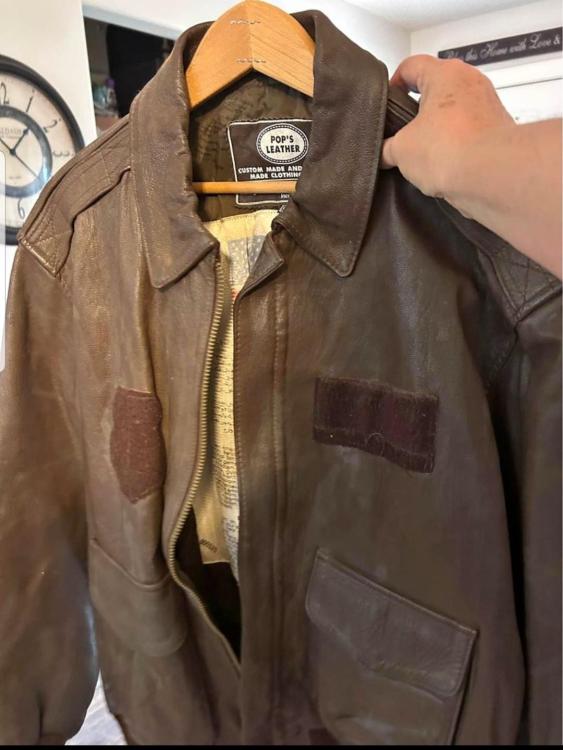
Reviving an old discussion, came across this locally for $25 and couldn't resist a Pops jacket for that much.
-
-
-
-
-
-
-
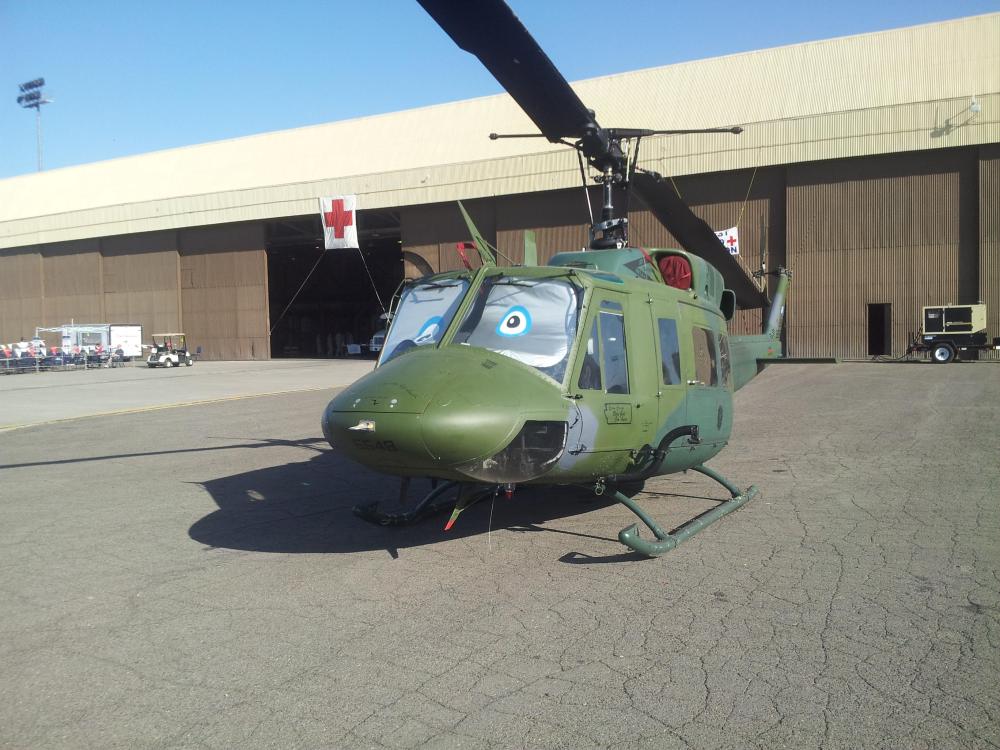
Bottom one is cool, spent six years up there in the 92nd and retired 2016.
-
-
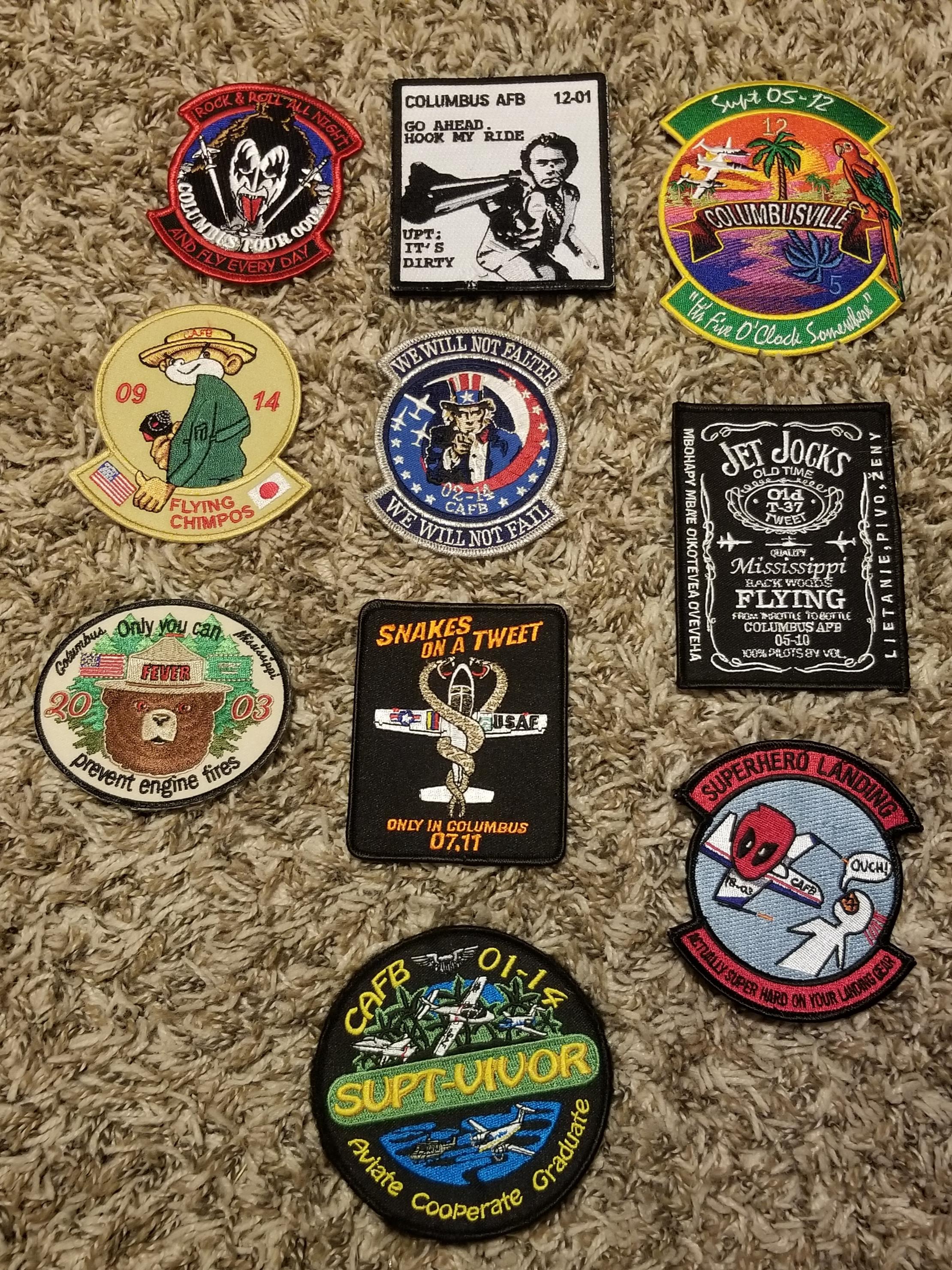
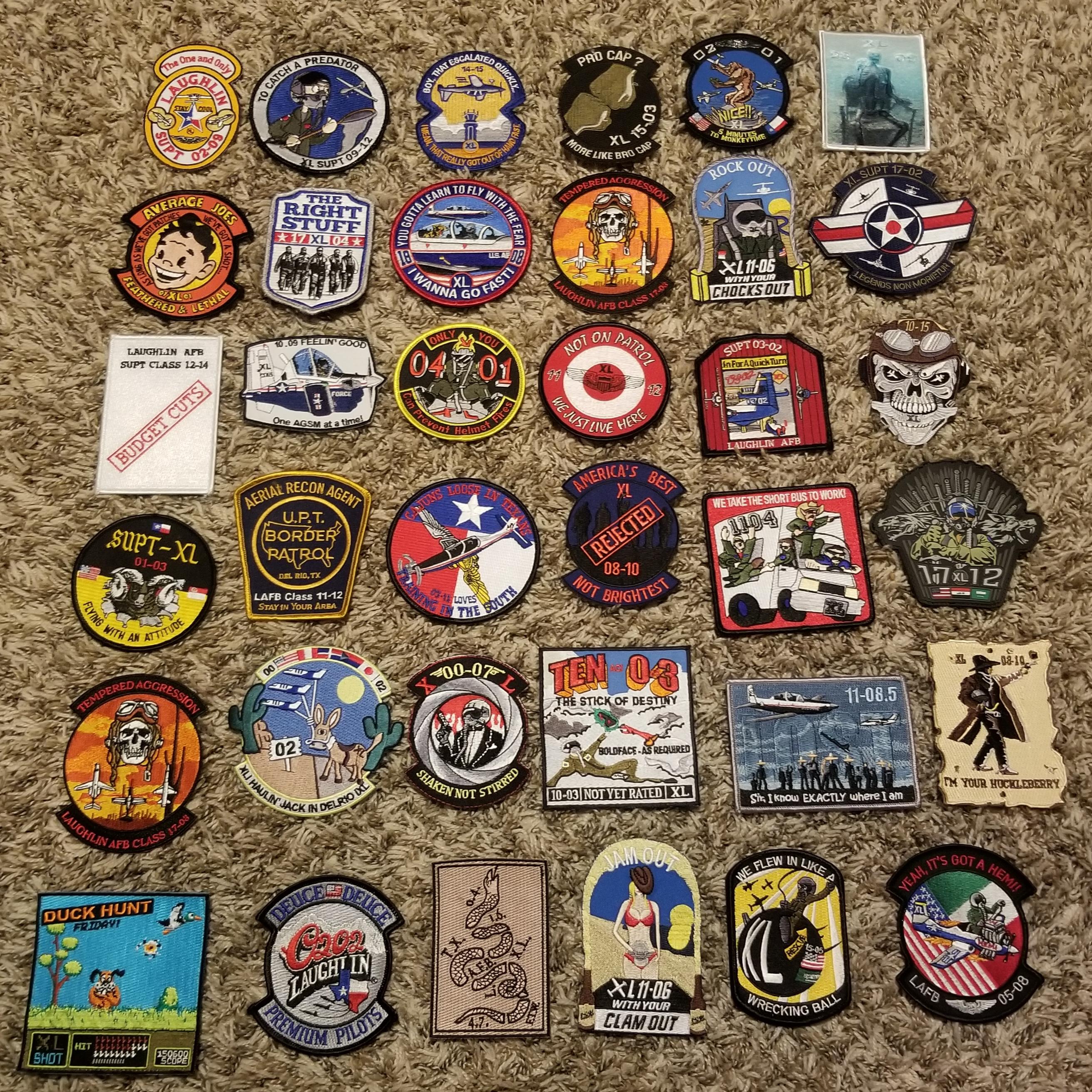
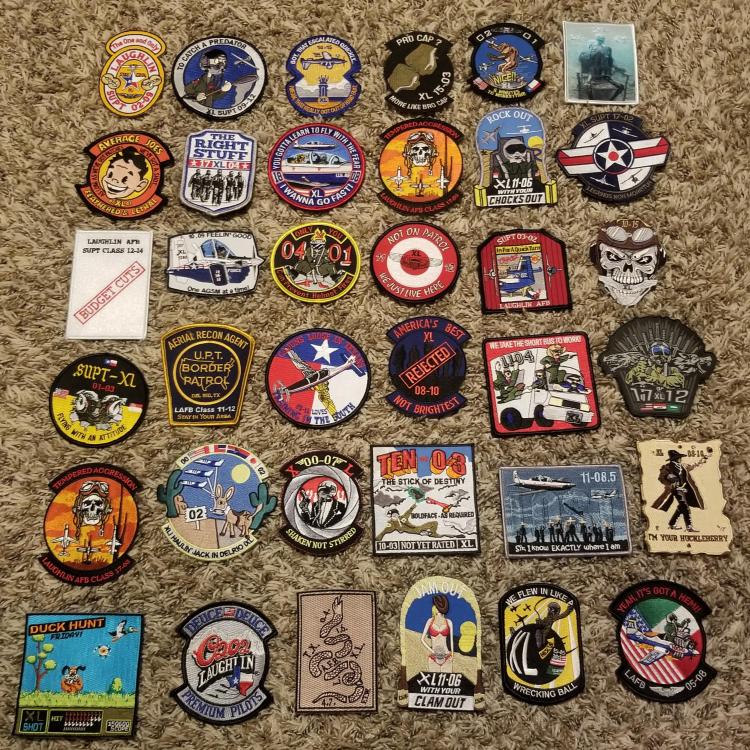
A few Laughlin class patches I came across.
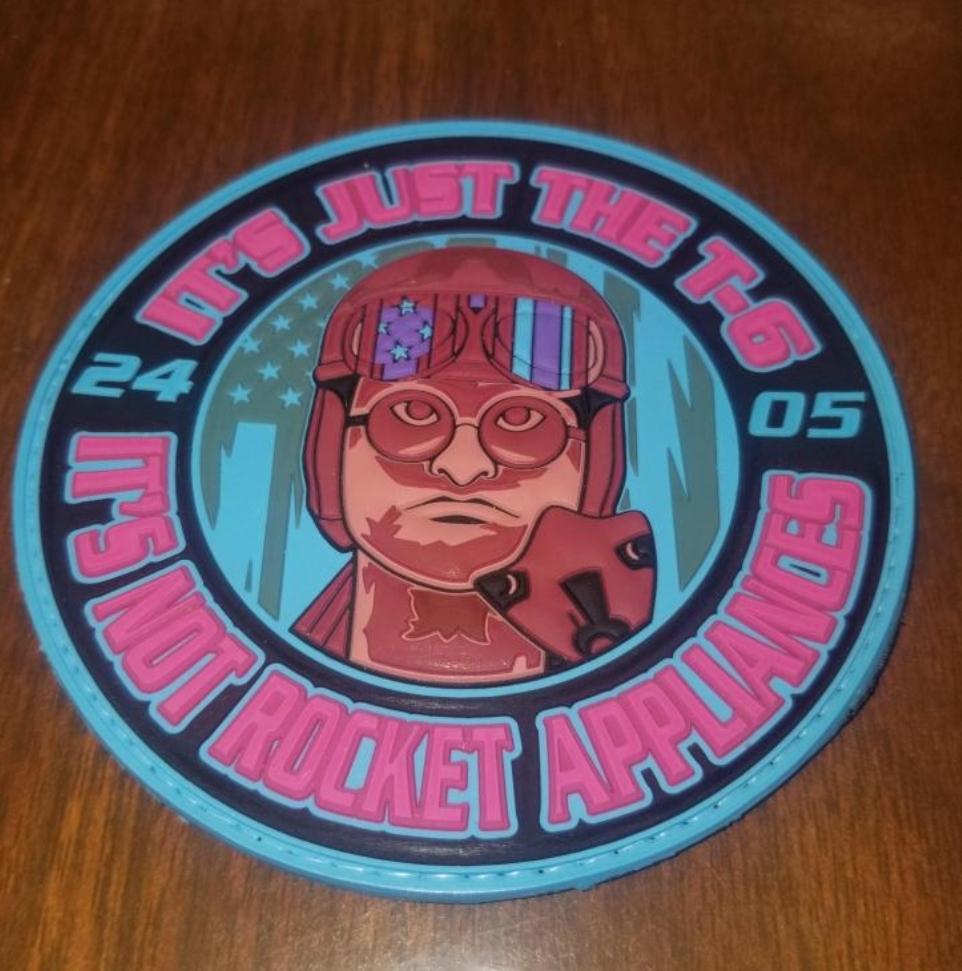
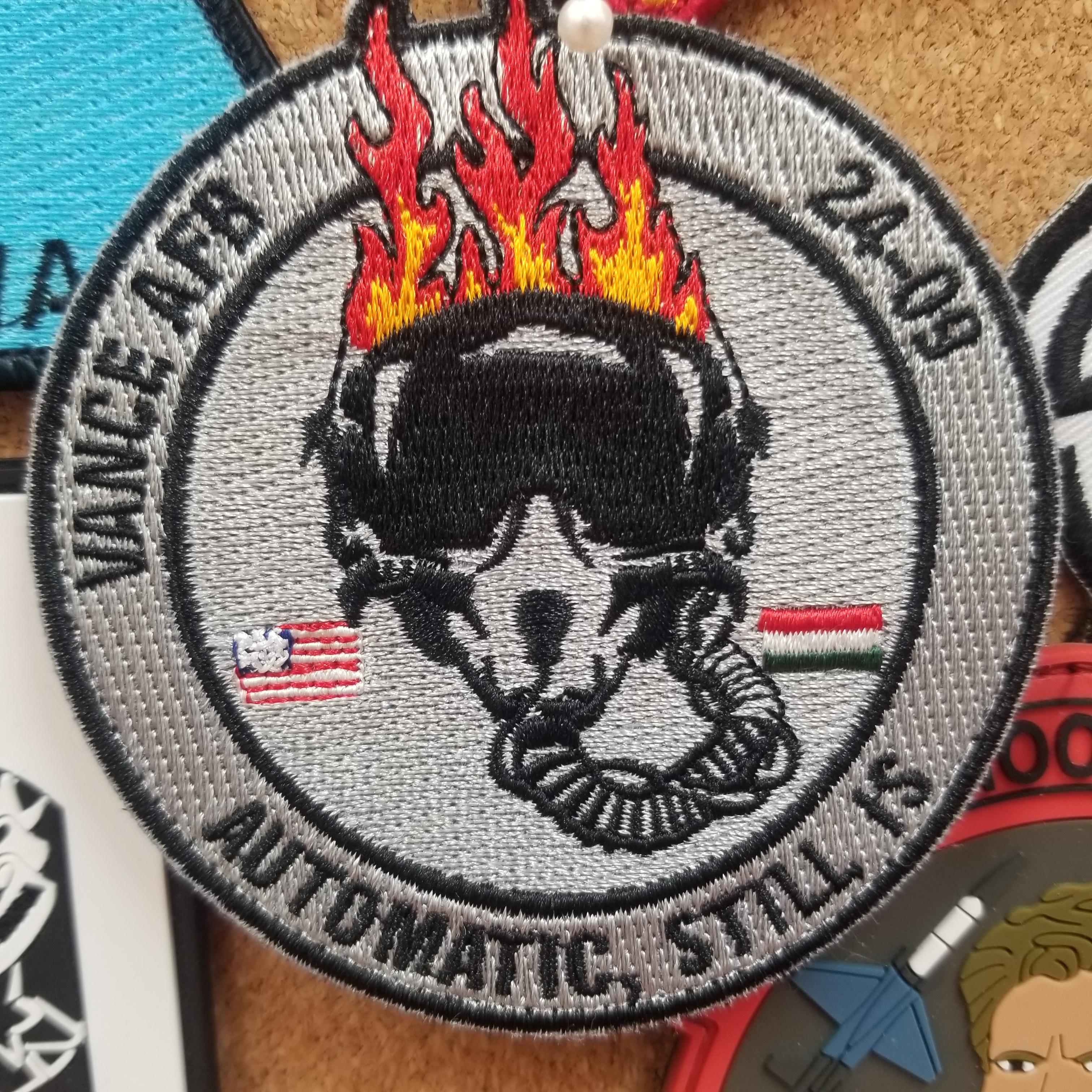
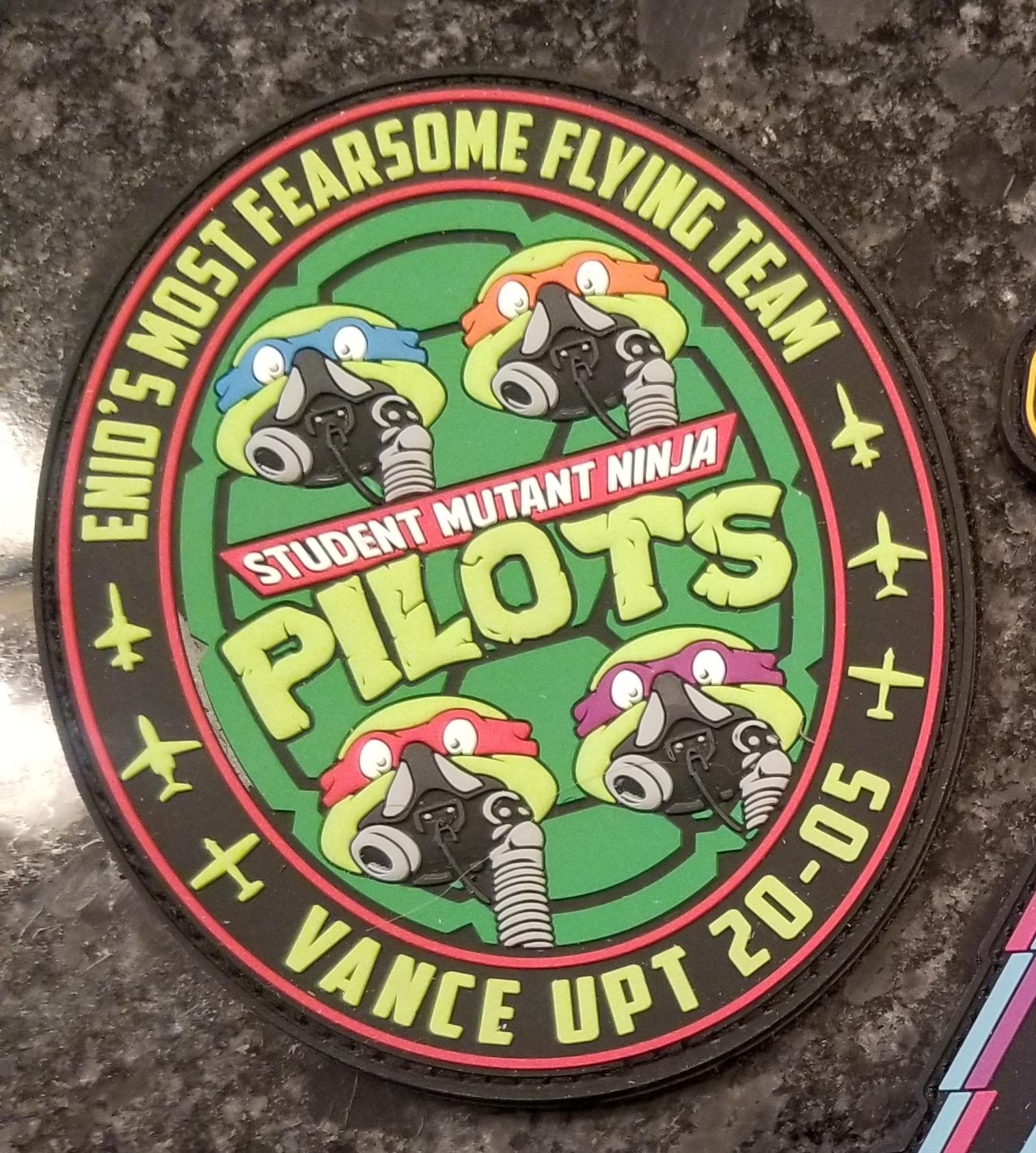
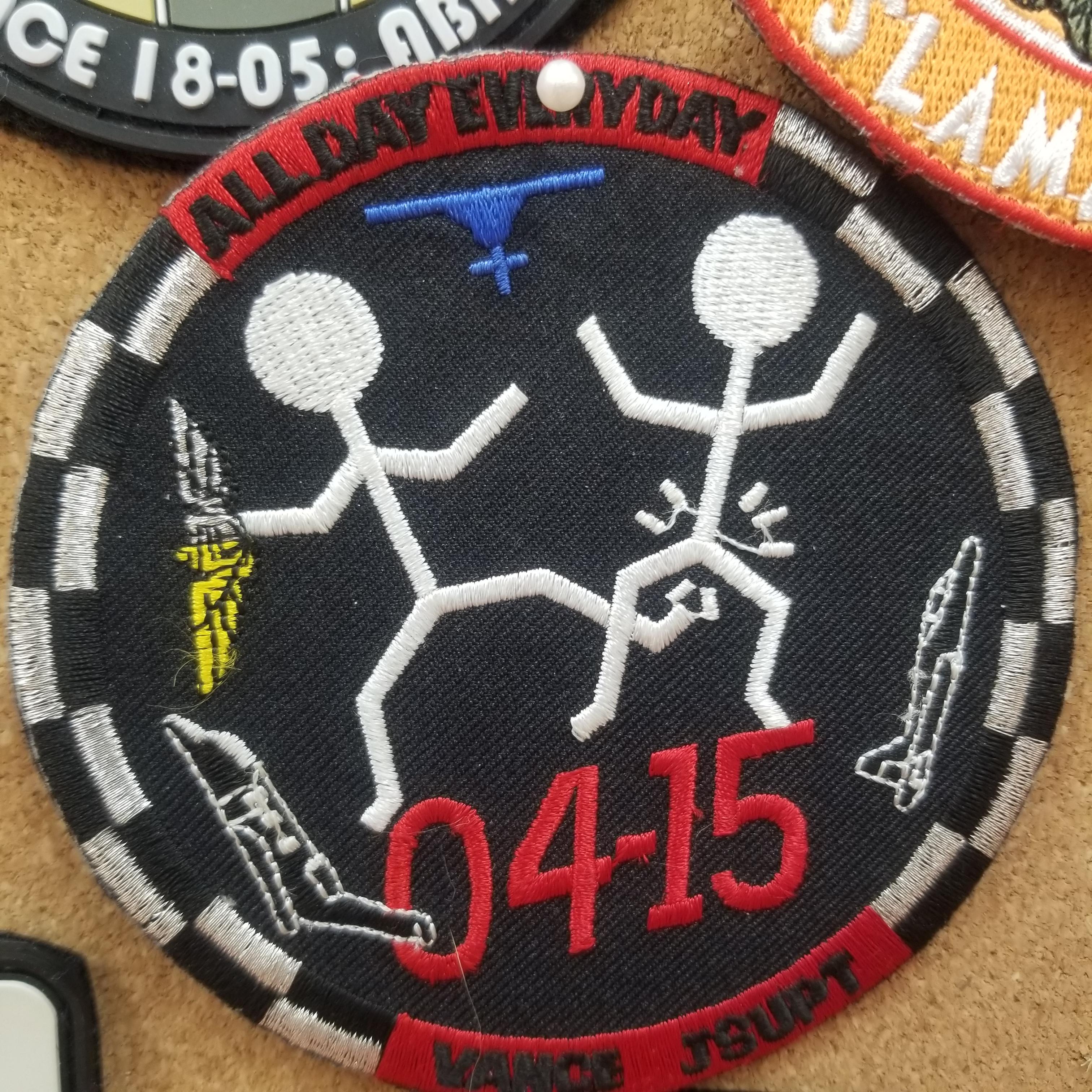
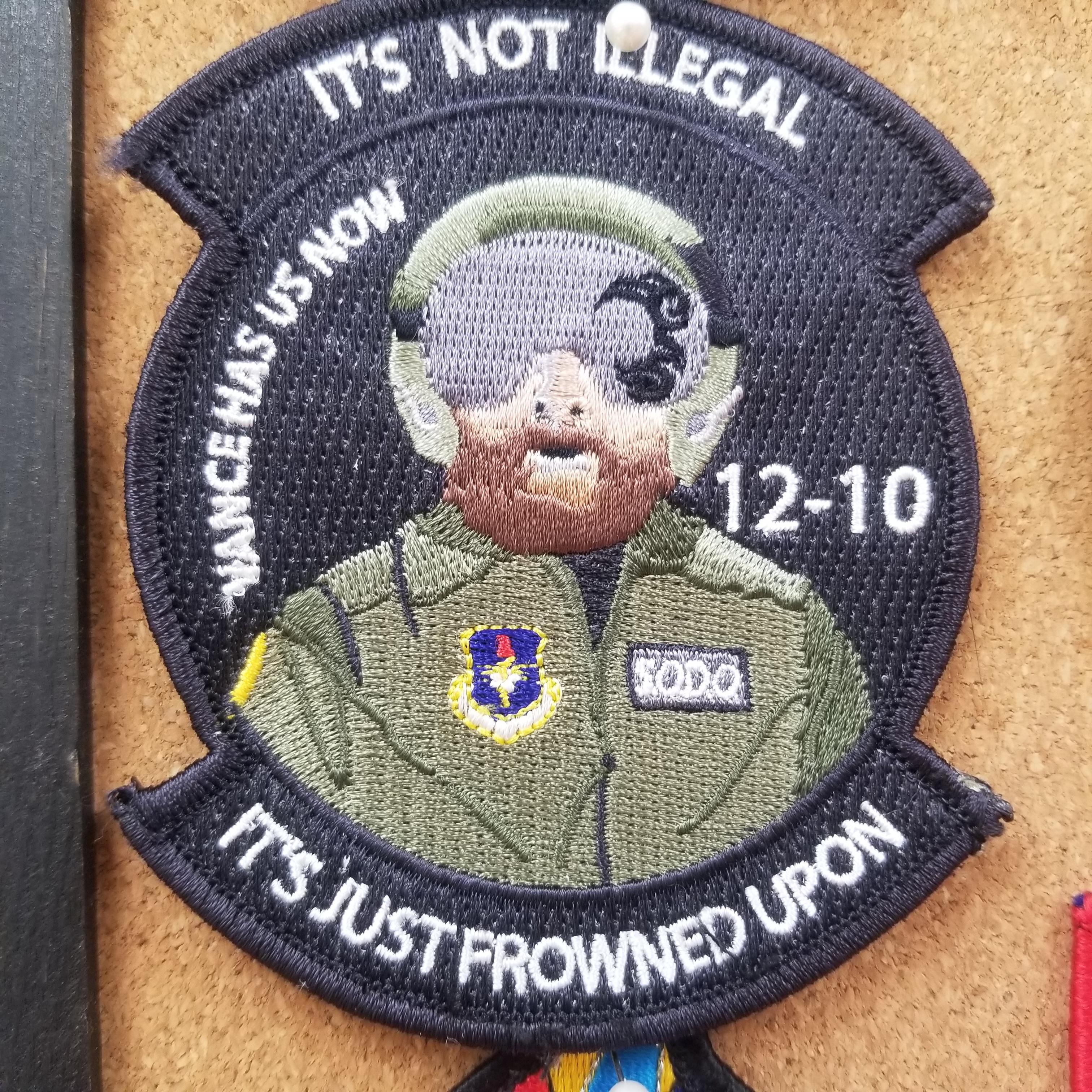
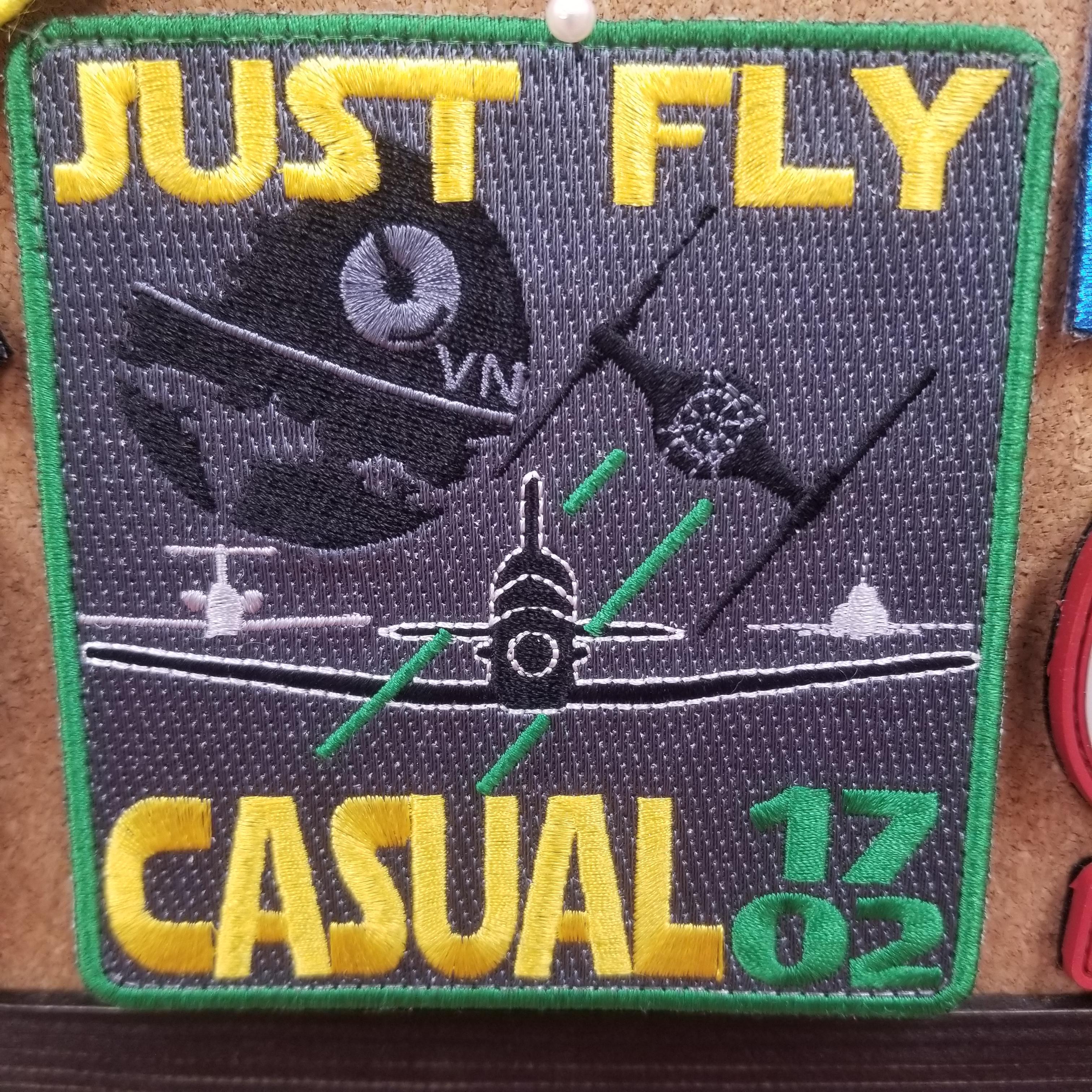
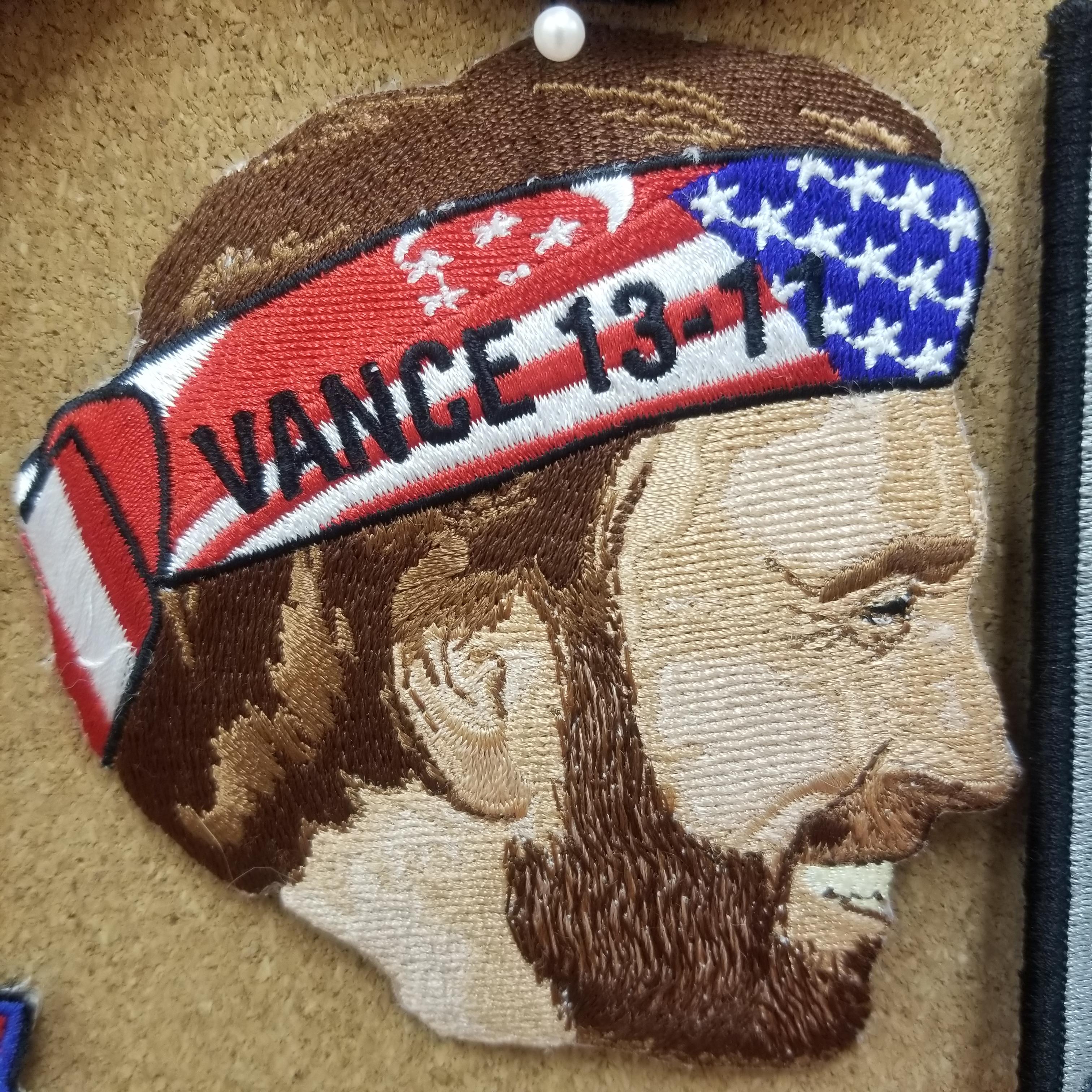
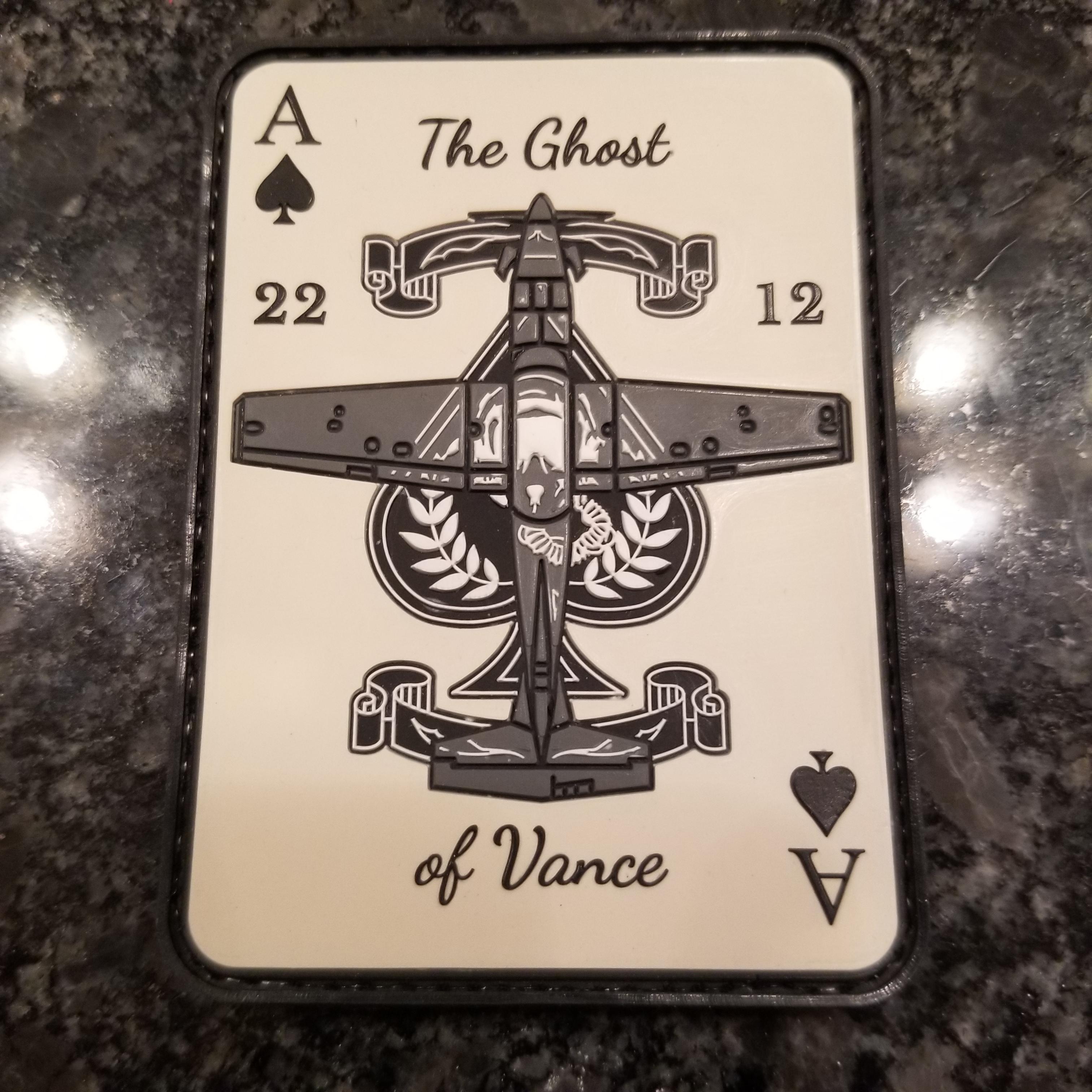
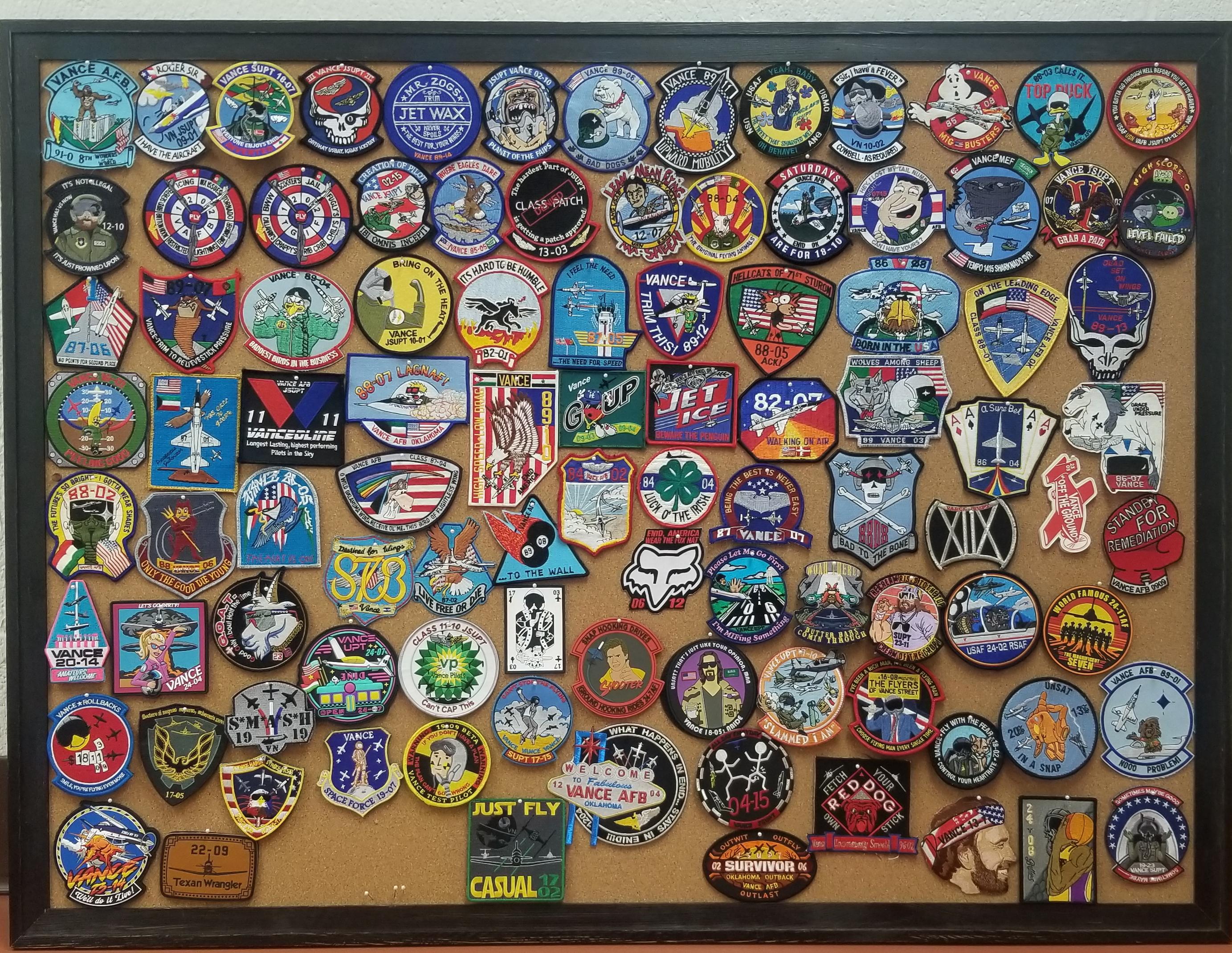
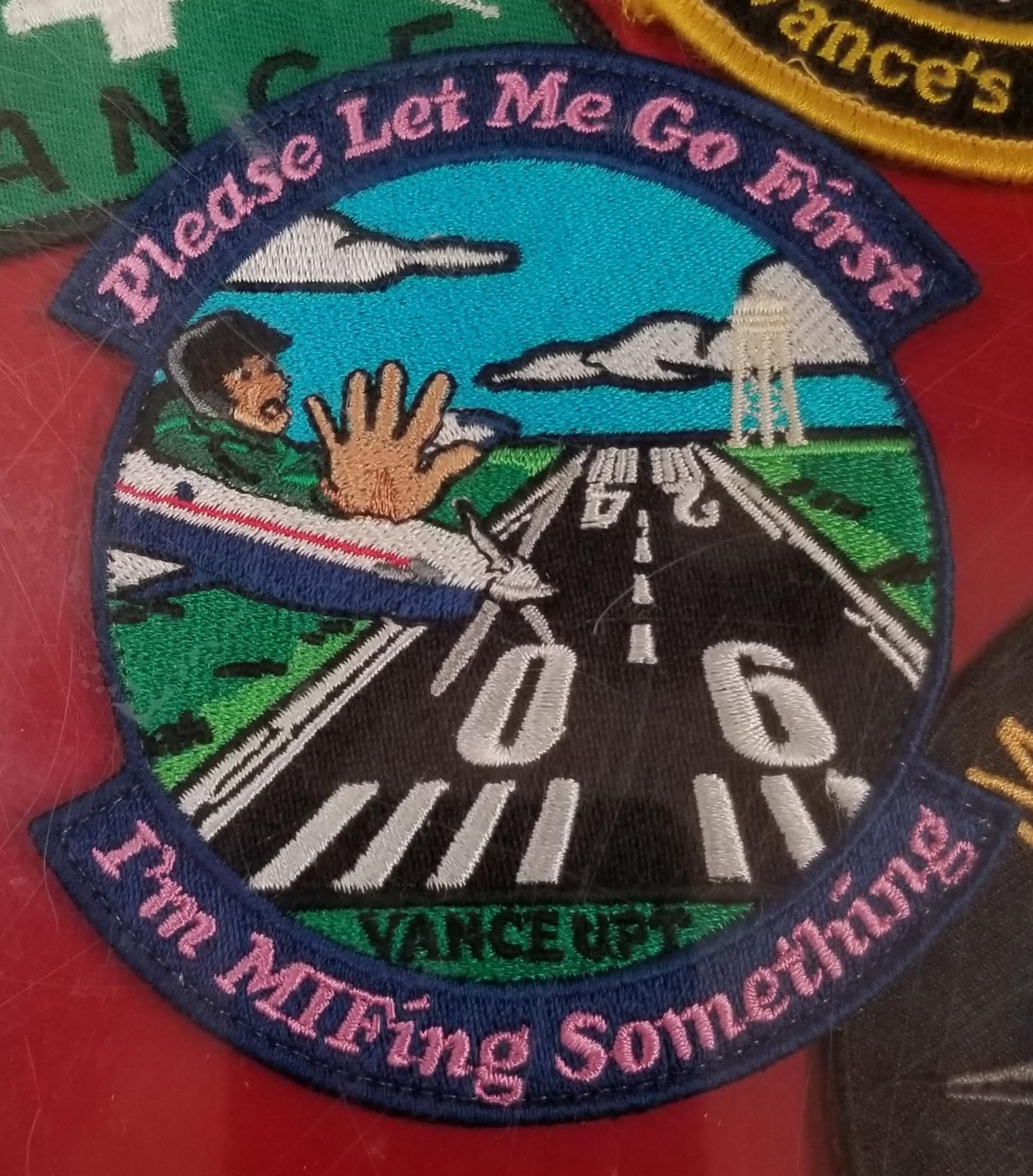
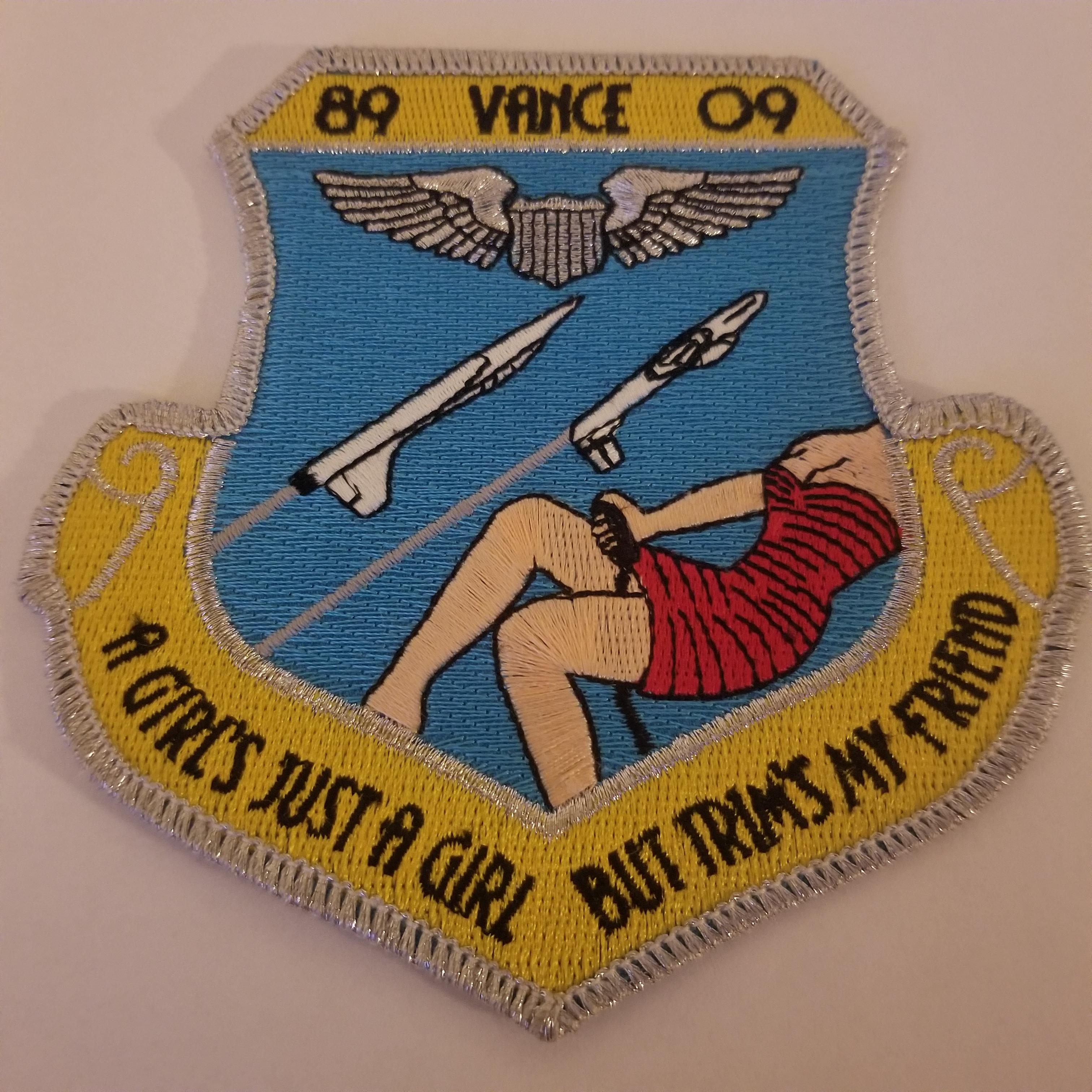
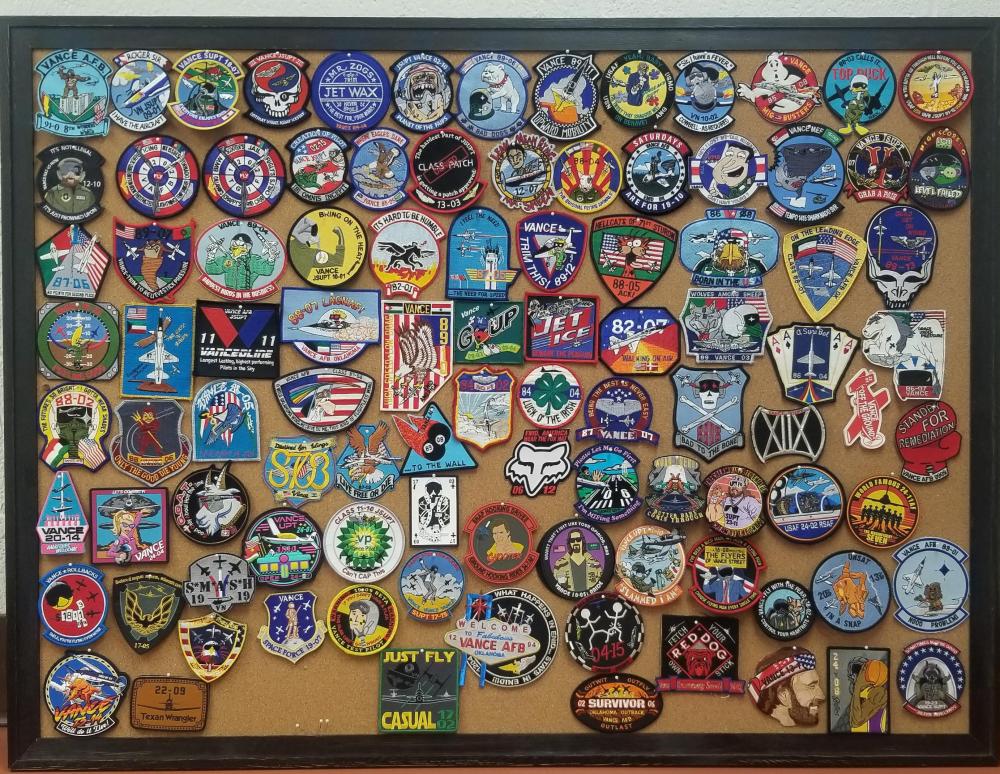
 I started up a board here at the Vance Parachute shop. All of these are Vance patches, still trying to grow the collection. Any of these look familiar?
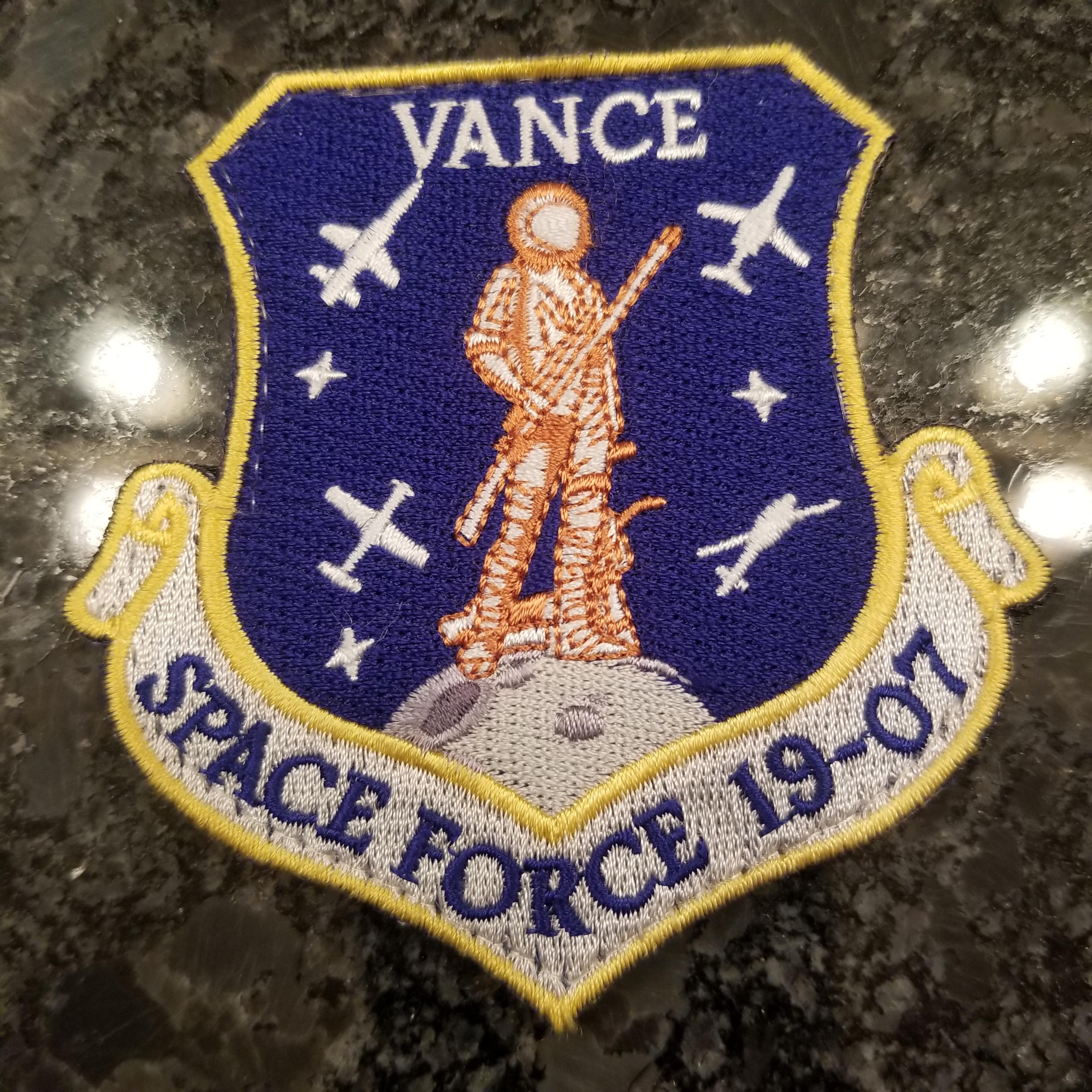
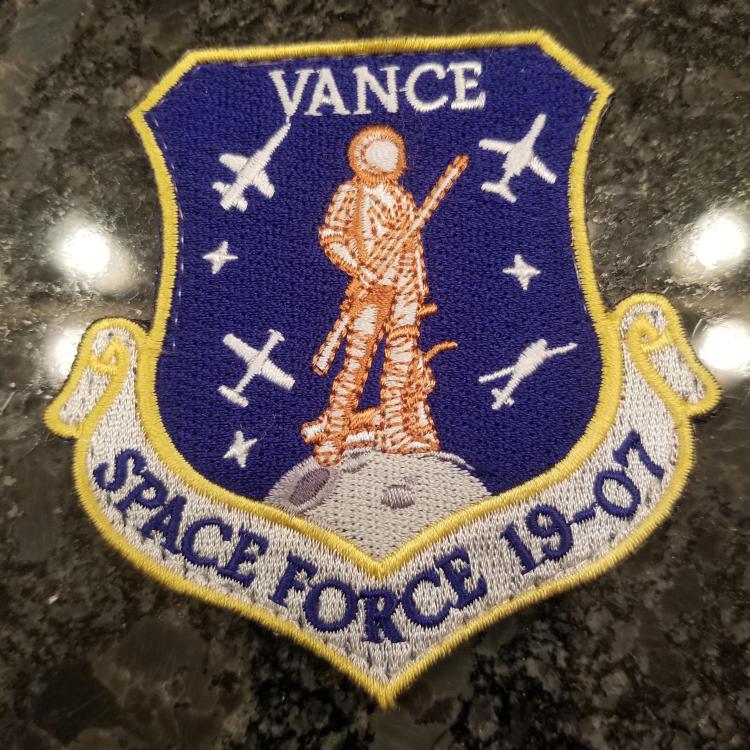
 Vance 19-07, some Space Force love.
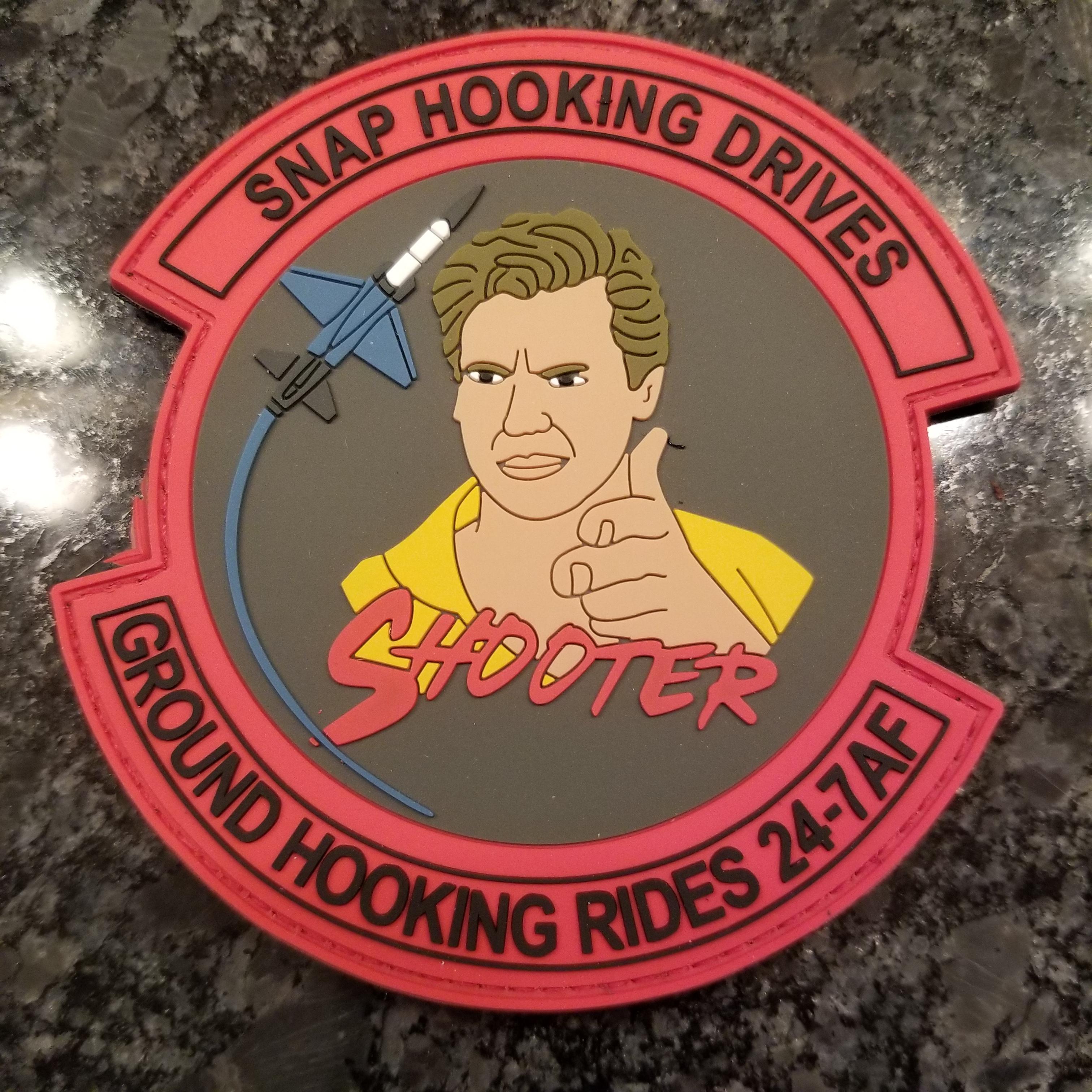
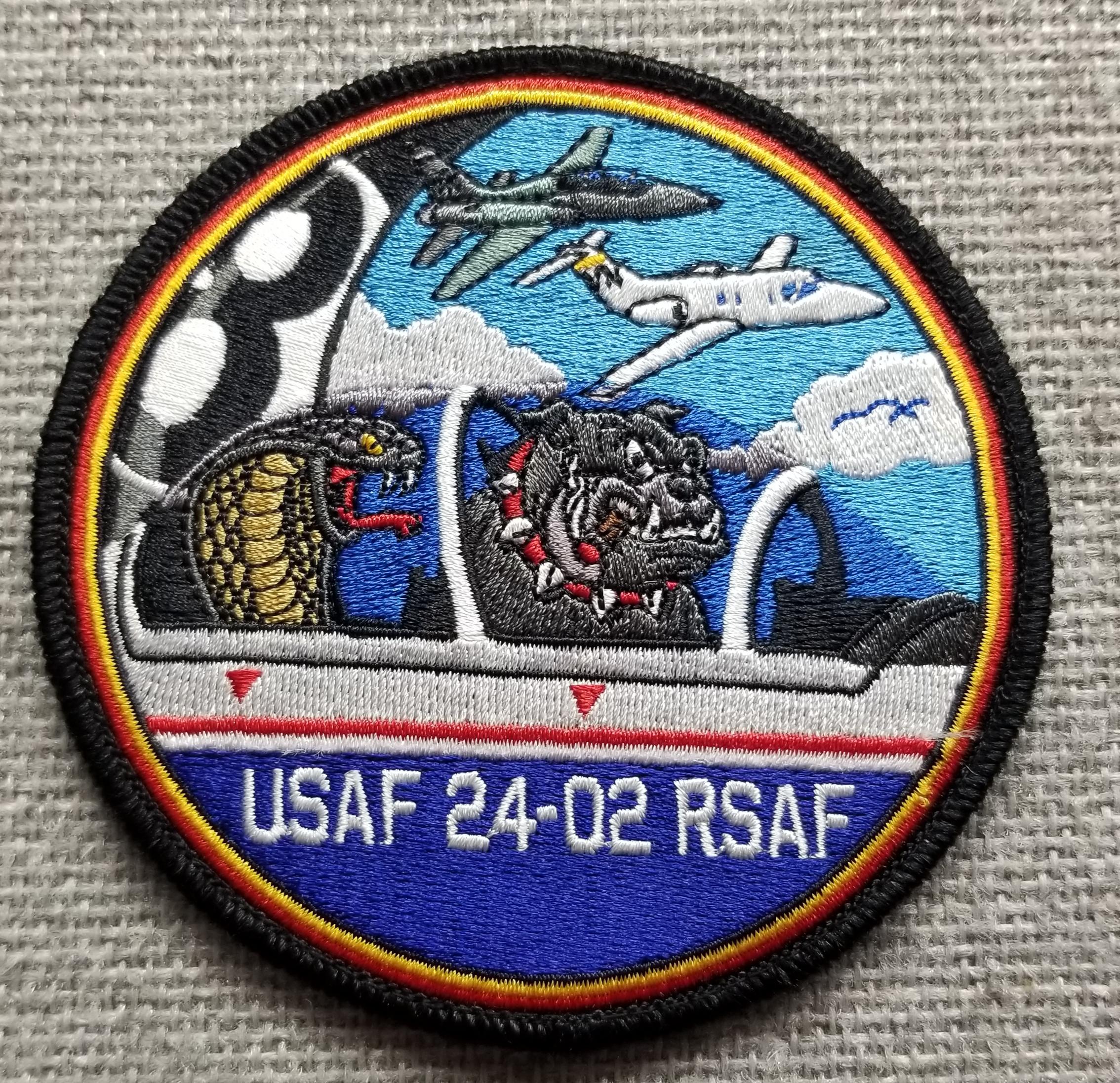
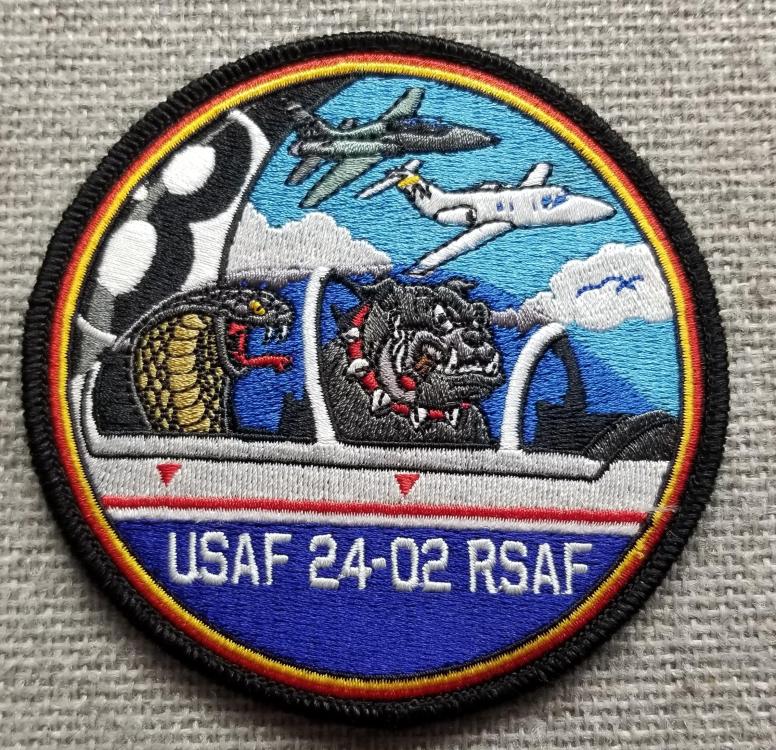
 Vance 24-02, on the hunt for two of these if anyone has any connections.
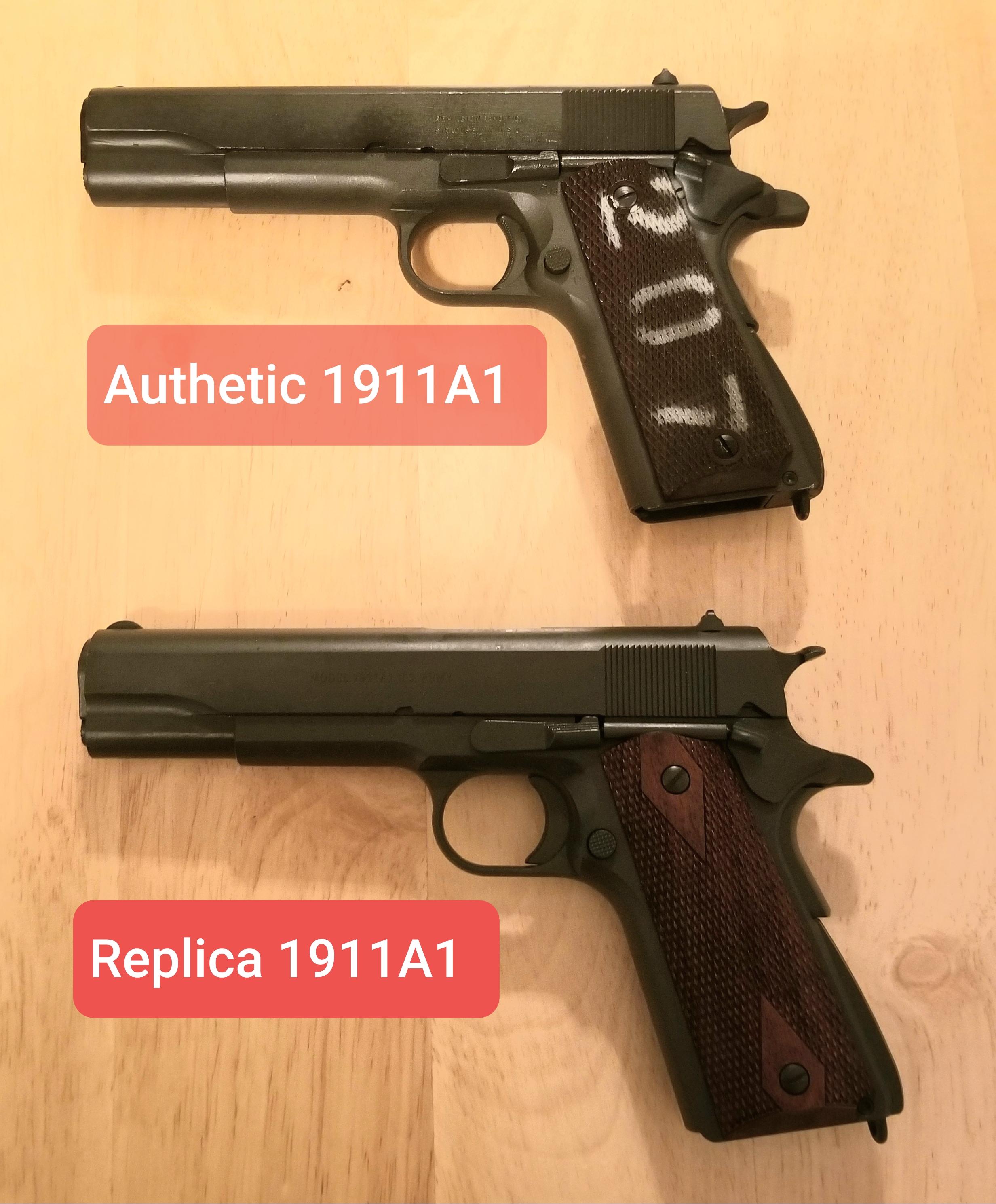
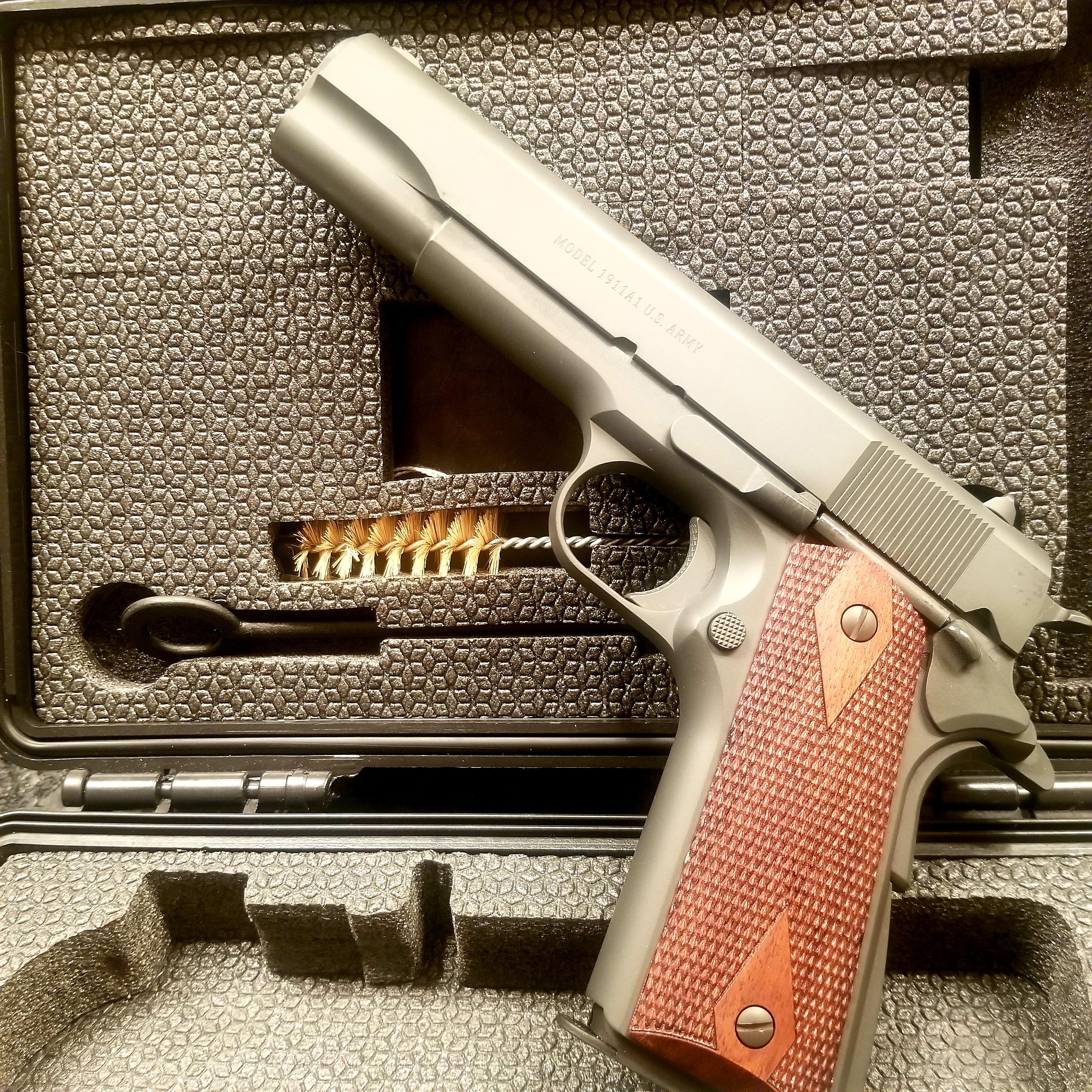
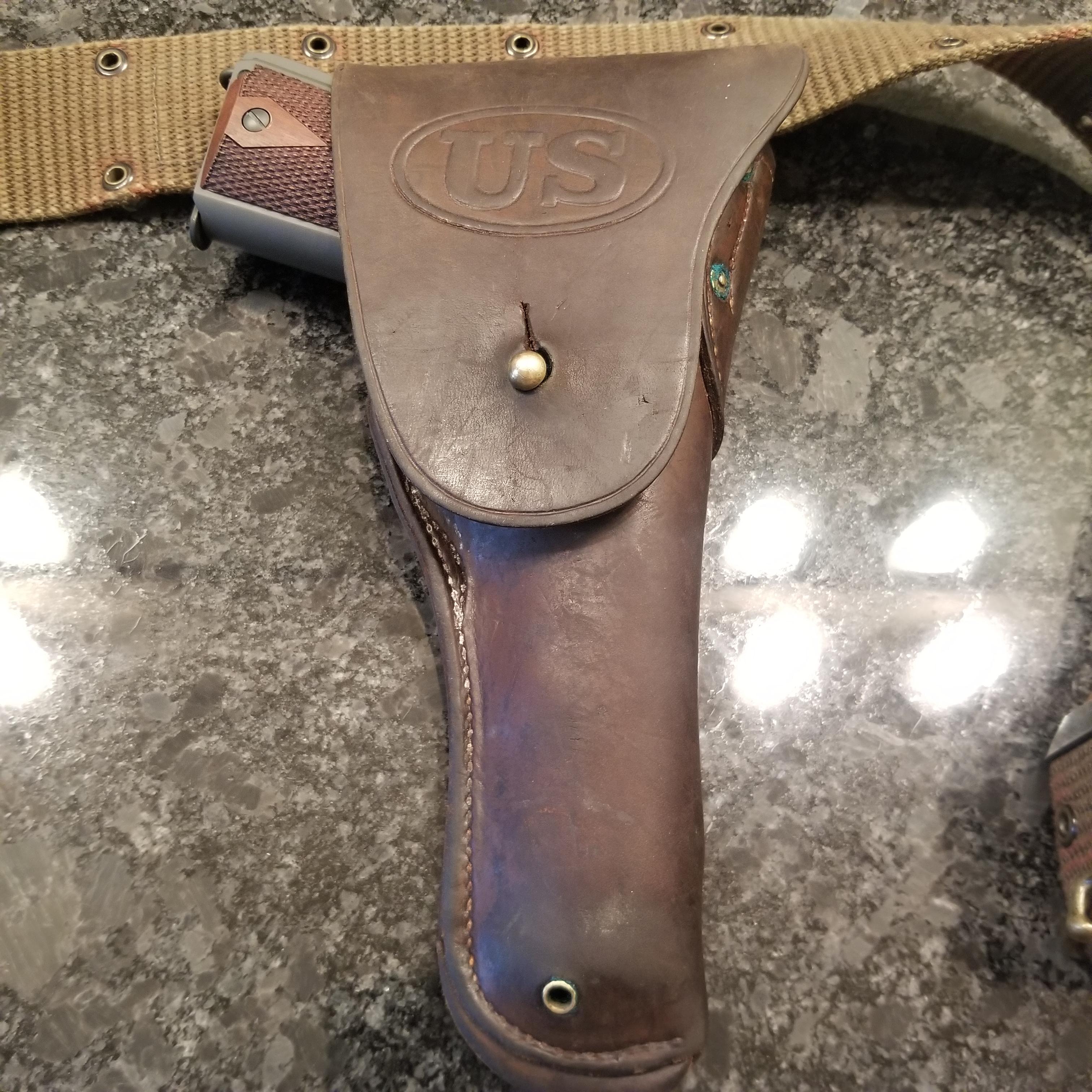
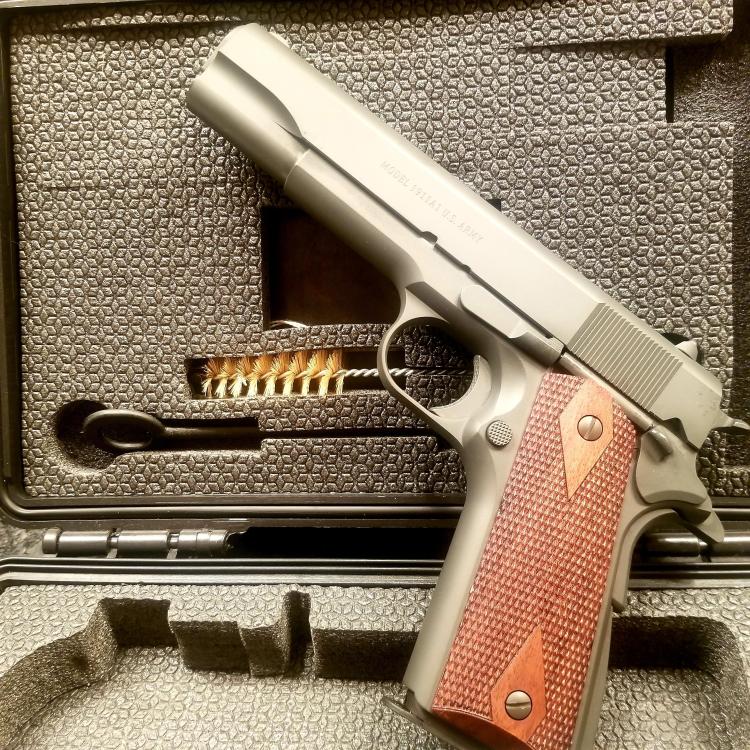
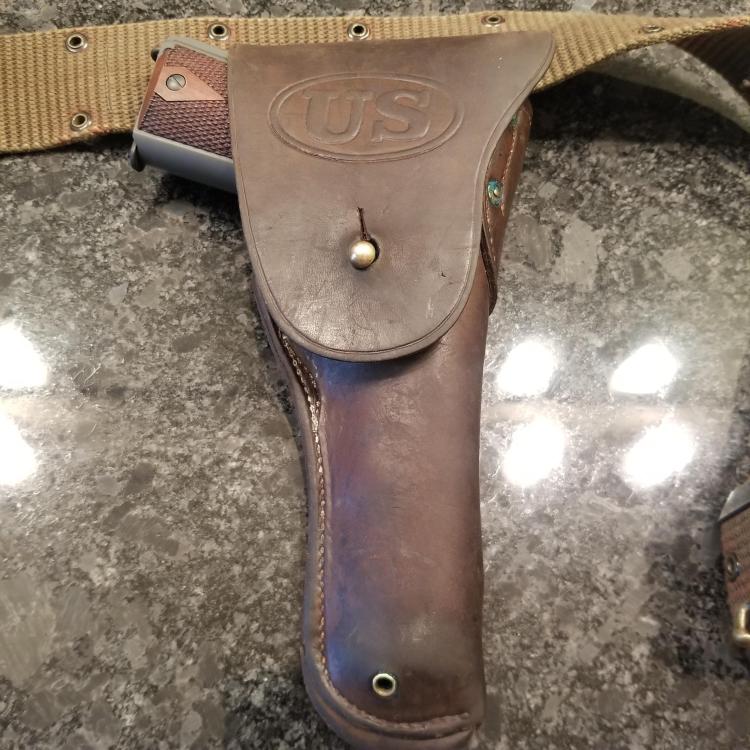
 Purchased a M1911A1 45 ACP clone by TISAS. Forged upper and lower, great deal for under $500. Also snagged an original 1911 holster manufactured between 1917 and 1919. Here is a comparison of it next to an actual GI issue purchased from the CMP.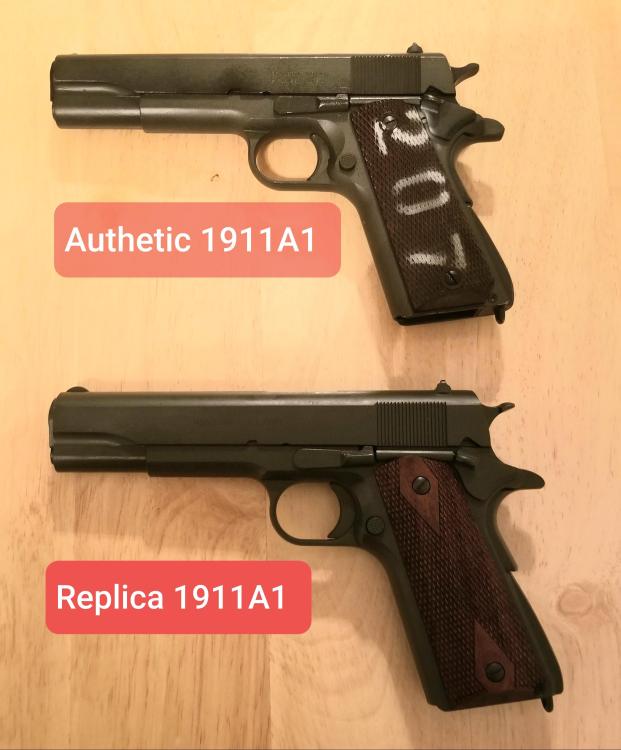
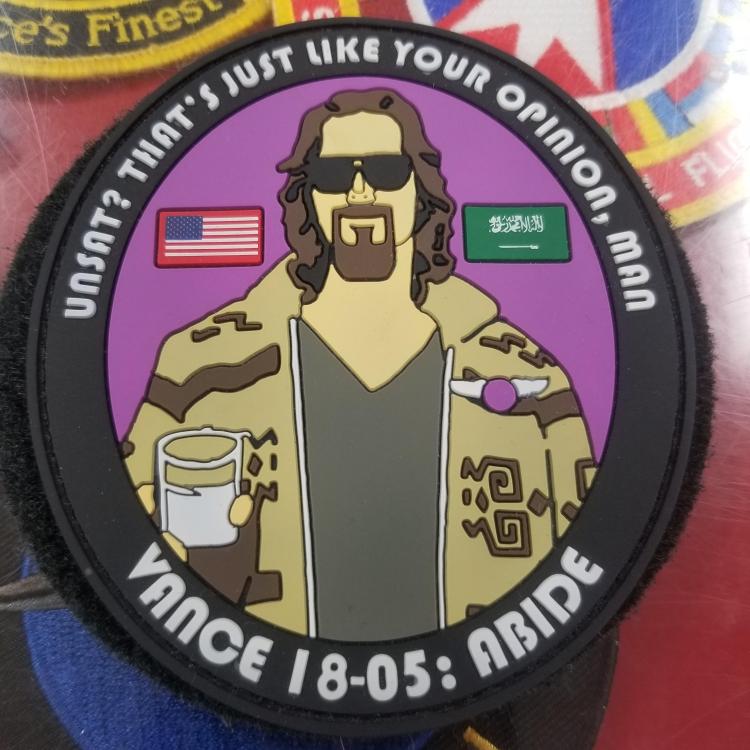
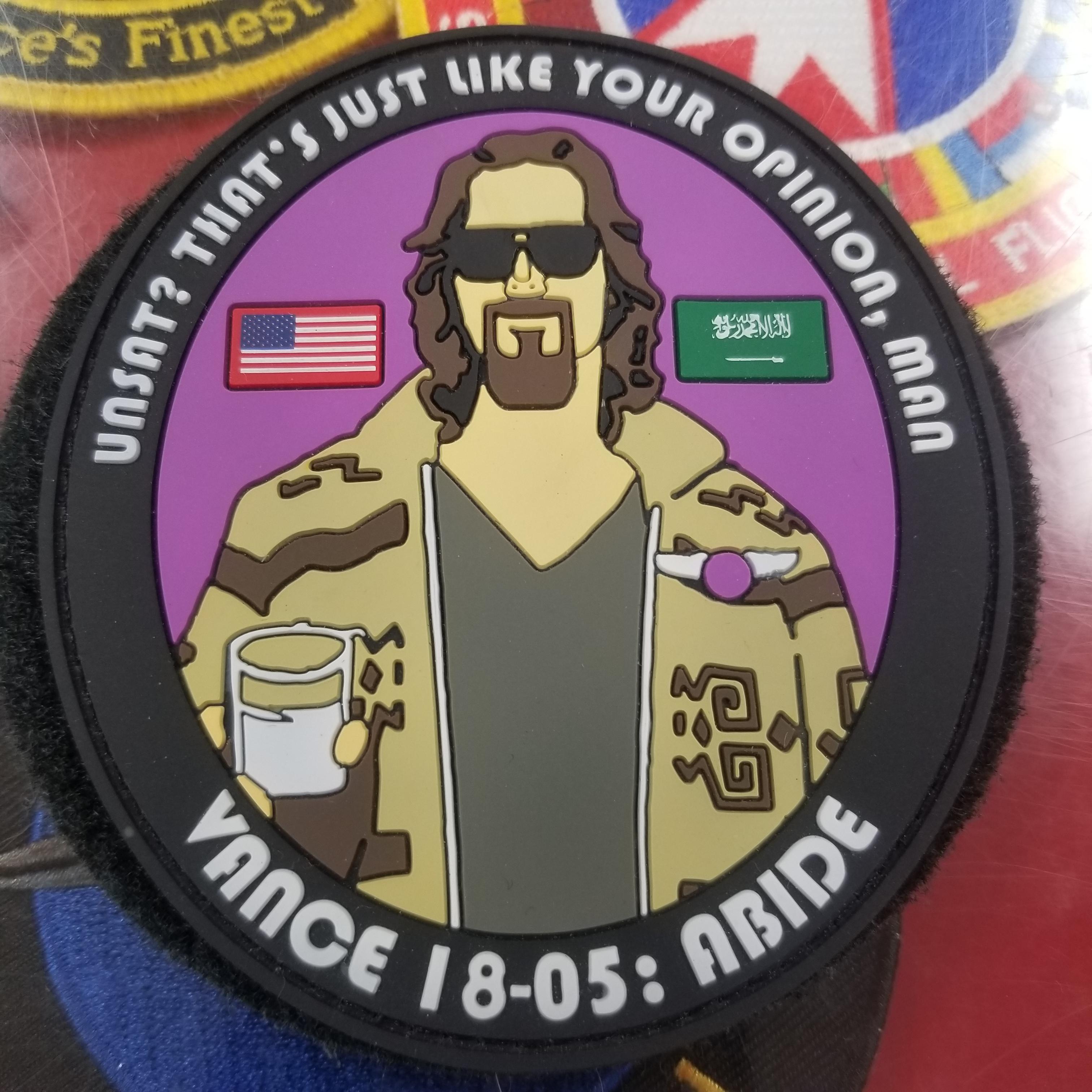
 Vance 18-05, great idea on this one.