dkatuziens
Registered User
-
Joined
-
Last visited
-
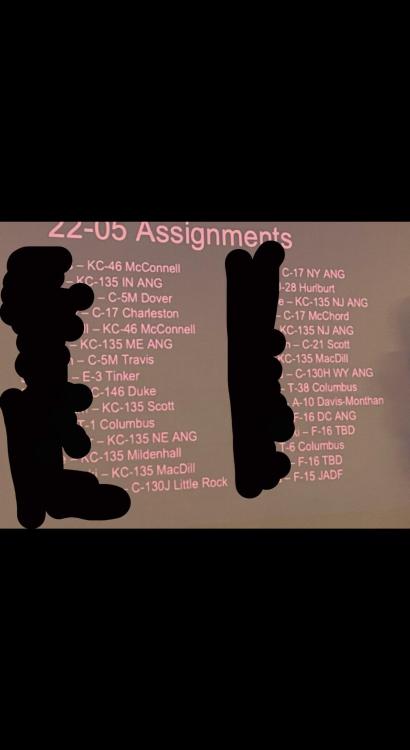
KCBM 22-05 Drop
-
Sounds good to me. Let's get that 10 year clock started 👊
-
Yeah, got my RIP, just waiting on the orders. Outbound assignments said it should be any day now. Hoping to get on TMO's schedule ASAP before everyone else does.
-
Same here, was told a Columbus start date of 14 Oct. Look forward to meeting you guys.
-
I wonder if this has something to do with the migration to UPT 2.5 we'll all be in. Where did you hear that Bob? Is that for all UPT bases?
-
I may be mistaken, but I believe those not going to IFT get them issued during in-processing.
-
For my MFS appointment I got an NA for off-base lodging... I guess I'll be taking a lot of cab rides to and from the hotel. It seems more cost effective to get a rental car.
-
Yep! https://www.wpafb.af.mil/Welcome/Fact-Sheets/Display/Article/853108/usafsam-fci-medical-flight-screening/ I called and asked what they mean by you just hand carry your medical records. They said this is only for patients who have had corrective eye surgery.
-
All the CSOs I knew from college went to Langley for their physicals -- I also went to Virginia Tech, so maybe that's why.
-
Good gouge, Patrick. Did your MFS date change on CDB, or did AFPC tell you?
-
Columbus AFB. 1 Sep 20
-
Nothing on my end for UPT. I don't need IFS.
-
It sounds like everyone has Jan MFS dates, except for me. For those of you going in Jan, are you all going to IFS? It would make sense for them to send you guys there first to make an IFS class soon after.
-
First time for me.
-
Just signed my training RIP -- MFS date of 26 Feb.