Stuck
Supreme User
-
Joined
-
Last visited
-
Elysium is one of the better films I've seen in a while, as well as being one of the more visually amazing films I've ever seen. Highly recommend.
-
-
This should start us off... :beer: Stuck
-
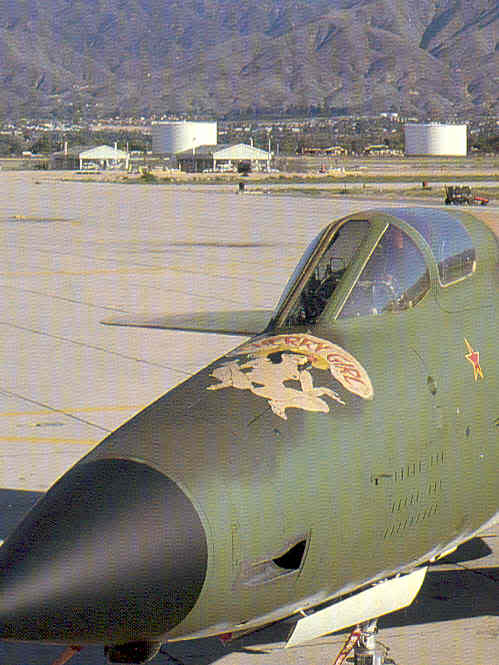
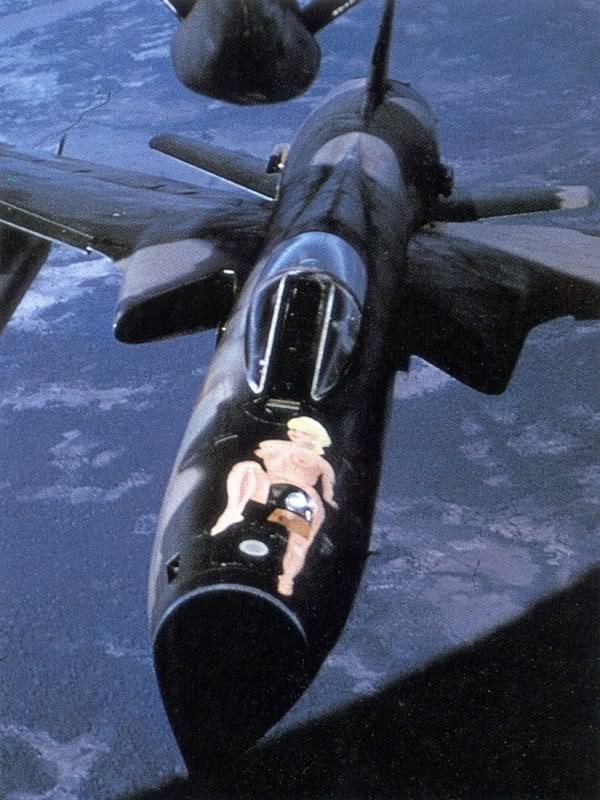
In light of the epic Porn Sweep of 2012, I'm bumping this thread up for more sexy nose art adds. NSFW greatly appreciated. Stuck
-
Yes, it's the BUFF Memphis Belle. The "inspectors" brought it up with the boss when they were making their run through of the squadron here on Guam.
-
They are no shit discussing whether or not to paint over the Memphis Belle right now.
-
The new Robin Olds book is great. Cheers! - Stuck
-
2. - Stuck
-
-
Thanks, brotha. Every little thing helps. Cheers! - Stuck
-
What do you mean, "maybe"? That's a fact, ma'am. :) Cheers! - Stuck
-
When I first started school in Arizona, I'd drive to Luke and watch Vipers from the EOR for HOURS... truly nothing sweeter sounding. Cheers! - Stuck
-
Reflective belts: not always bad. Cheers! - Stuck
-
Why again are they only 2 percent finished with flight test? Weren't they right around that over a year ago? - Stuck