Jump to content
View in the app

A better way to browse. Learn more.

Baseops Forums

A full-screen app on your home screen with push notifications, badges and more.

To install this app on iOS and iPadOS
  1. Tap the Share icon in Safari
  2. Scroll the menu and tap Add to Home Screen.
  3. Tap Add in the top-right corner.
To install this app on Android
  1. Tap the 3-dot menu (⋮) in the top-right corner of the browser.
  2. Tap Add to Home screen or Install app.
  3. Confirm by tapping Install.

odb123

Registered User
  • Joined

  • Last visited

  1. Here’s all the AF guidance. But has anyone had a base or Wg/CC who has actually allowed leave outside of the local area IAW the guidance? Ours hasn’t even mentioned it, even though the guidance has been out for a month. Many are still referencing the now rescinded 30 Jun stop movement. https://mypers.af.mil/app/answers/detail/a_id/46605 https://mypers.af.mil/app/answers/detail/a_id/47797 https://mypers.af.mil/app/answers/detail/a_id/47788
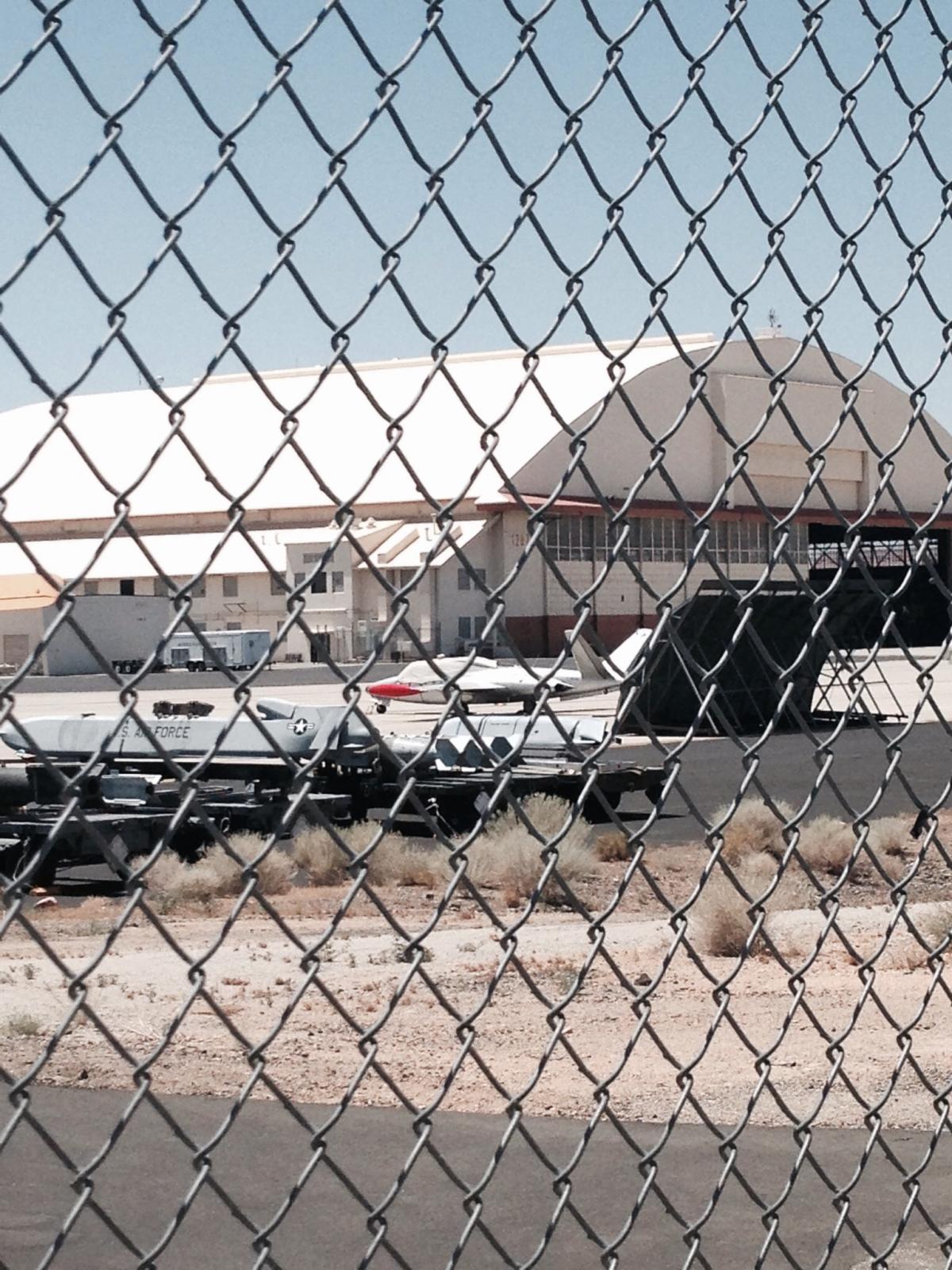
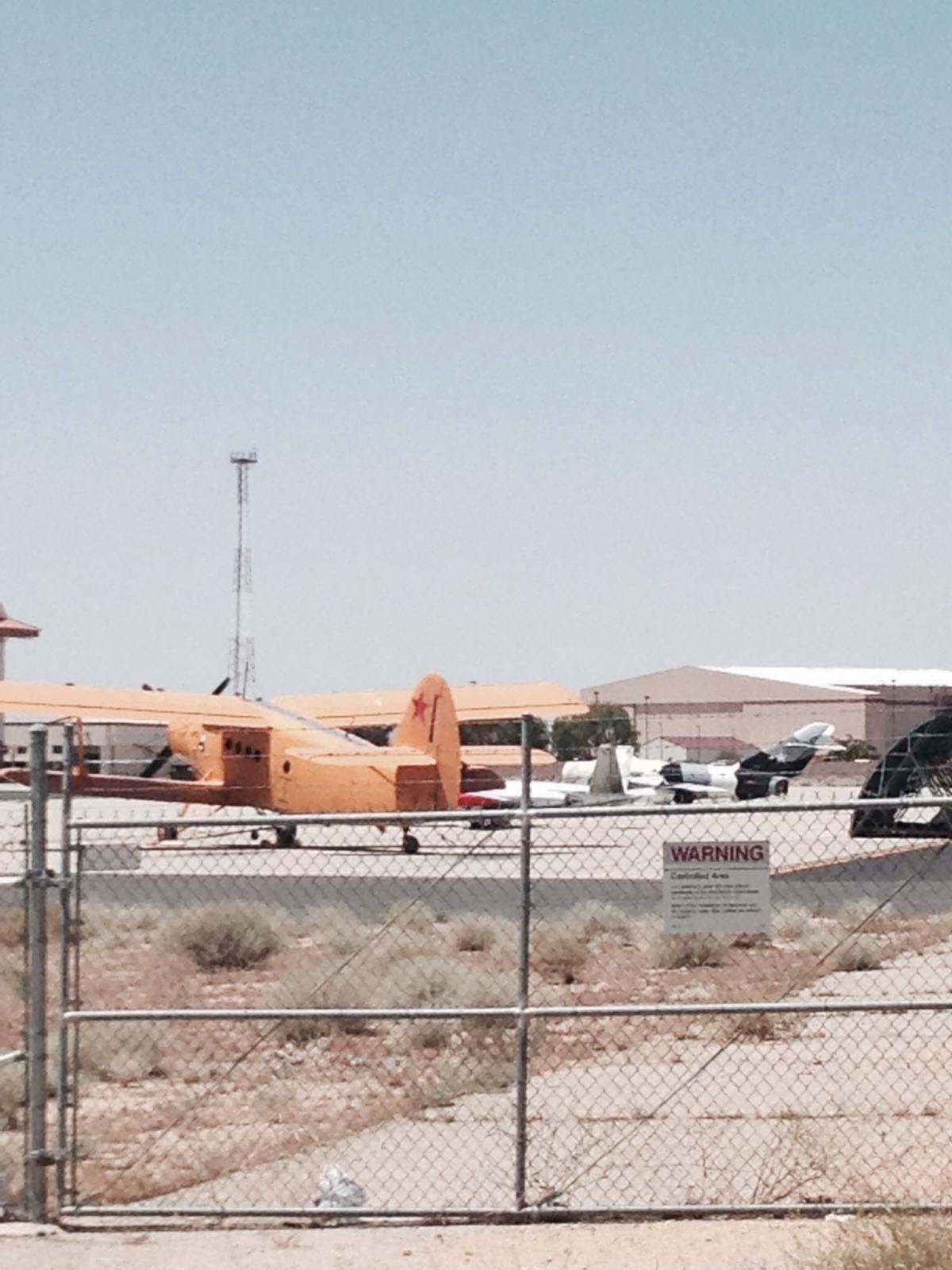
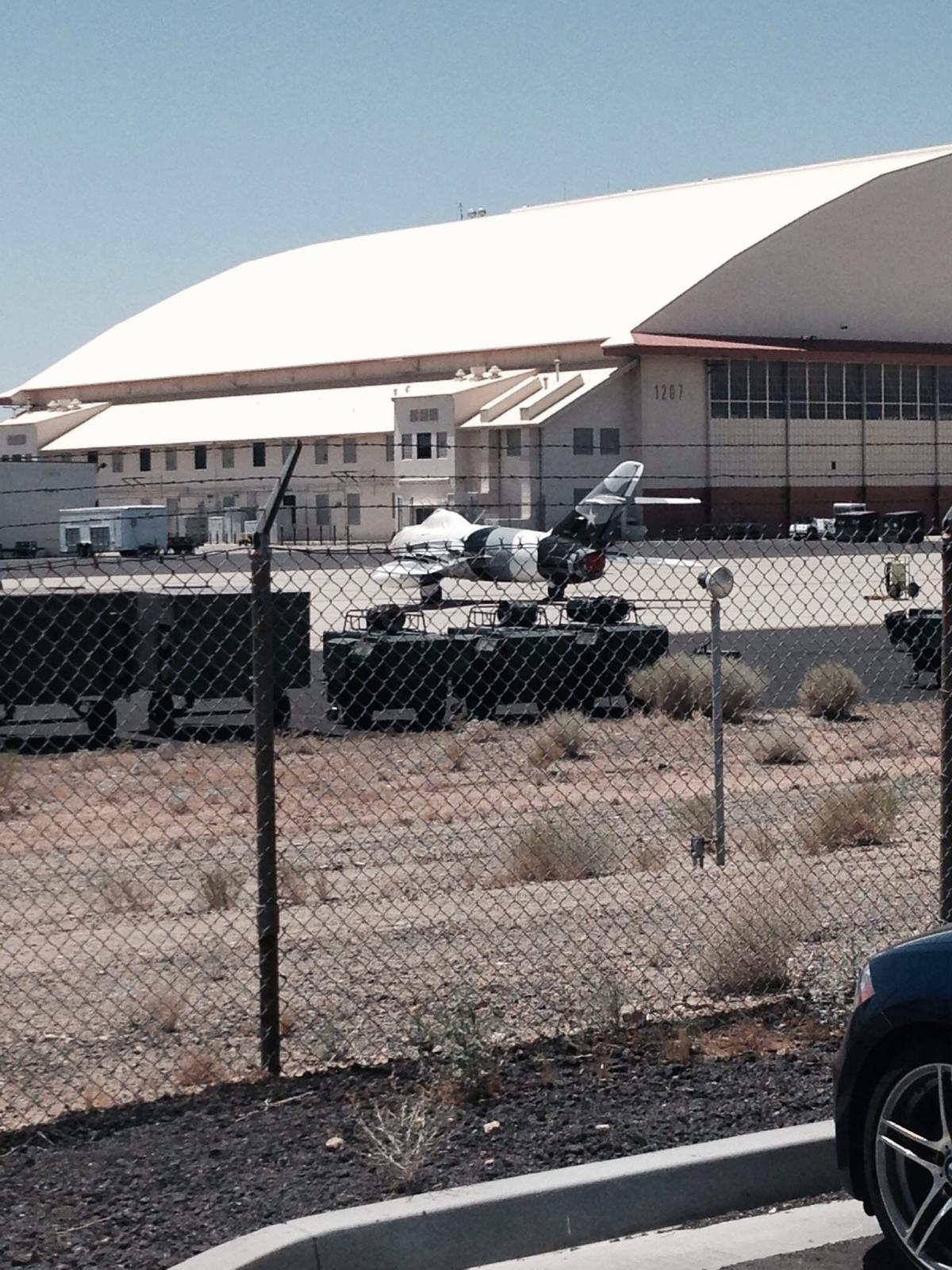
  2. Here's what's out here right now.
  3. I wish they would...maybe then we would have one that works and costs 1/4 the price.
  4. Little more than a hard landing.... https://www.dvidshub.net/image/947509/security-check#.UbE04hxj1bw
Configure browser push notifications

Chrome (Android)
  1. Tap the lock icon next to the address bar.
  2. Tap Permissions → Notifications.
  3. Adjust your preference.
Chrome (Desktop)
  1. Click the padlock icon in the address bar.
  2. Select Site settings.
  3. Find Notifications and adjust your preference.