Leaderboard
-
Texaco
Registered User1Points37Posts

Popular Content
Showing content with the highest reputation on 01/29/2010 in all areas
-
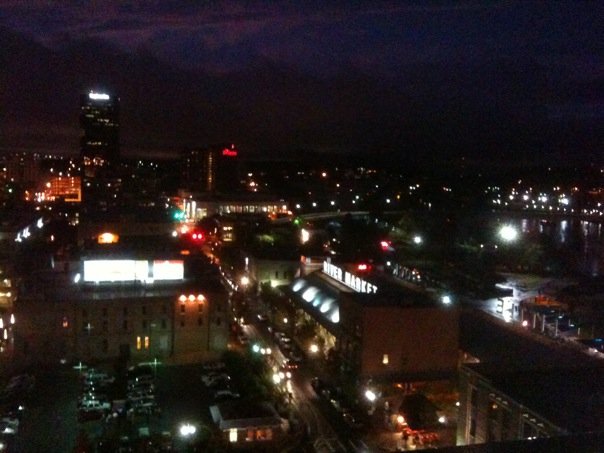
1 pointCheaper: I know a lot of people that live at Foothills apartments in Sherwood (new and older options). It's not furnished, but Dixie Rents Furniture is an option that you should look in to. More expensive: Downtown area apartments like Enclave, the first security bank building and others are furnished but are more expensive. It's about 20 mins from base, but they have sweet views of the city and within walking distance to the river market and downtown nightlife. It depends on whether your getting TDY or will be rooming with anyone else. Next time I'm TDY here, I might go this route.
 1 point