Jump to content
View in the app

A better way to browse. Learn more.

Baseops Forums

A full-screen app on your home screen with push notifications, badges and more.

To install this app on iOS and iPadOS
  1. Tap the Share icon in Safari
  2. Scroll the menu and tap Add to Home Screen.
  3. Tap Add in the top-right corner.
To install this app on Android
  1. Tap the 3-dot menu (⋮) in the top-right corner of the browser.
  2. Tap Add to Home screen or Install app.
  3. Confirm by tapping Install.

Moley

Registered User
  • Joined

  • Last visited

  1. We still have them at Vance, only see them flying occasionally.
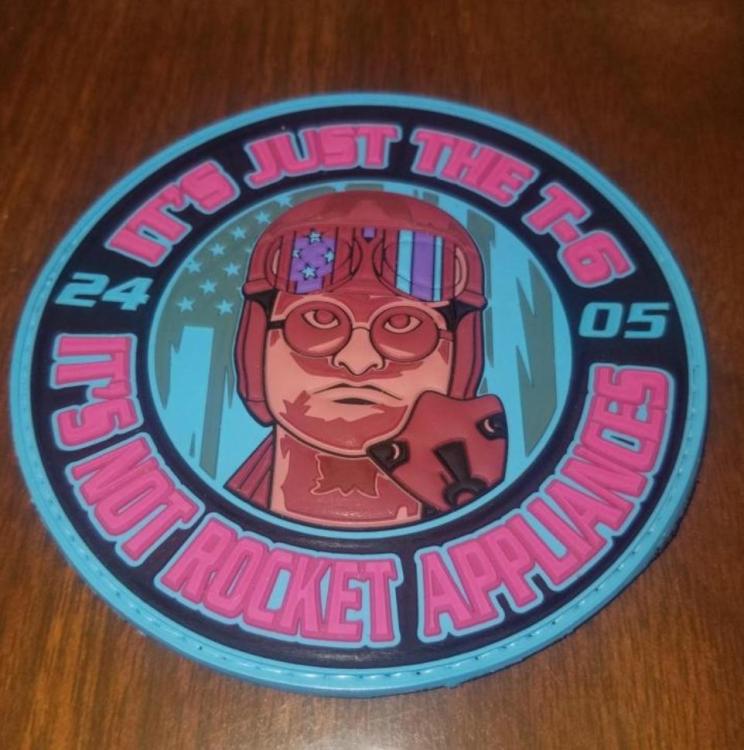
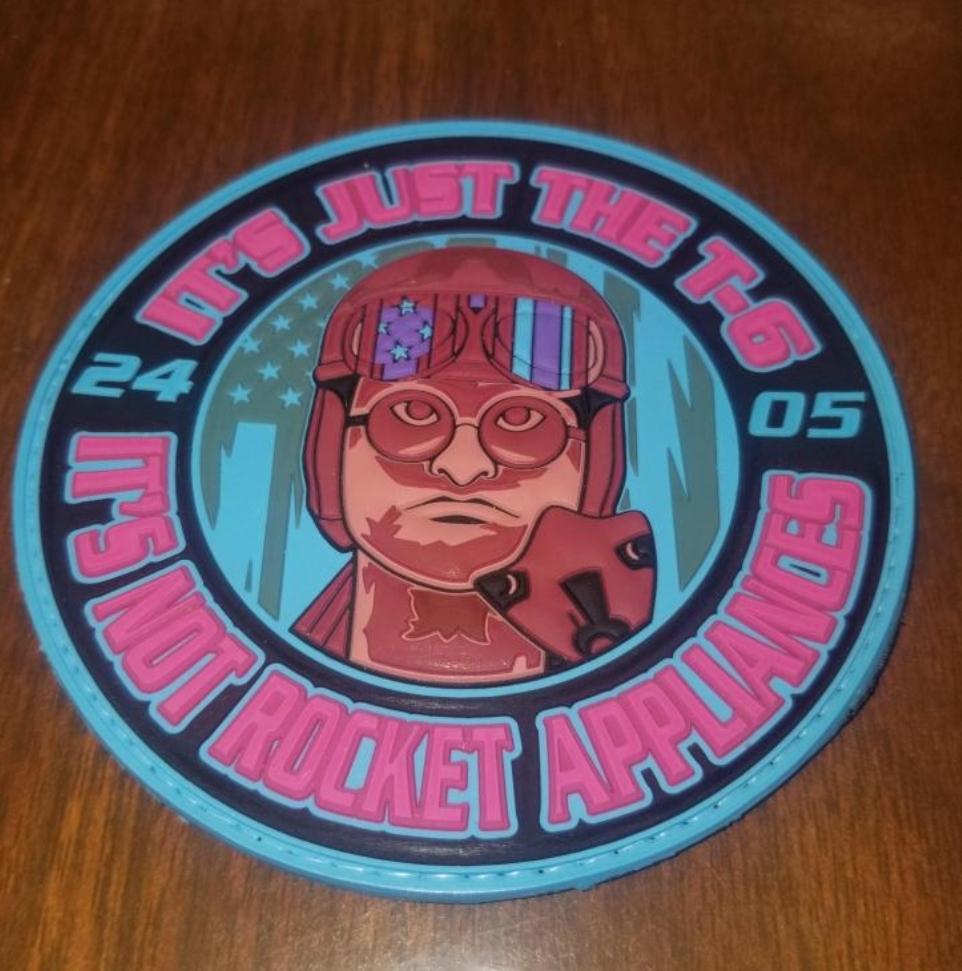
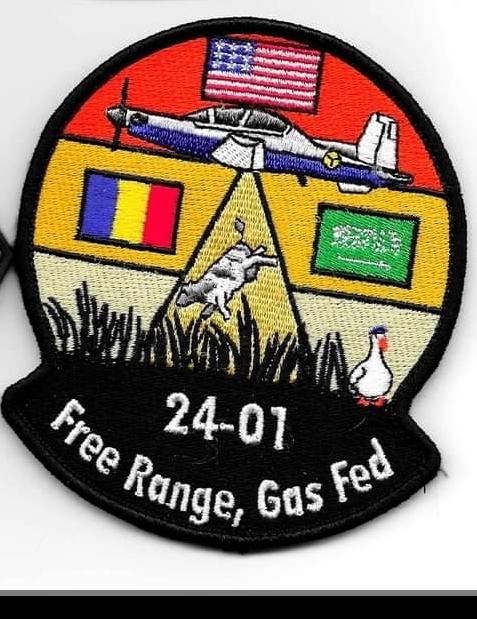
  2. Hey folks, just wondering if anyone had any extra of these Vance class patches they could spare? I'm trying to fill some gaps in my class patch board at the parachute shop here. Thanks Cheers!
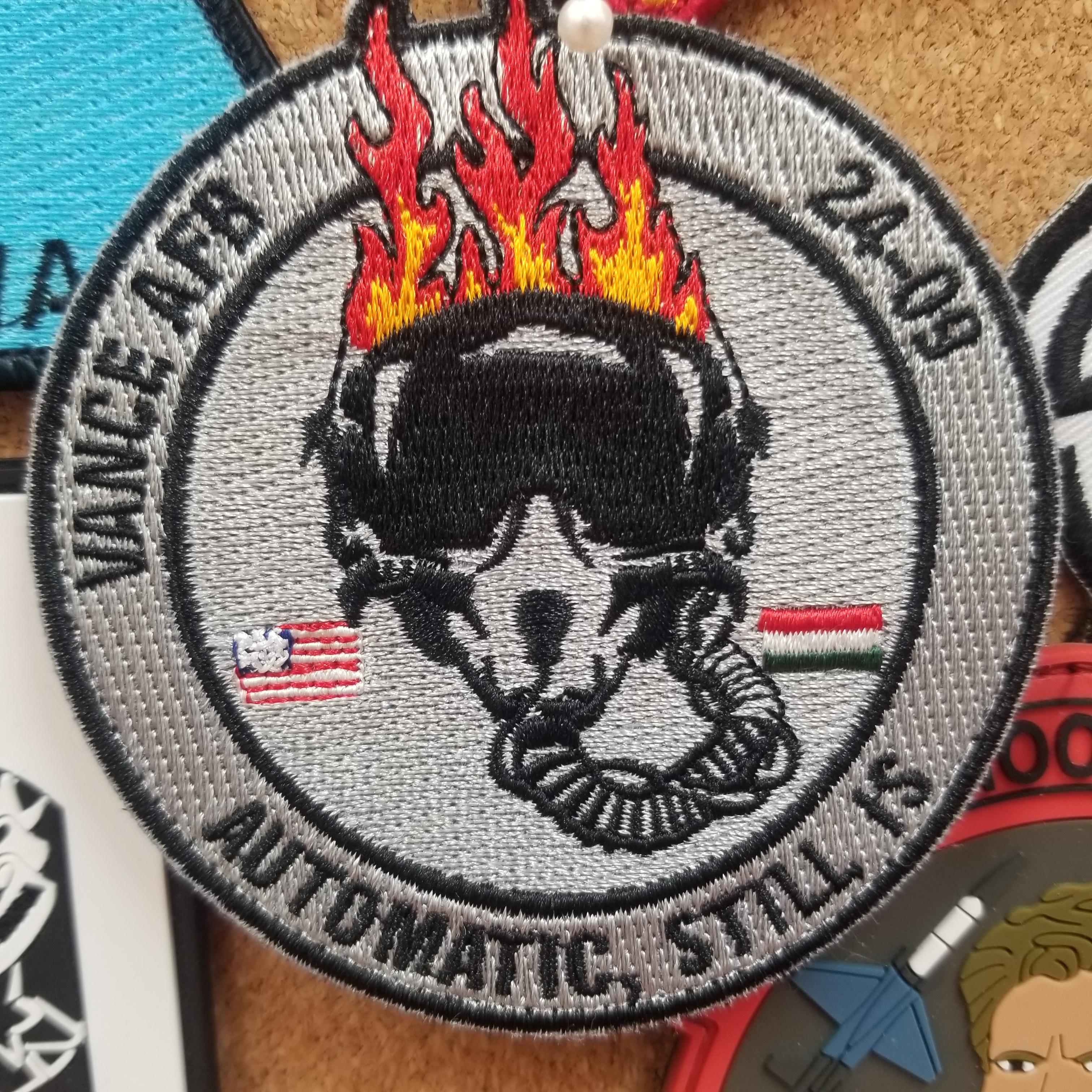
  3. Vance 24-09
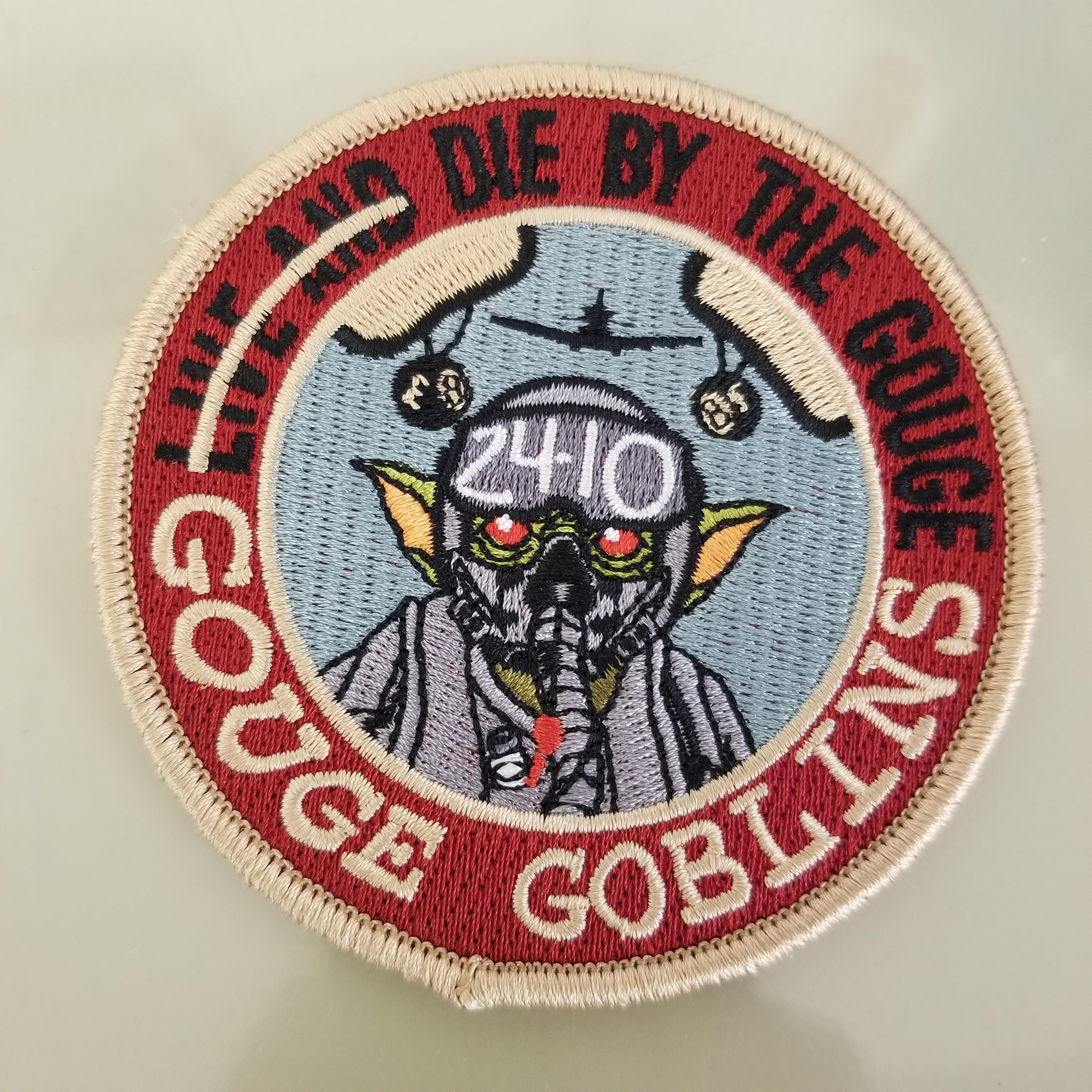
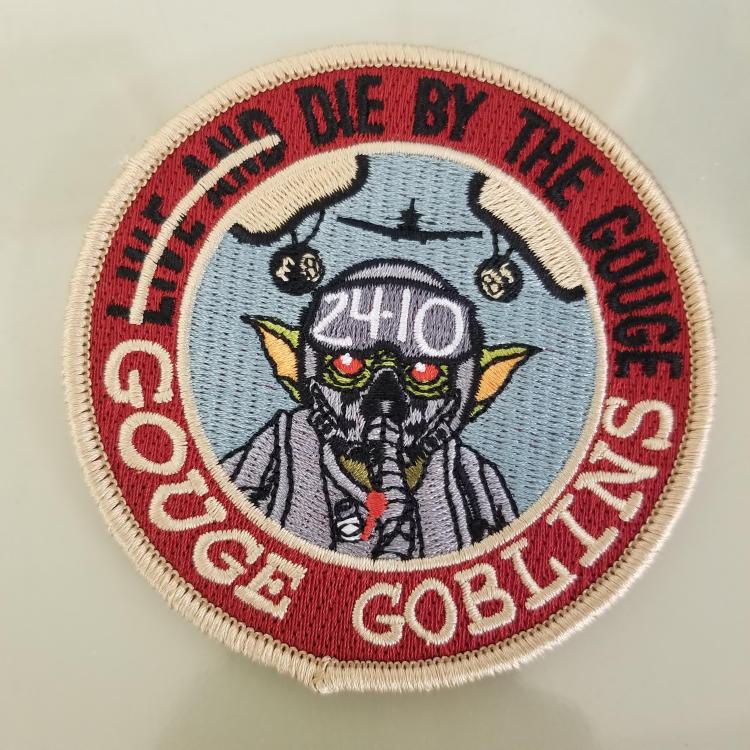
  4. Vance 24-10 added to our board at work.
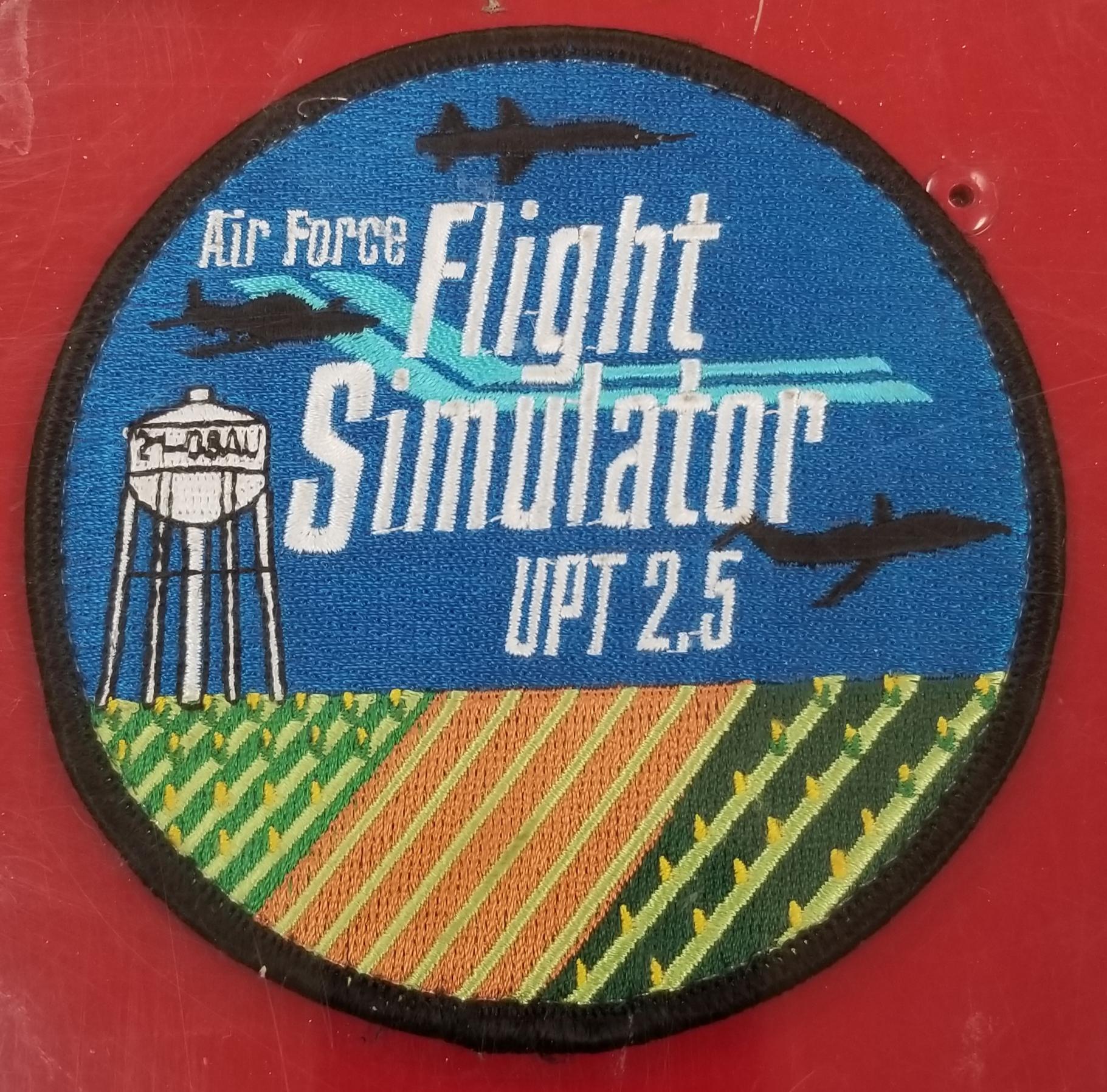
  5. Vance 21-08 AU
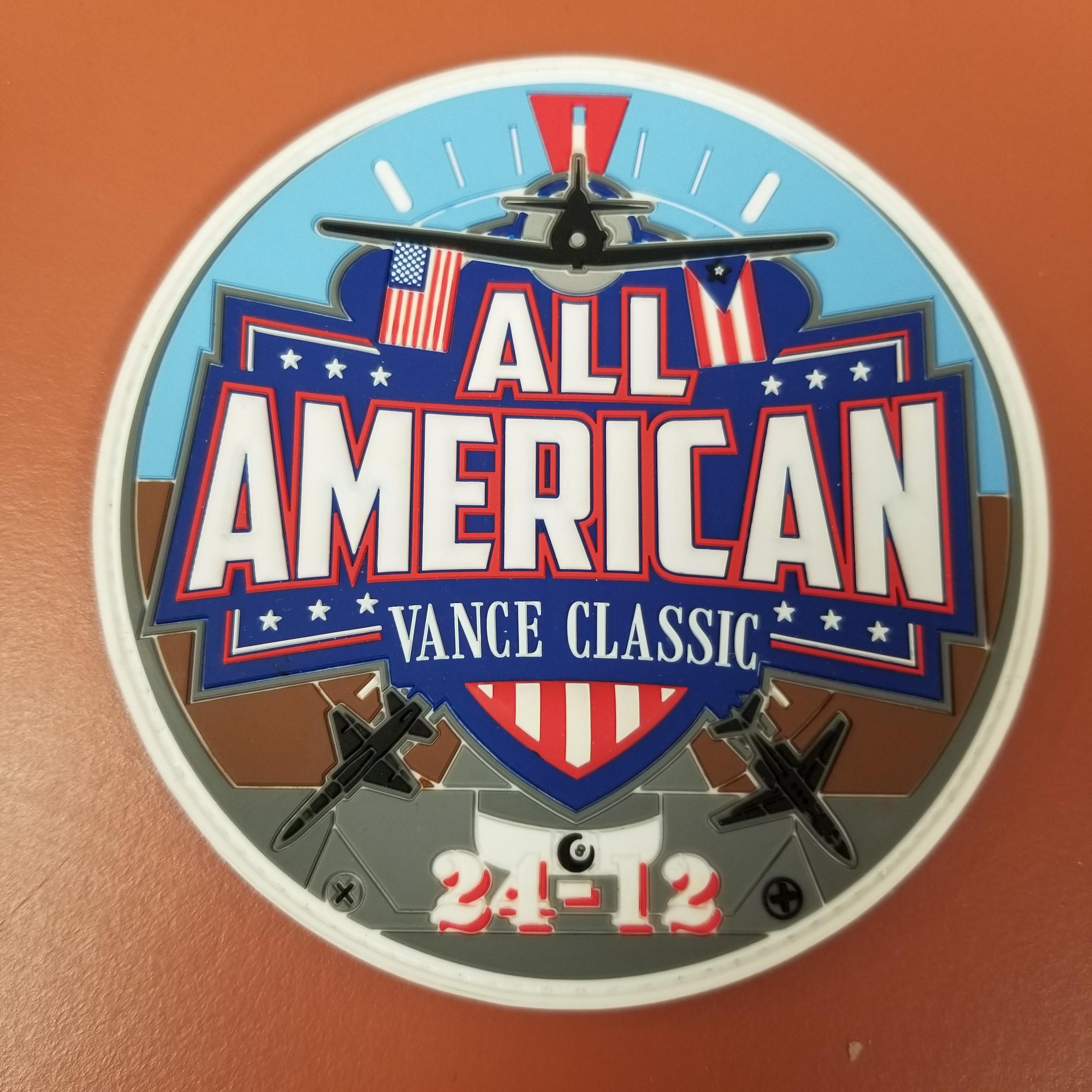
  6. Vance 24-12
  7. Moley replied to a post in a topic in General Discussion
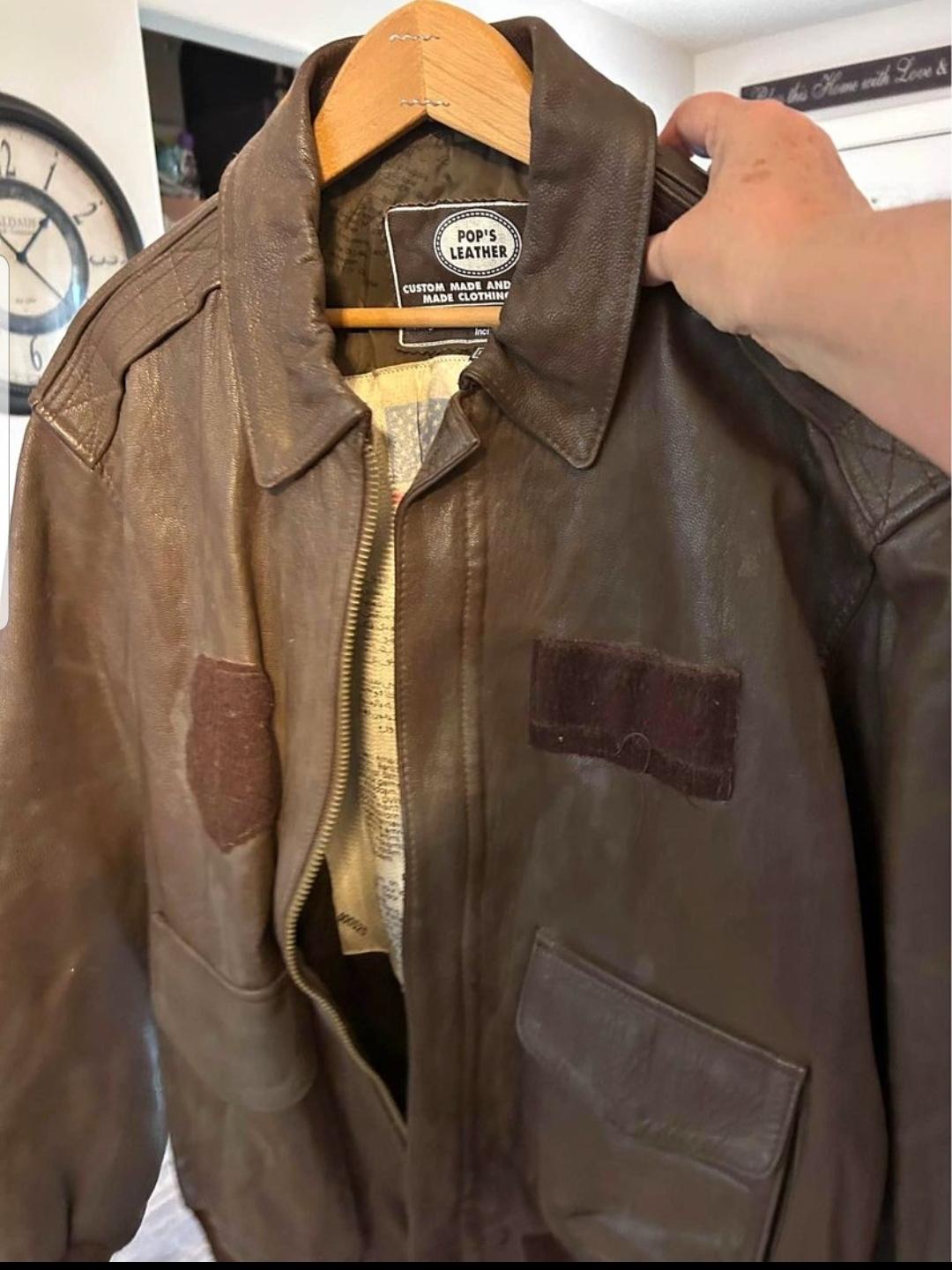
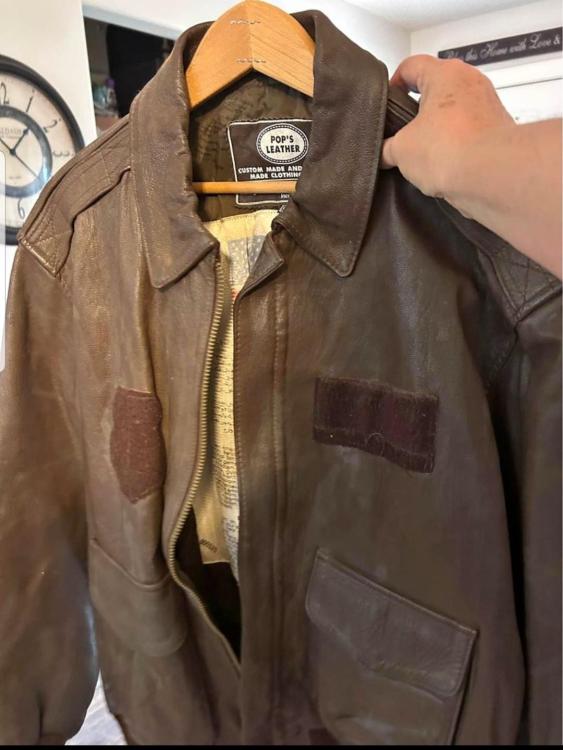
    Reviving an old discussion, came across this locally for $25 and couldn't resist a Pops jacket for that much.
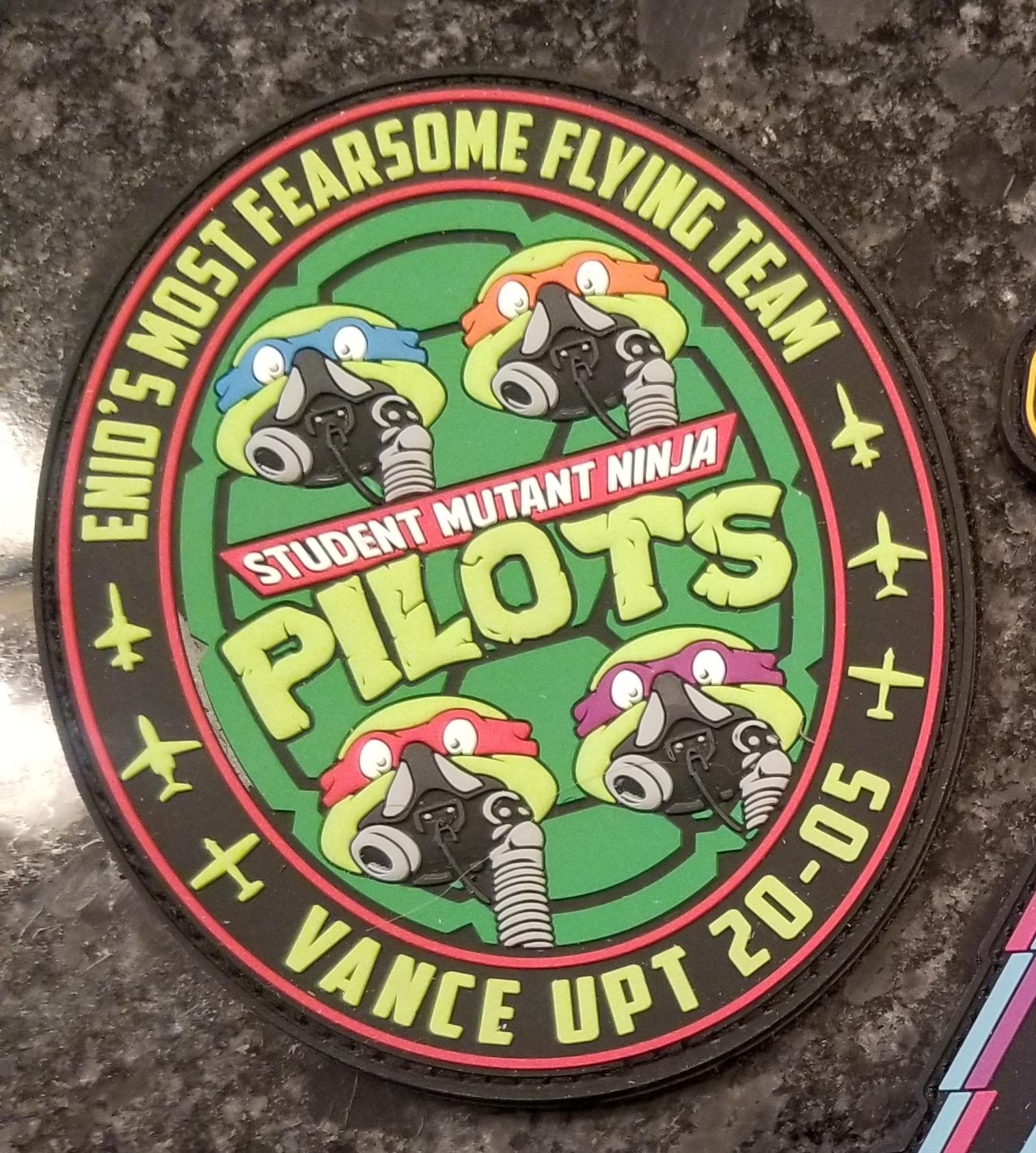
  8. Vance 20-05
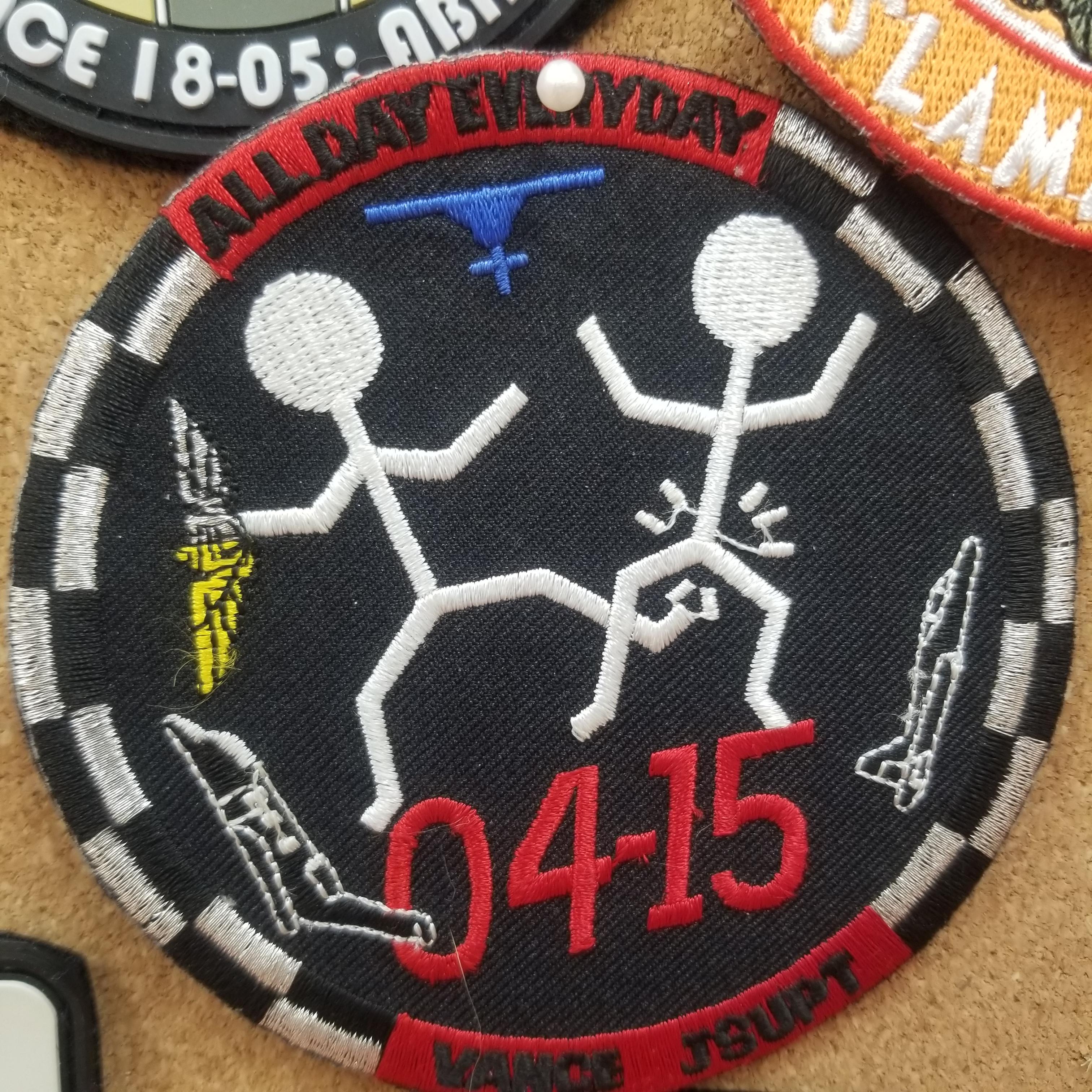
  9. Vance 04-15
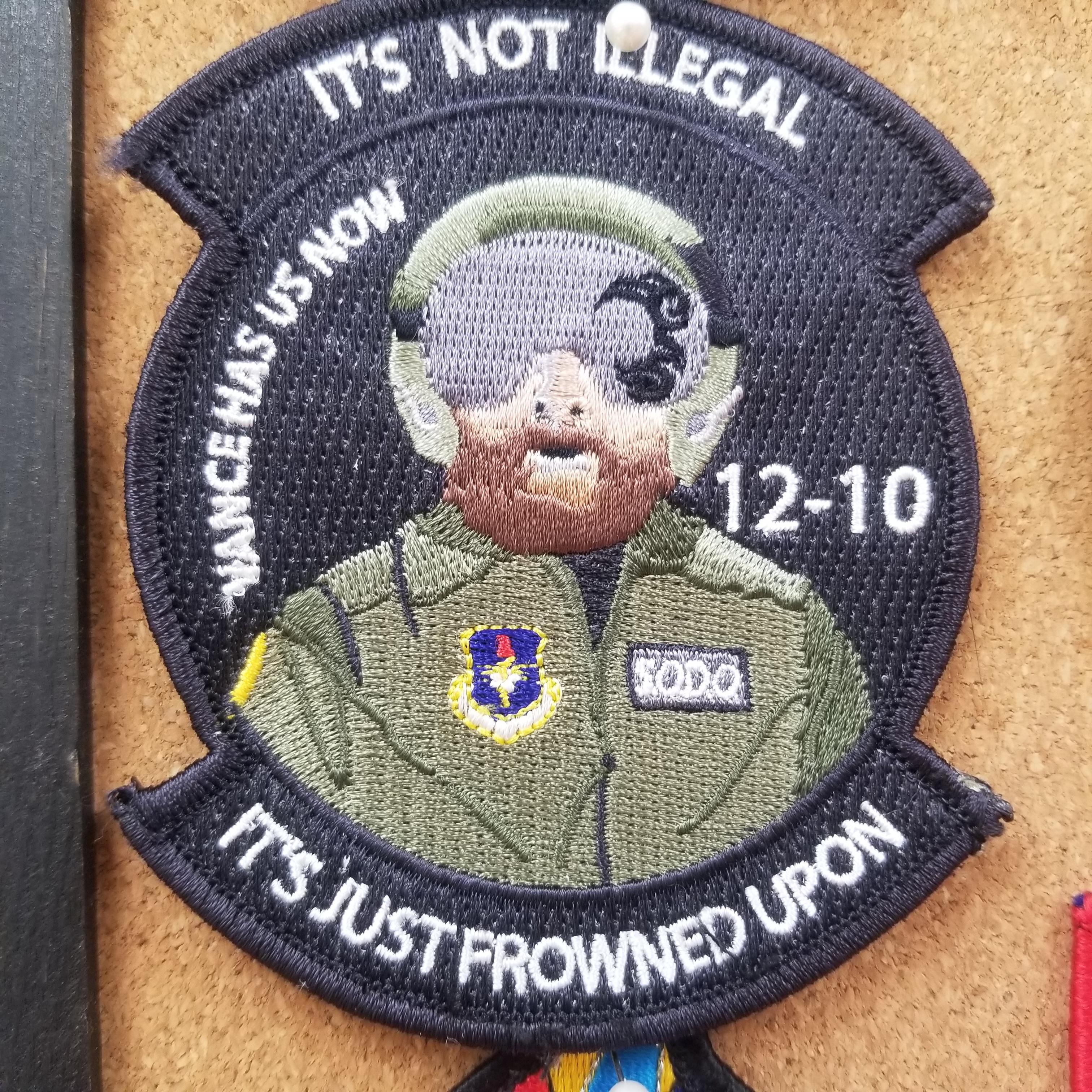
  10. Vance 12-10
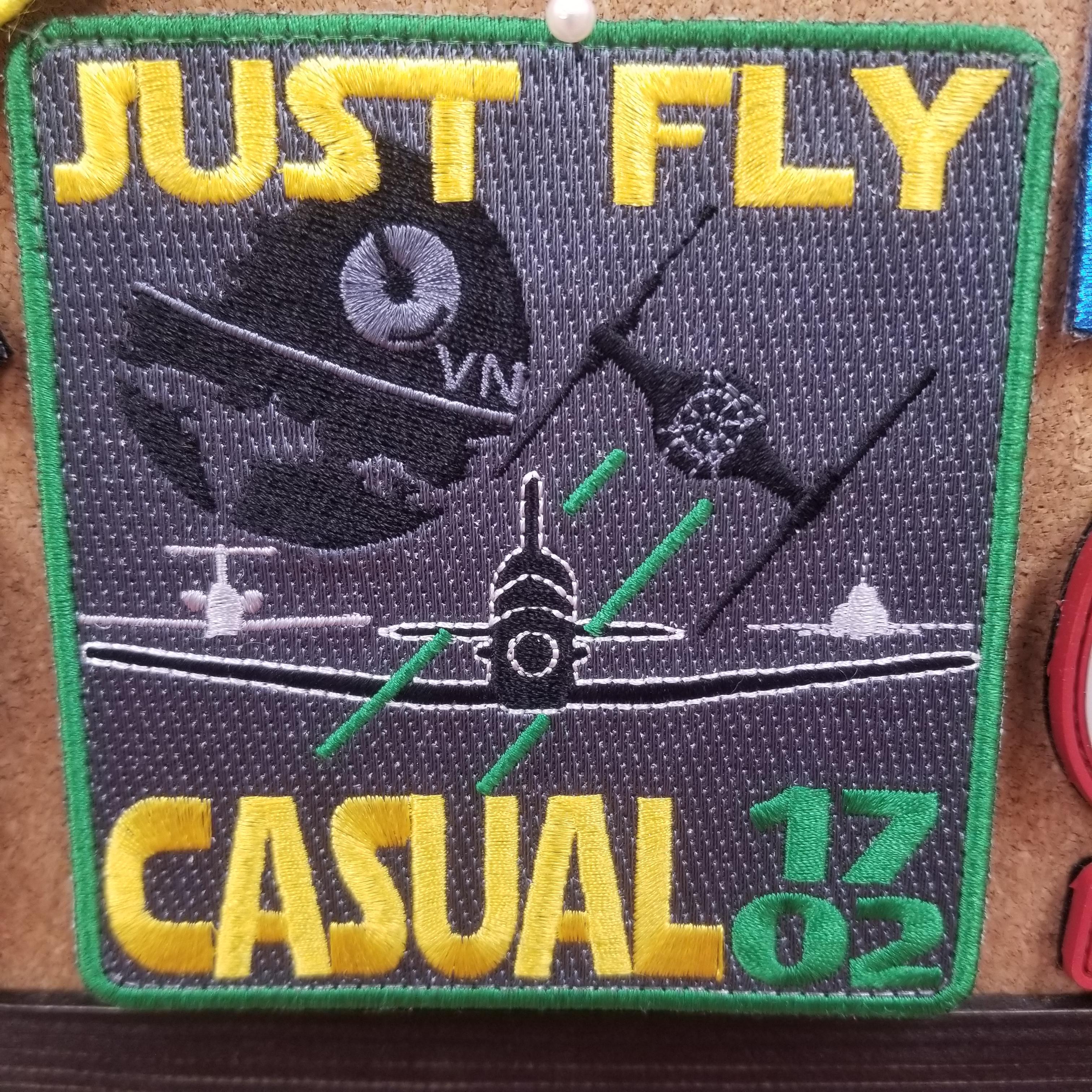
  11. Vance 17-02.
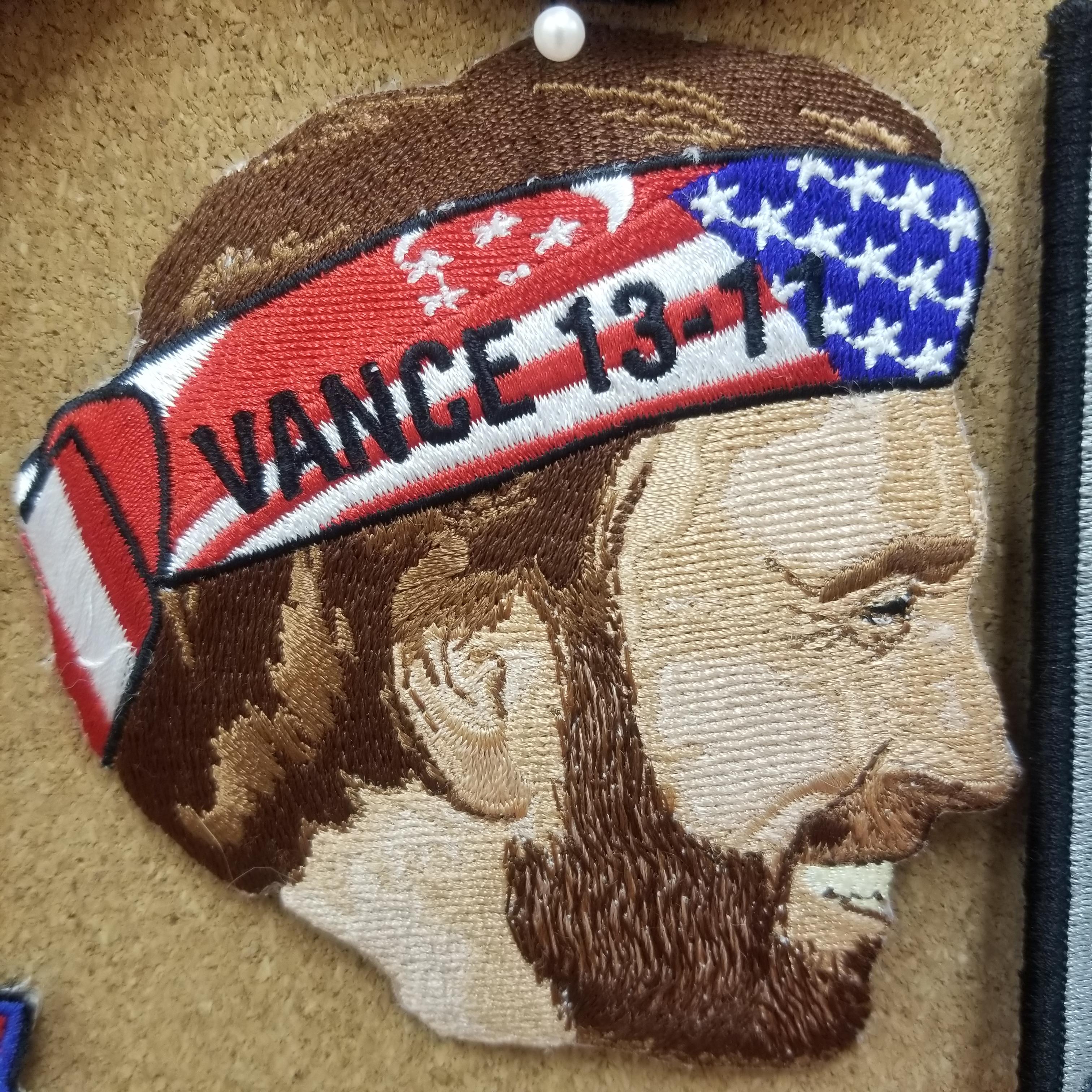
  12. Vance 13-11
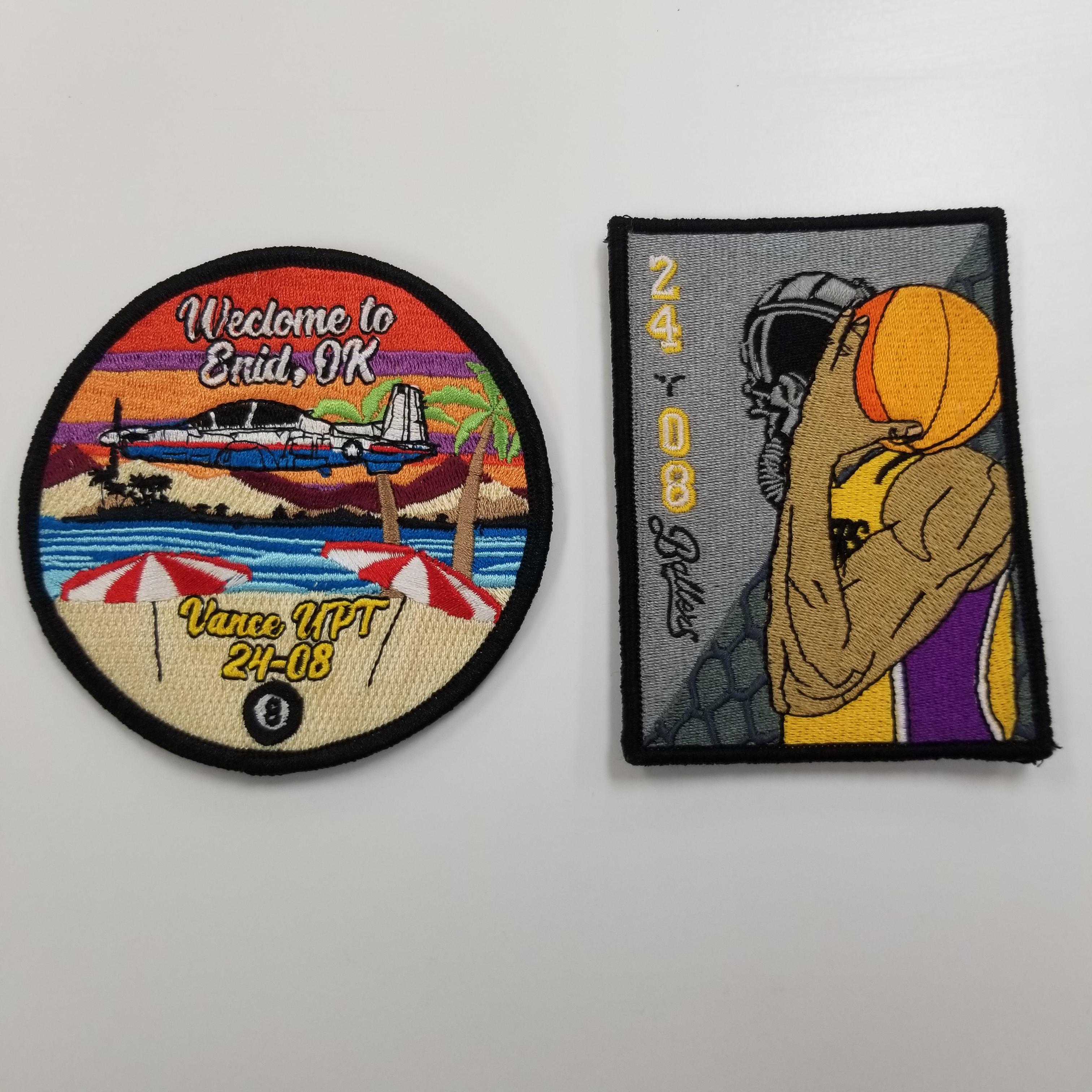
  13. Vance 24-08
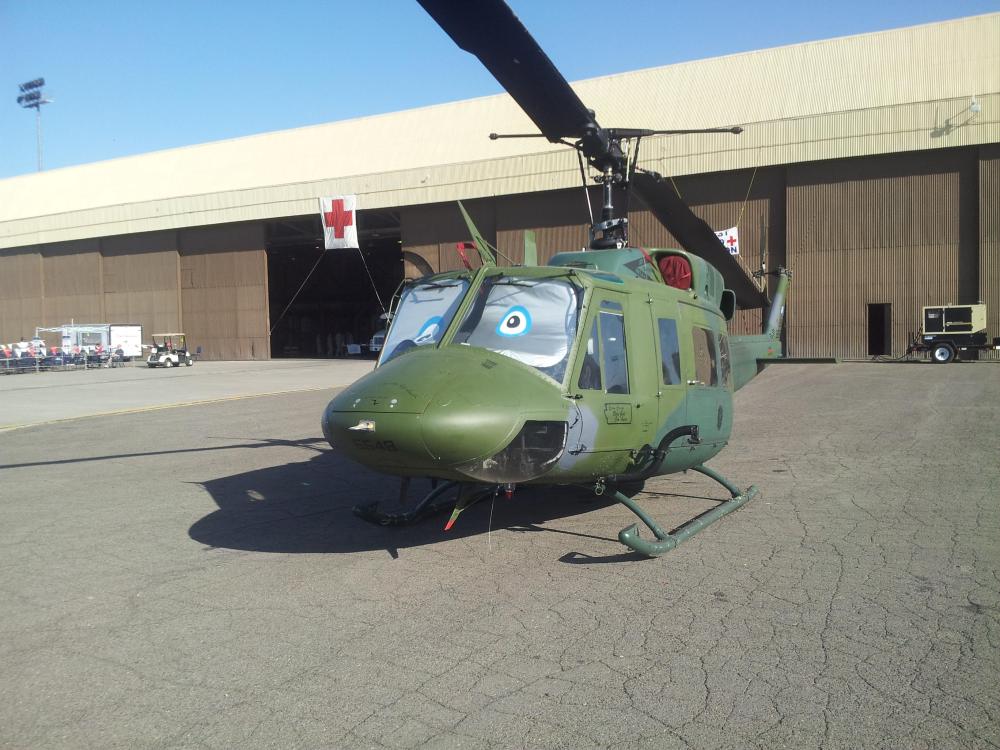
  14. Bottom one is cool, spent six years up there in the 92nd and retired 2016.
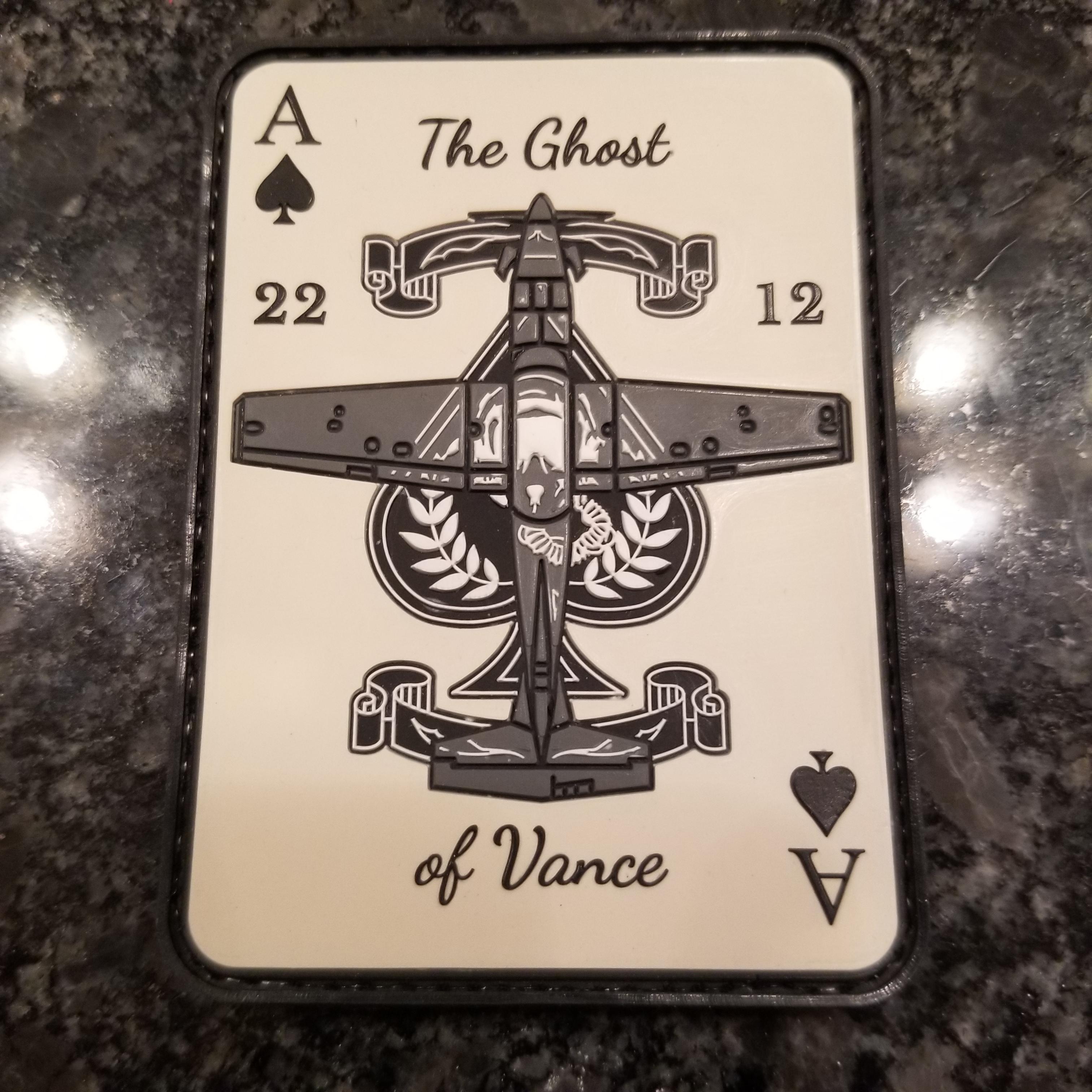
  15. Vance 22-12.

Configure browser push notifications

Chrome (Android)
  1. Tap the lock icon next to the address bar.
  2. Tap Permissions → Notifications.
  3. Adjust your preference.
Chrome (Desktop)
  1. Click the padlock icon in the address bar.
  2. Select Site settings.
  3. Find Notifications and adjust your preference.