Jump to content
View in the app

A better way to browse. Learn more.

Baseops Forums

A full-screen app on your home screen with push notifications, badges and more.

To install this app on iOS and iPadOS
  1. Tap the Share icon in Safari
  2. Scroll the menu and tap Add to Home Screen.
  3. Tap Add in the top-right corner.
To install this app on Android
  1. Tap the 3-dot menu (⋮) in the top-right corner of the browser.
  2. Tap Add to Home screen or Install app.
  3. Confirm by tapping Install.

ROTC Guy

Registered User
  • Joined

  • Last visited

Everything posted by ROTC Guy

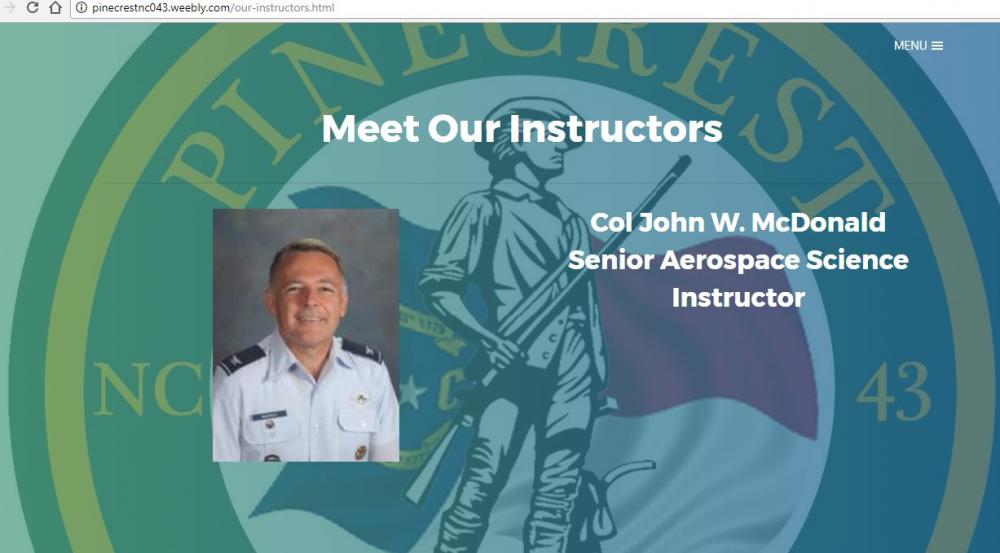
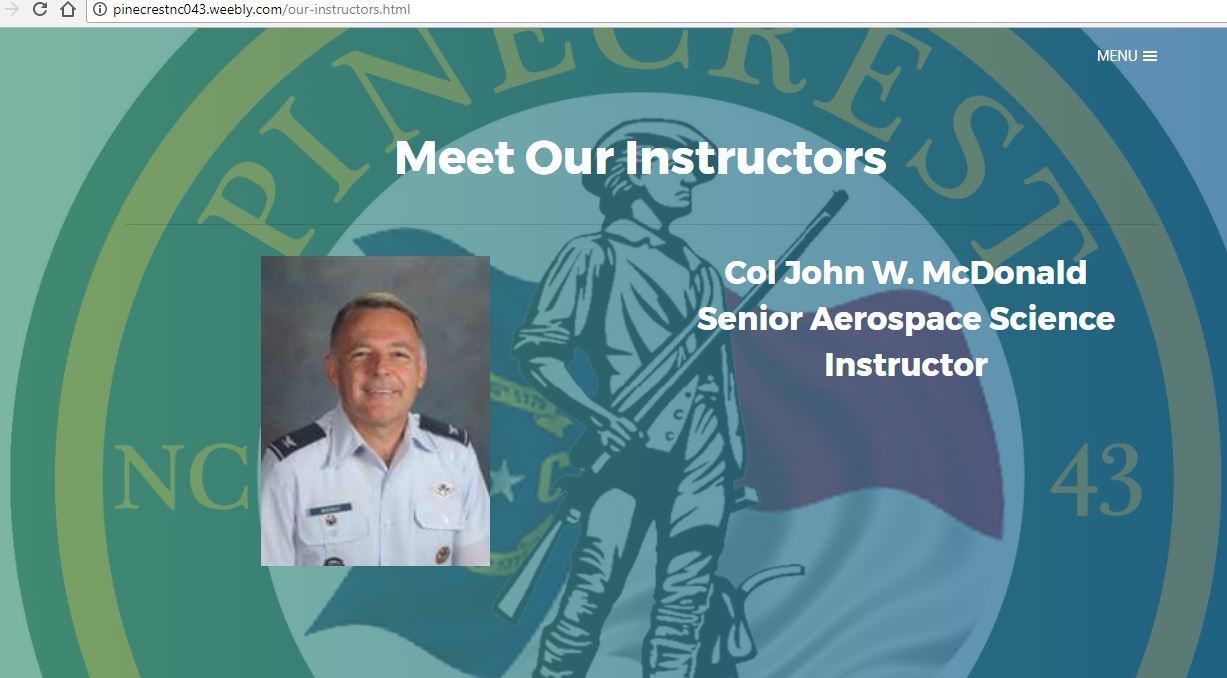
  1. Somehow this guy was hired for AFJROTC. Probably has something to do with hiding his record, but anyway I can tell you that he currently worlks at Pinecrest HS in Southern Pines NC. Their phone # is 910 692 7455. This guy should be nowhere near young people. Help get him removed. Call the school and enlighten them and ROTC HQ at Maxwell AFB.
Configure browser push notifications

Chrome (Android)
  1. Tap the lock icon next to the address bar.
  2. Tap Permissions → Notifications.
  3. Adjust your preference.
Chrome (Desktop)
  1. Click the padlock icon in the address bar.
  2. Select Site settings.
  3. Find Notifications and adjust your preference.