t-train
Registered User
-
Joined
-
Last visited
-
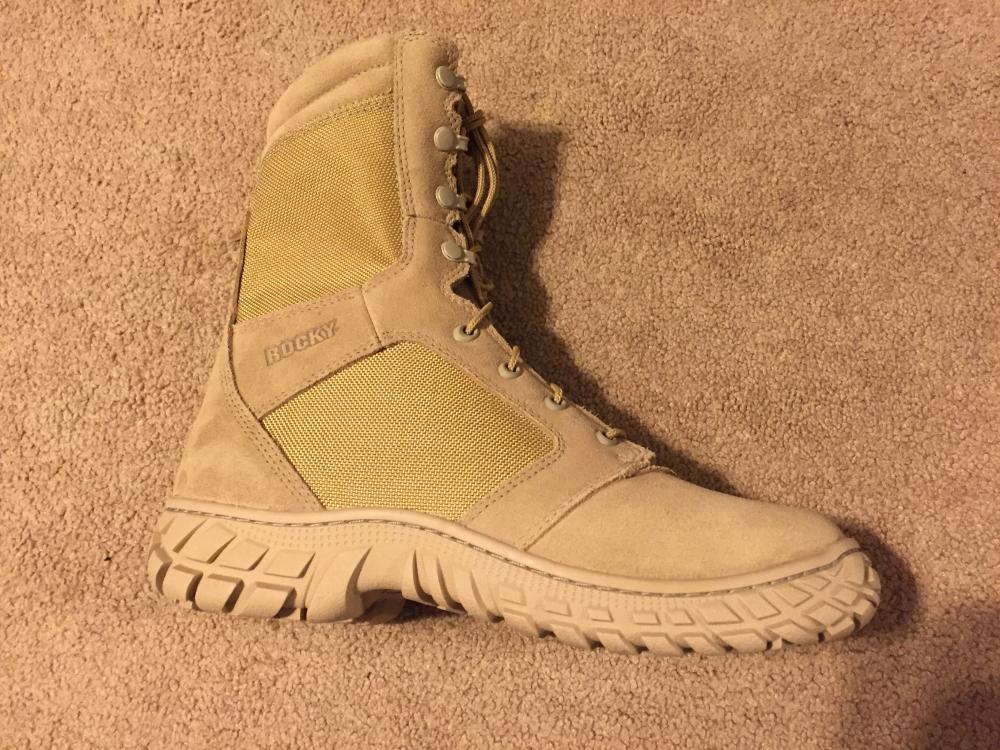
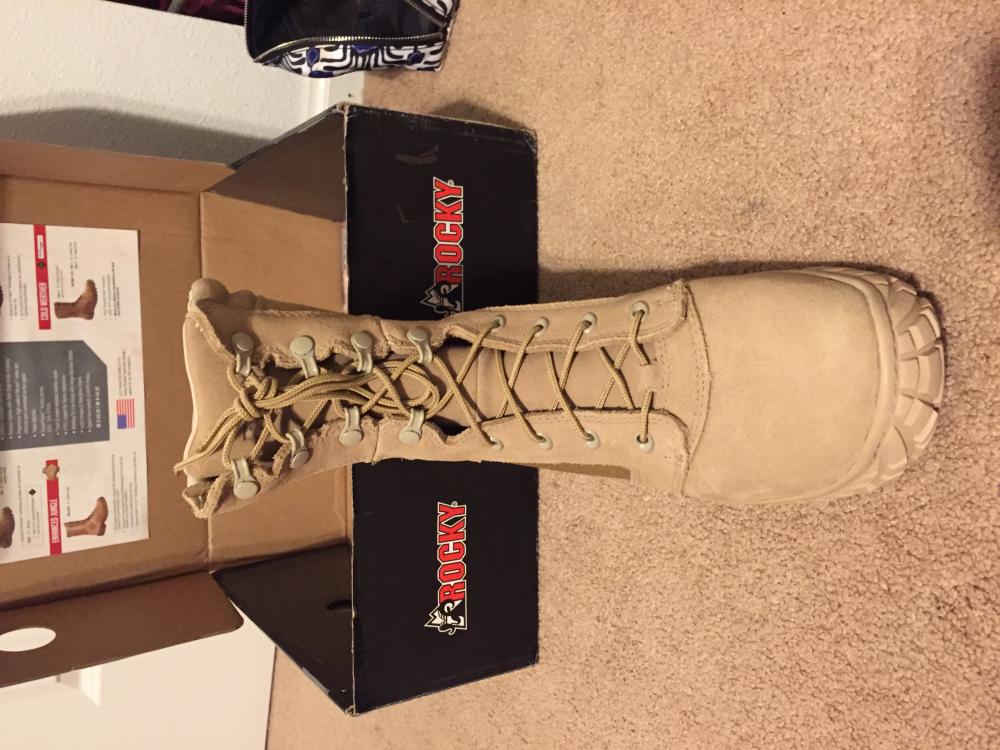
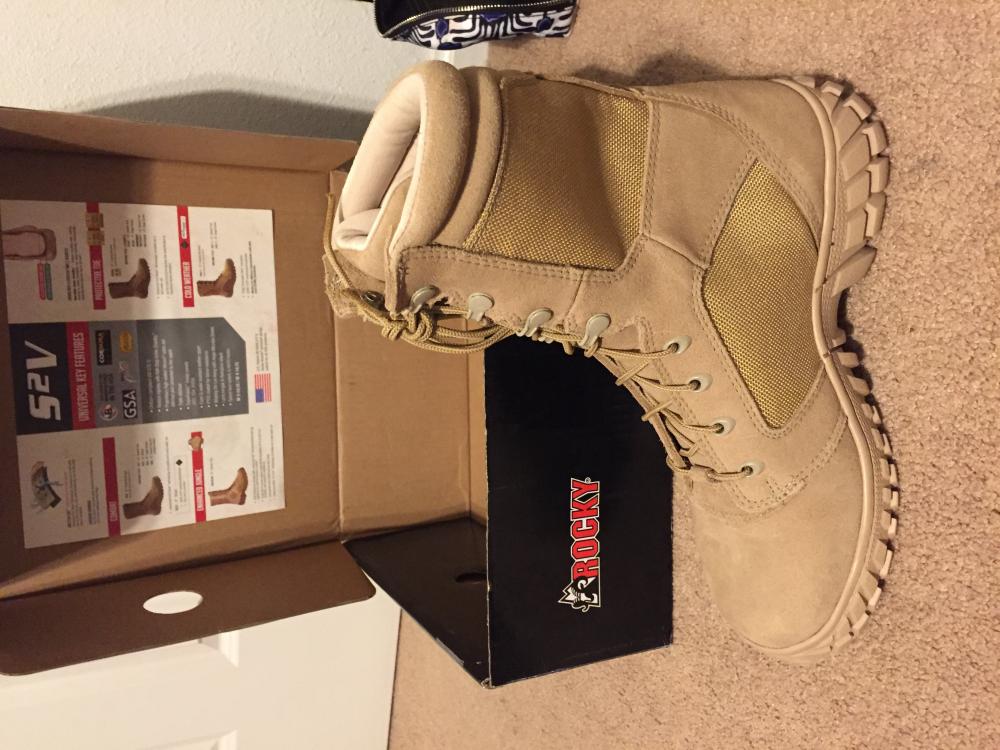
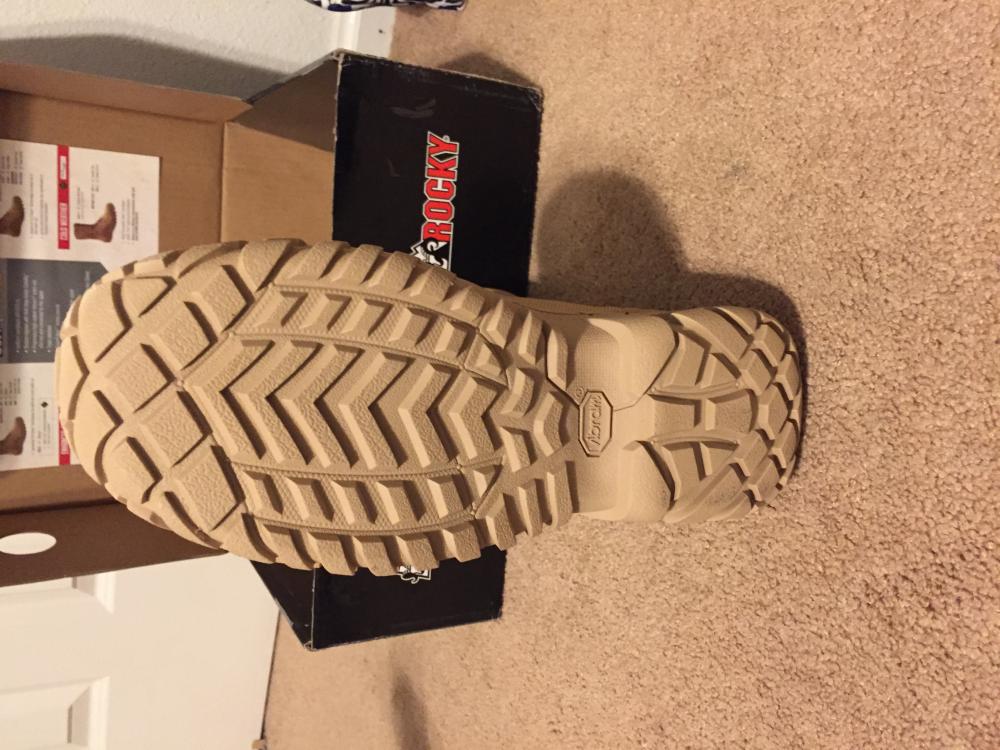
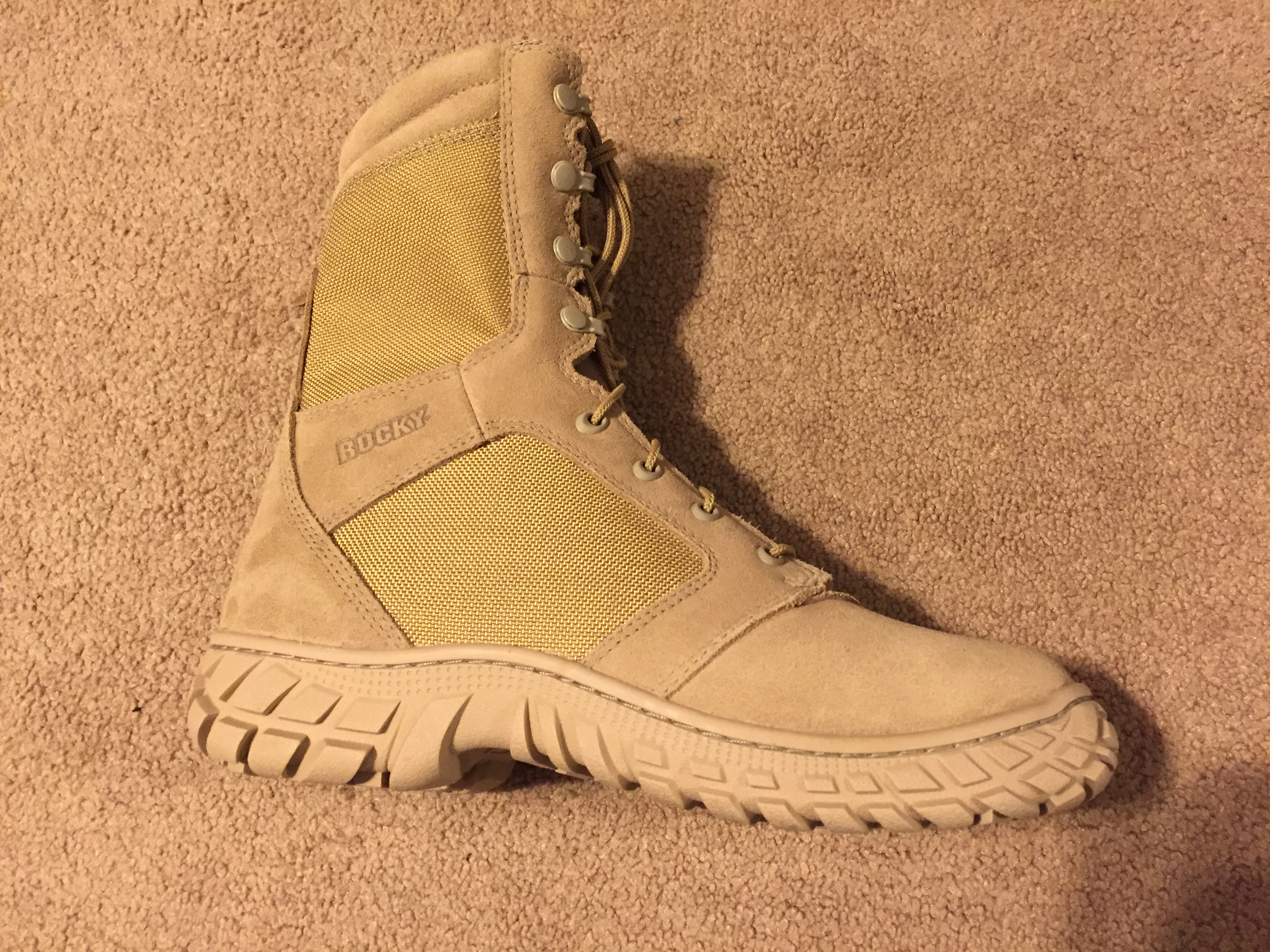
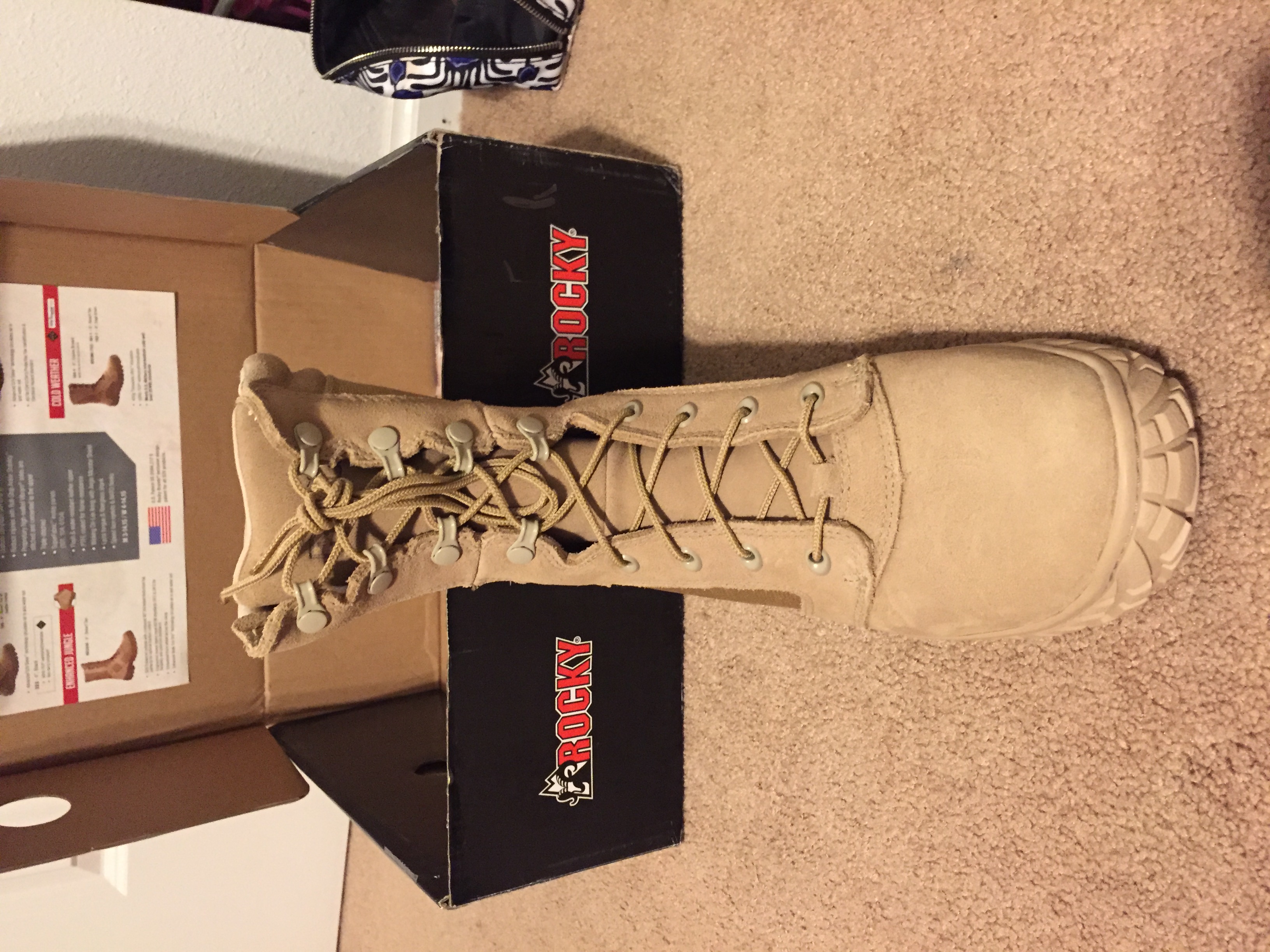
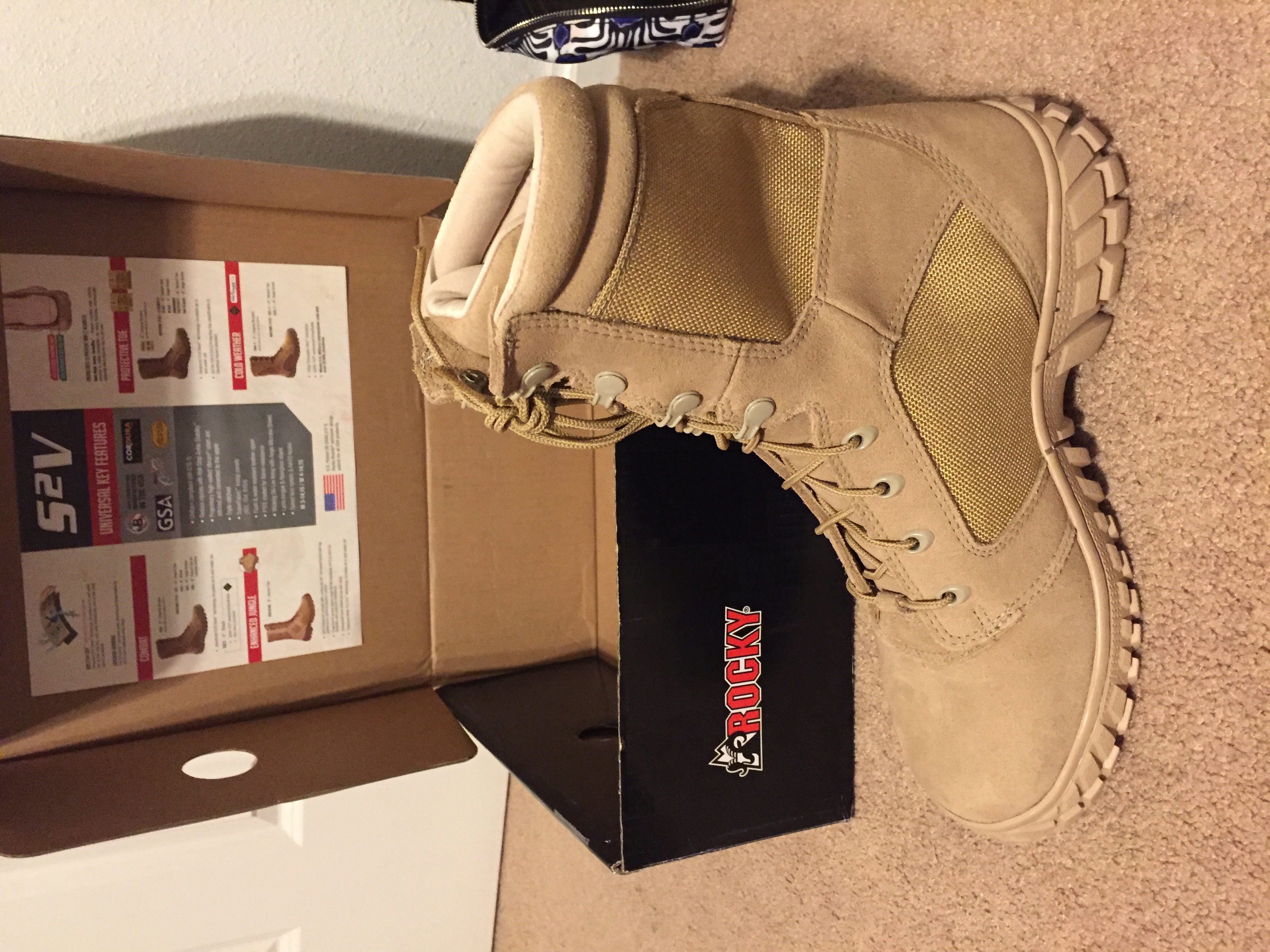
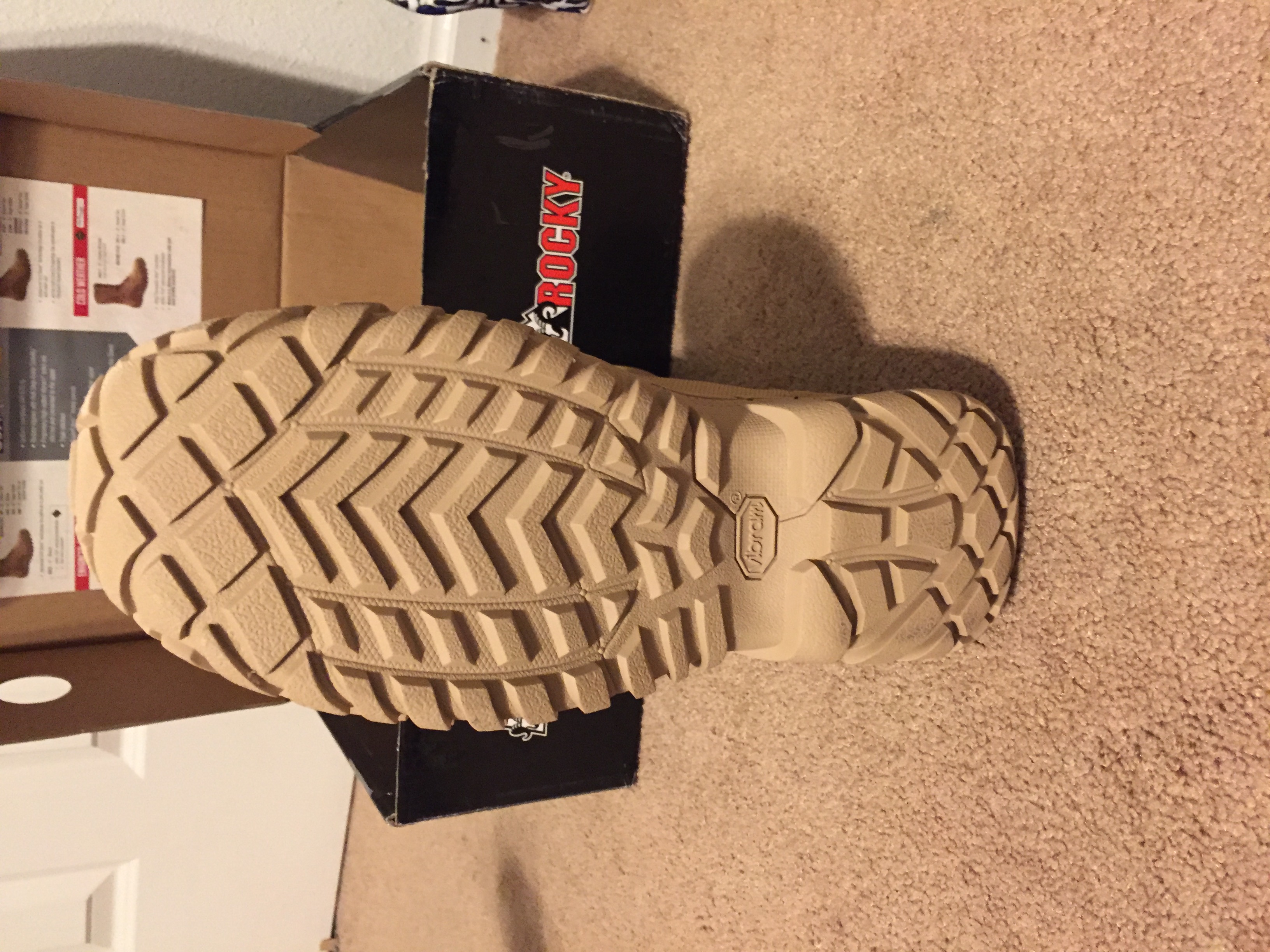
S2v are officially flight approved. Started ordering them for the unit last year.
-
I have not tried the Danner's they look decent and I am sure they are quicker quality than the Belleville's. The only issue is the price. There is no way my squadron will fork out that kind of cash for boots when there are boots for half that much.
-
Adding on to the flight boot info. I have had the pleasure of getting my hands on a prototype from Rocky for a flight boot they are currently trying to get approved through Wright-Patterson. The Bellville 693's in my opinion, are an "upgrade from the 690's albeit smaller than they should be. The Rocky's are true to form however and outshine and outperform any of the other offerings hands down. They take the qualities of the S2V and add on the additional requirements of a flight boot. If you are anything like me these will be a well-needed addition to our pitiful offerings. I will update this forum with any additional info I happen to find.