
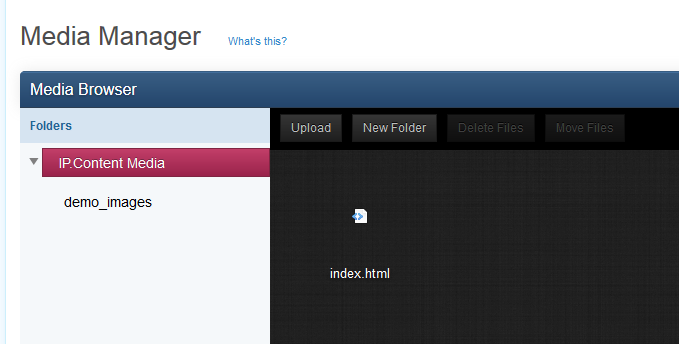

The media module in the IP.Content 2.0 ACP section allows you to quickly and easily manage multimedia files you may need to use with IP.Content. While you can certainly upload your files through FTP, or link to offsite files, you may find it easier to upload the files using the media section of the ACP, and then copy the links for use within pages, templates, and blocks.
From within the media module, you can create folders, upload files, move files and folders, rename files and folders, and delete files and folders. Files can be listed and you can click on a file to view it (or right click on the file to copy the link).
This simple tool can be a timesaver when you simply need to upload an image quickly for use within a page template. The media folder is defined in the media_path.php file in your forum root directory, giving you the freedom to move and organize your paths as needed.
Recommended Comments
Create an account or sign in to comment