Jump to content
View in the app

A better way to browse. Learn more.

Baseops Forums

A full-screen app on your home screen with push notifications, badges and more.

To install this app on iOS and iPadOS
  1. Tap the Share icon in Safari
  2. Scroll the menu and tap Add to Home Screen.
  3. Tap Add in the top-right corner.
To install this app on Android
  1. Tap the 3-dot menu (⋮) in the top-right corner of the browser.
  2. Tap Add to Home screen or Install app.
  3. Confirm by tapping Install.

Media

Manage your multimedia with IP.Content

1 article in this category

  1. Baseops.Net ·
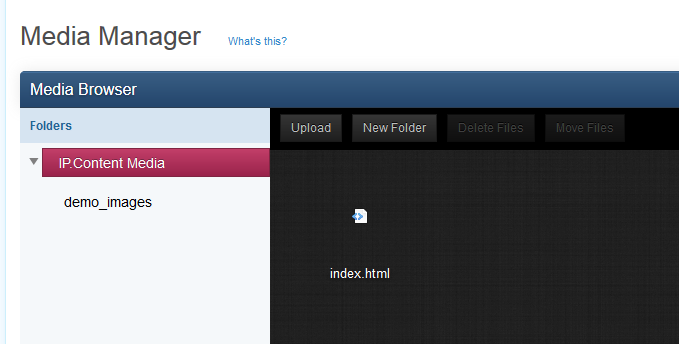
    The media module in the IP.Content 2.0 ACP section allows you to quickly and easily manage multimedia files you may need to use with IP.Content. While you can certainly upload your files through FTP, or link to offsite files, you may find it easier to upload the files using the media section of the ACP, and then copy the links for use within pages, templates, and blocks. From within the media module, you can create folders, upload files, move files and folders, rename files and folders, and
    • Teaser Paragraph:
    • 0 comments
    • 3,186 views

Configure browser push notifications

Chrome (Android)
  1. Tap the lock icon next to the address bar.
  2. Tap Permissions → Notifications.
  3. Adjust your preference.
Chrome (Desktop)
  1. Click the padlock icon in the address bar.
  2. Select Site settings.
  3. Find Notifications and adjust your preference.