Jump to content
View in the app

A better way to browse. Learn more.

Baseops Forums

A full-screen app on your home screen with push notifications, badges and more.

To install this app on iOS and iPadOS
  1. Tap the Share icon in Safari
  2. Scroll the menu and tap Add to Home Screen.
  3. Tap Add in the top-right corner.
To install this app on Android
  1. Tap the 3-dot menu (⋮) in the top-right corner of the browser.
  2. Tap Add to Home screen or Install app.
  3. Confirm by tapping Install.

Forum Integration

Learn how to use the new forum integration features

1 article in this category

  1. Baseops.Net ·
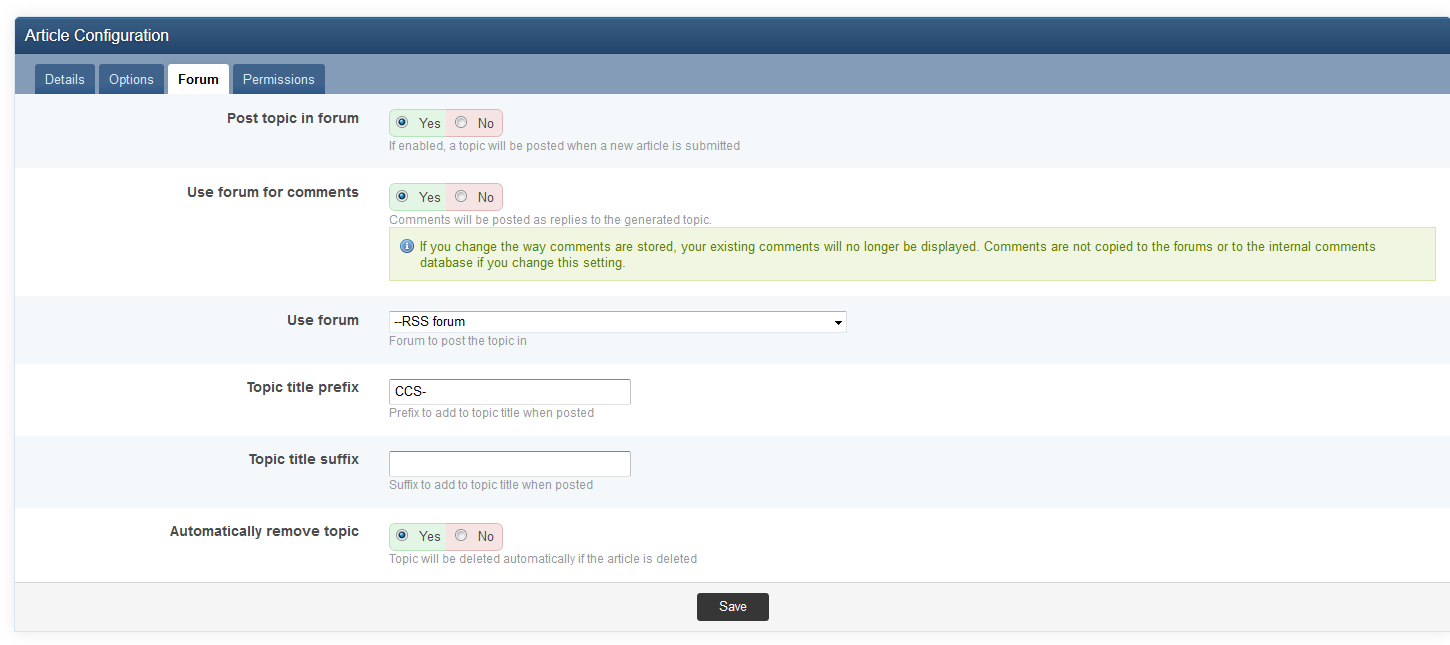
    With IP.Content 2.0, articles and custom databases can now mirror a topic to the forums when a new article or database record is submitted. In doing so, IP.Content can also utilize that automatically-generated topic as the comment "storage" for the article or record. When a comment is submitted to the article, the comment is actually stored as a reply to the topic. Similarly, replies made directly to the topic in the forum also show up as comments for the record. This new functionality can
    • Teaser Paragraph:
    • 1 comment
    • 11,569 views

Configure browser push notifications

Chrome (Android)
  1. Tap the lock icon next to the address bar.
  2. Tap Permissions → Notifications.
  3. Adjust your preference.
Chrome (Desktop)
  1. Click the padlock icon in the address bar.
  2. Select Site settings.
  3. Find Notifications and adjust your preference.