upthx
Registered User
-
Joined
-
Last visited
-
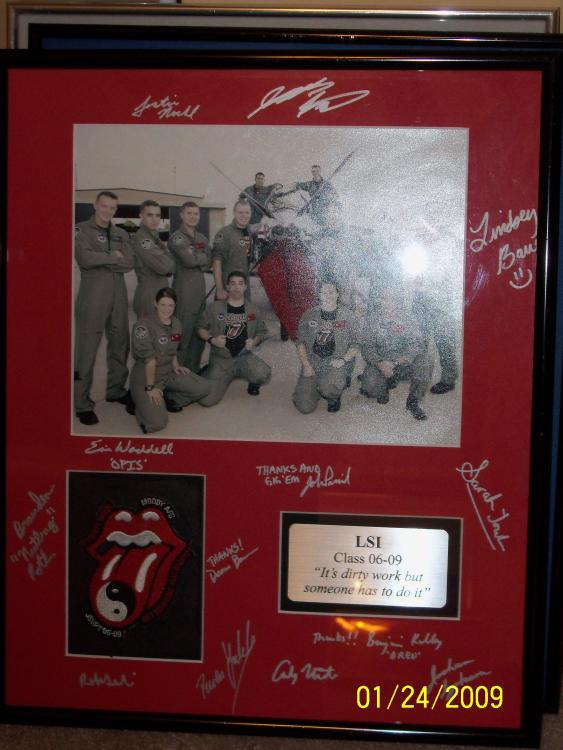
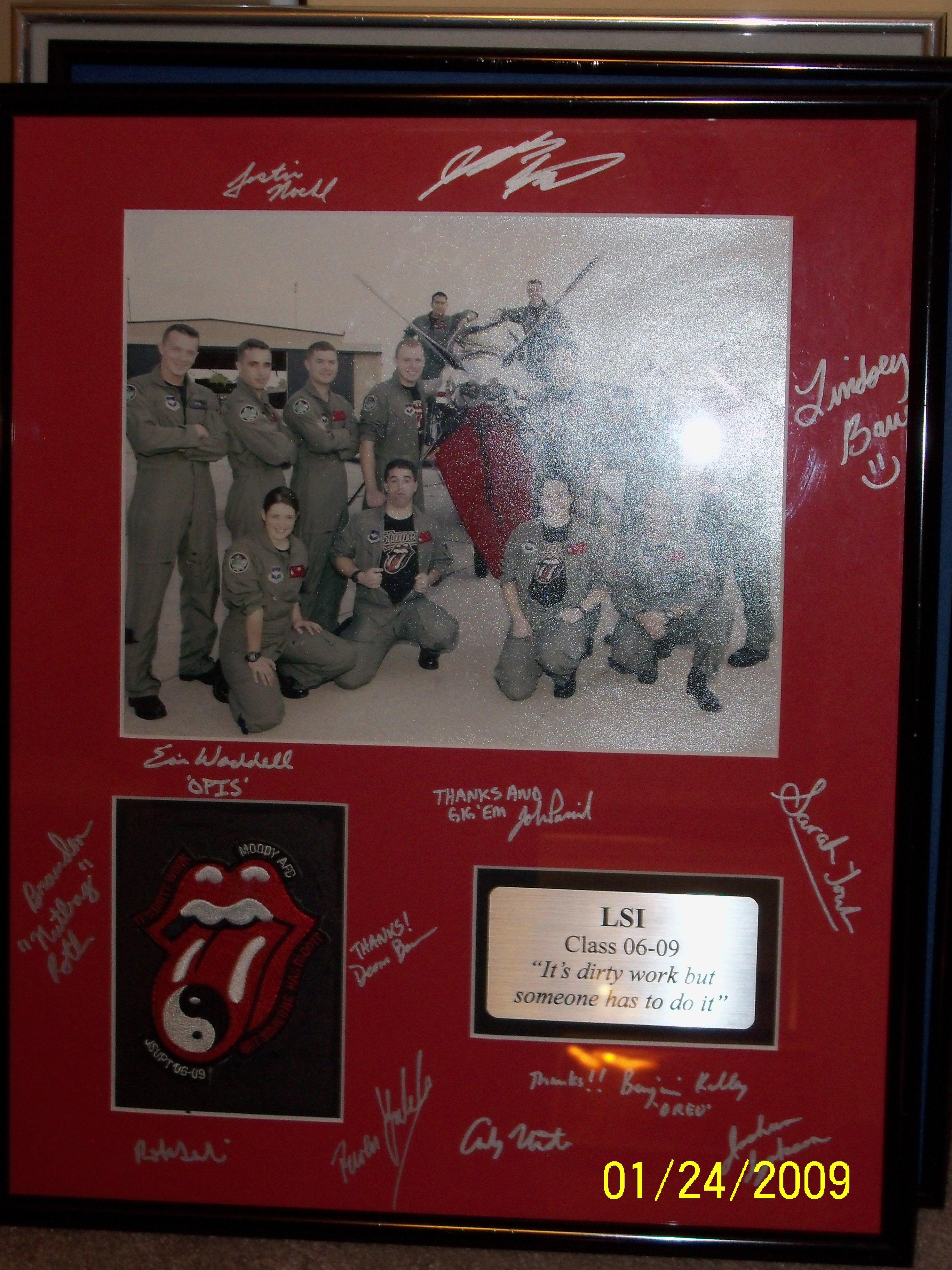
Wanting to buy or trade for USAF UPT Class and Flight patches. Especially looking for Moody Classes from 2003 to 2007 and will be interested in all that you have. Jim Flaviani
-
Hello; Do you have one of these CB XPW patches I can trade you for or purchase please...TIA Jim Flaviani, USAF (Ret) www.usafupt.com
-
Somebody has been busy on my website www.usafupt.comHi All; For a museum project, I am looking for USAF Pilot Training Class patches from Moody AFB from Fiscal Year 2003 to Fiscal Year 2007. I can trade for or buy. Please help if you can Jim Flaviani, USAF (Ret) USAF UPT Historian www.usafupt.comYou are not looking at the right class patches....you need to look at Columbus AFB classes (not as lame as Vance) https://www.usafupt.com/id59.htm https://www.usafupt.com/id58.htm https://www.usafupt.com/id57.htm https://www.usafupt.com/id56.htmHi All; For a museum project, I am looking for USAF Pilot Training Class patches from Moody AFB from Fiscal Year 2003 to Fiscal Year 2007. I can trade for or buy. Please help if you can Jim Flaviani, USAF (Ret) USAF UPT Historian www.usafupt.comDoes anyone have one or two of these for trade????Waiting for your reply pleaseWould you prefer to trade them to me or sell them to me please?Would you prefer to sell or trade for them? Jim Flaviani, USAF (Ret) www.usafupt.comDo you have an extra of either patch that you want to trade or sell???www.usafupt.com I have been preserving UPT history for almost 50 years!Date is not right..it was just now 1/5/24