jdski
Registered User
-
Joined
-
Last visited
-
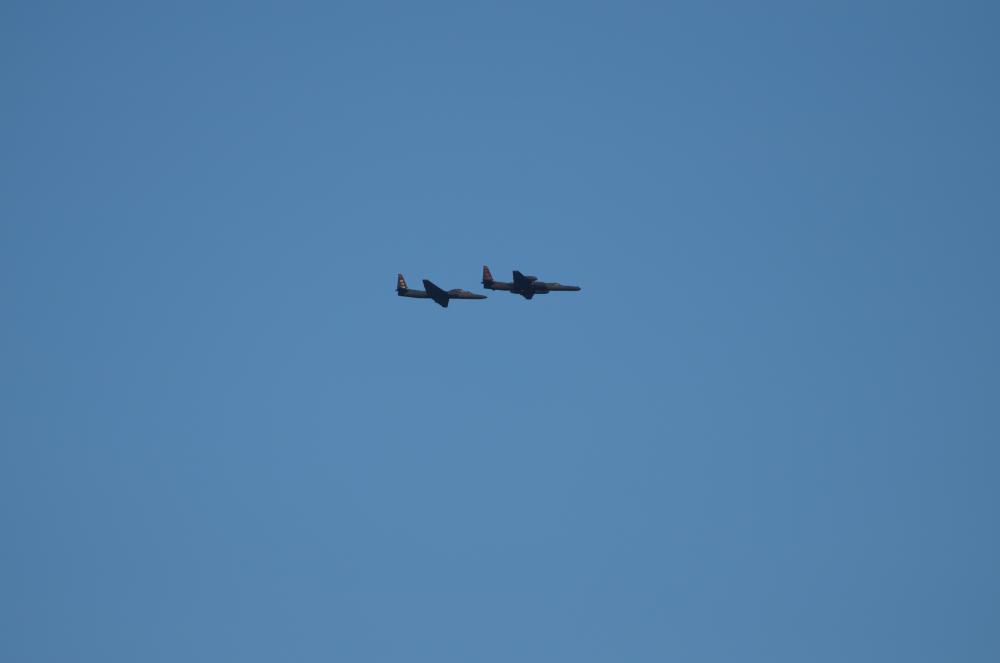
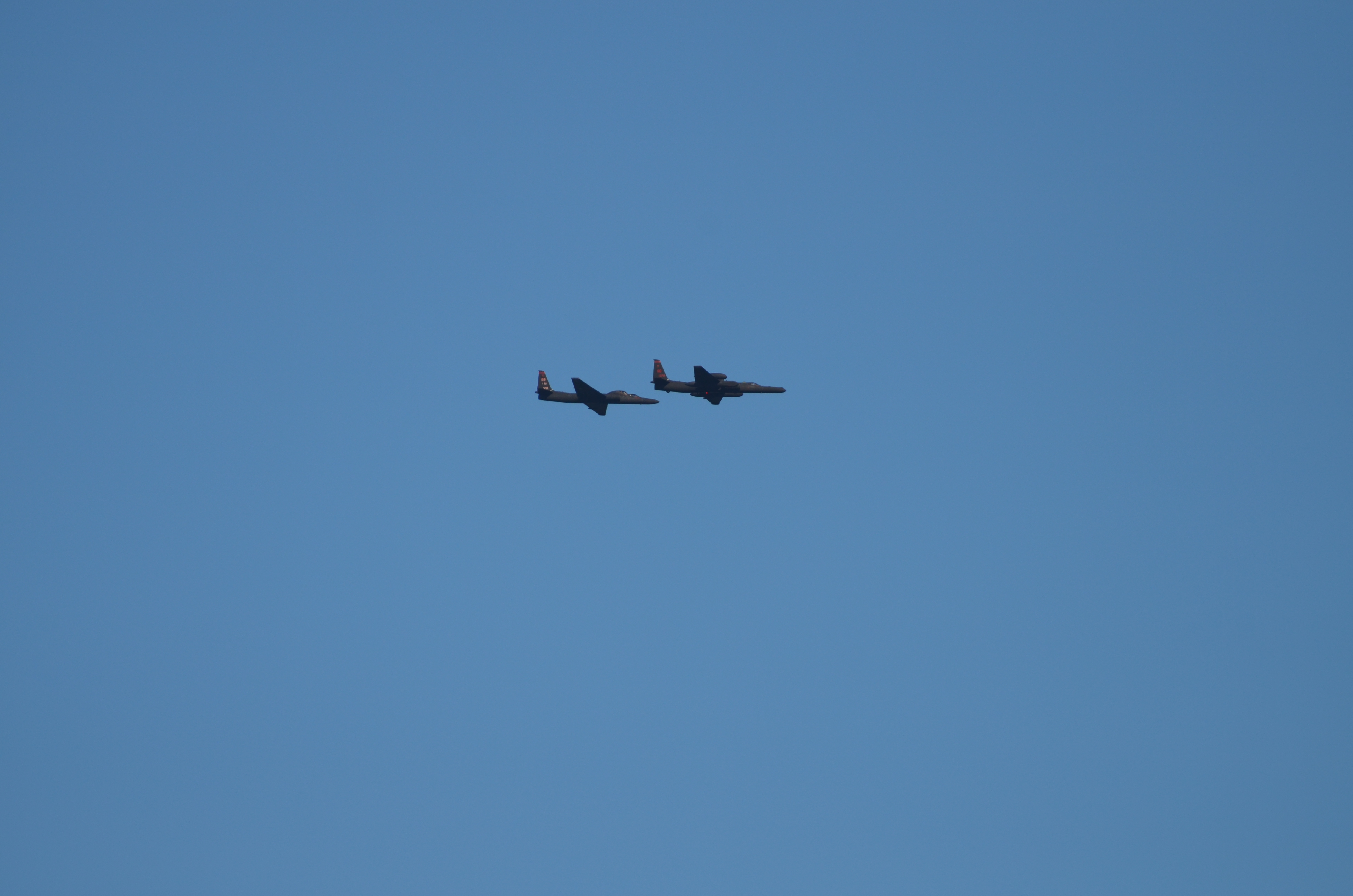
I am the photographer who took this photo. I took the bridge photo and as I turned to walk away, I heard the planes come behind me. I ran and grabbed another lens to shoot the planes. This is two layers, but nothing is shopped as far as the distance between the planes. I am an amateur photographer who was enjoying a day at the beach. It was a complete coincidence. I also happen to have a husband who worked at Beale on the U2, and I was a civilian employee there, so I knew exactly how unique and amazing the opportunity was to see these two side by side. They were doing a PR shoot that day which is why there were two. My husband shared the photo on the Dragon Lady fan site and the pilots requested a copy of the photo from me. They were fully aware this was two layers, no secret to anyone. :) Here is another photo with the planes closer together. This is a RAW image with no retouching.