


Jump to content
View in the app

A better way to browse. Learn more.

Baseops Forums

A full-screen app on your home screen with push notifications, badges and more.

To install this app on iOS and iPadOS
  1. Tap the Share icon in Safari
  2. Scroll the menu and tap Add to Home Screen.
  3. Tap Add in the top-right corner.
To install this app on Android
  1. Tap the 3-dot menu (⋮) in the top-right corner of the browser.
  2. Tap Add to Home screen or Install app.
  3. Confirm by tapping Install.

knightwolf

Registered User
  • Joined

  • Last visited

Everything posted by knightwolf

  1. I kinda thought the PSDM would be released on Monday, but official release would be a few days after, like the 16th. I think our senior raters will find out Monday, and disseminate the info as they please before the official release.
  2. Looks like we should find out NLT 13 Feb.
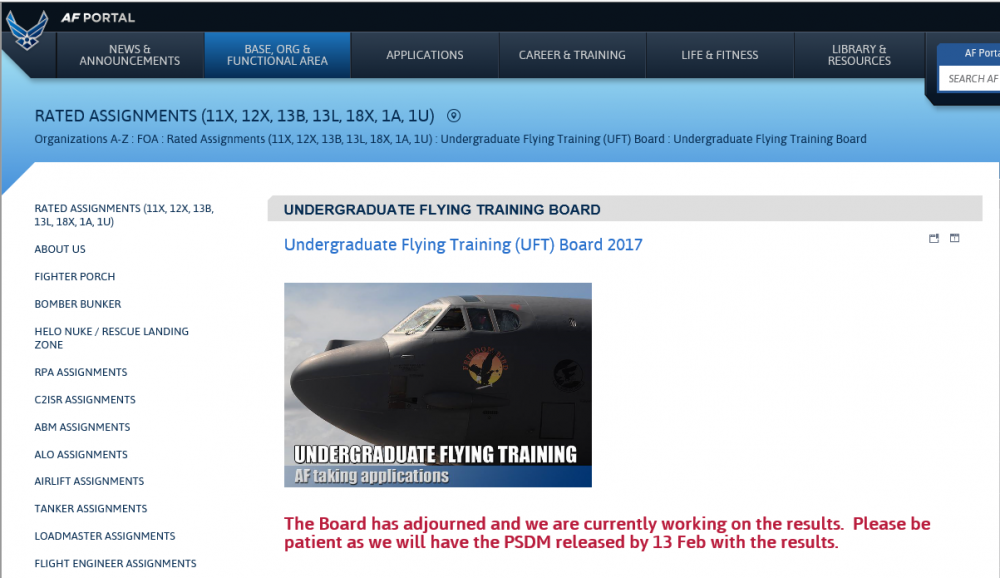
  3. So the AD board concluded last week, anyone have an idea of how many pilot slots might be awarded this year?

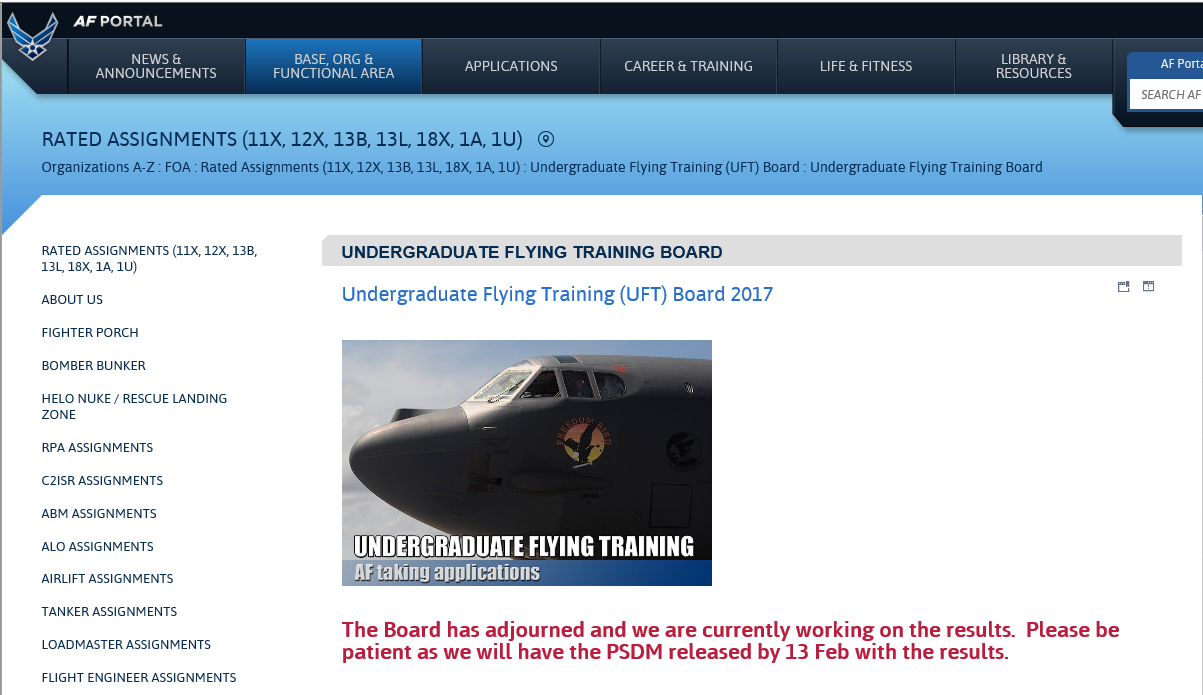
Configure browser push notifications

Chrome (Android)
  1. Tap the lock icon next to the address bar.
  2. Tap Permissions → Notifications.
  3. Adjust your preference.
Chrome (Desktop)
  1. Click the padlock icon in the address bar.
  2. Select Site settings.
  3. Find Notifications and adjust your preference.